The Product Doesn't Ship To The Customers Country?
When this this occurs you have 2 options:-
1. Refund the customer.
2. Try to find the same product from a different supplier that has the product in stock.
For option 2, follow the guide below.
1. Go to: AliExpress.com
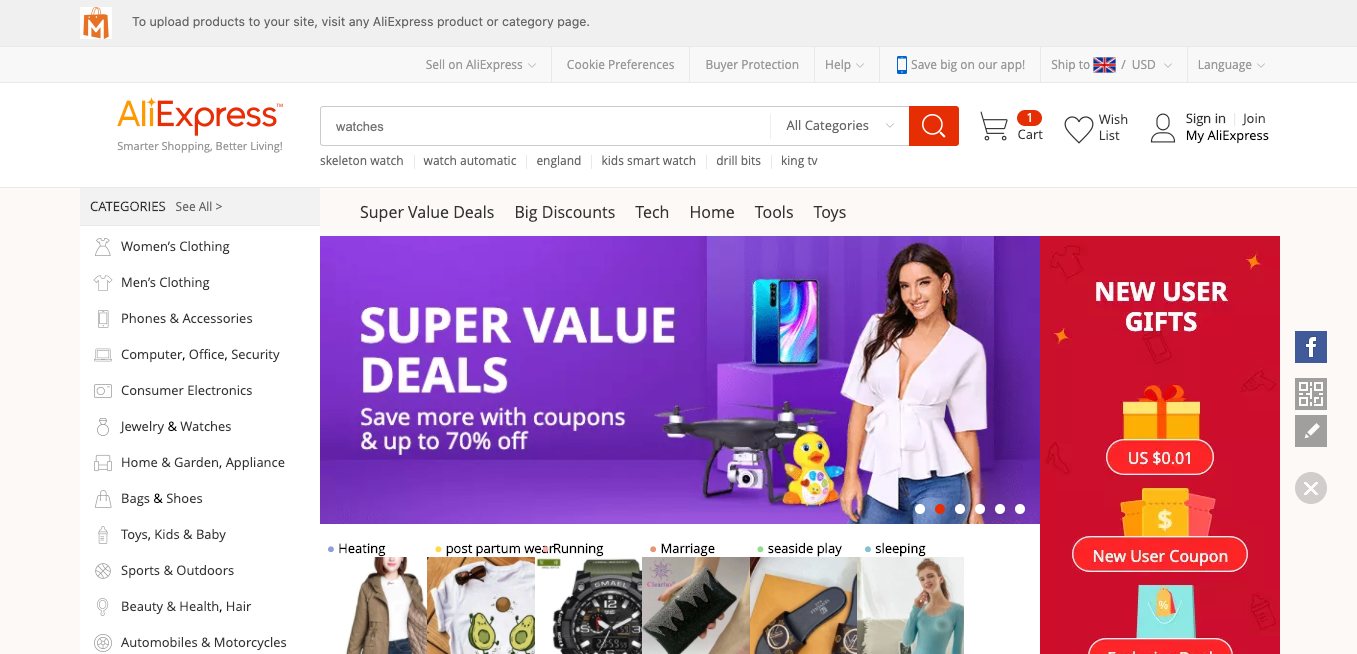
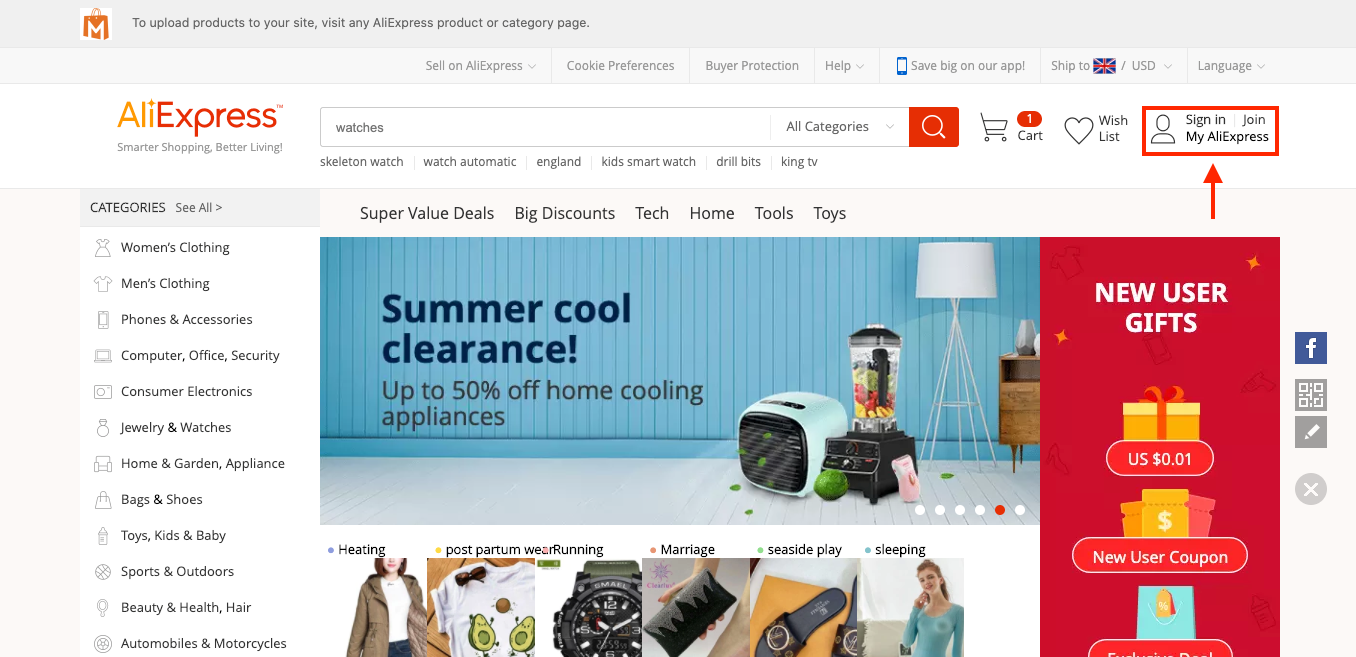
2. Log into your AliExpress account
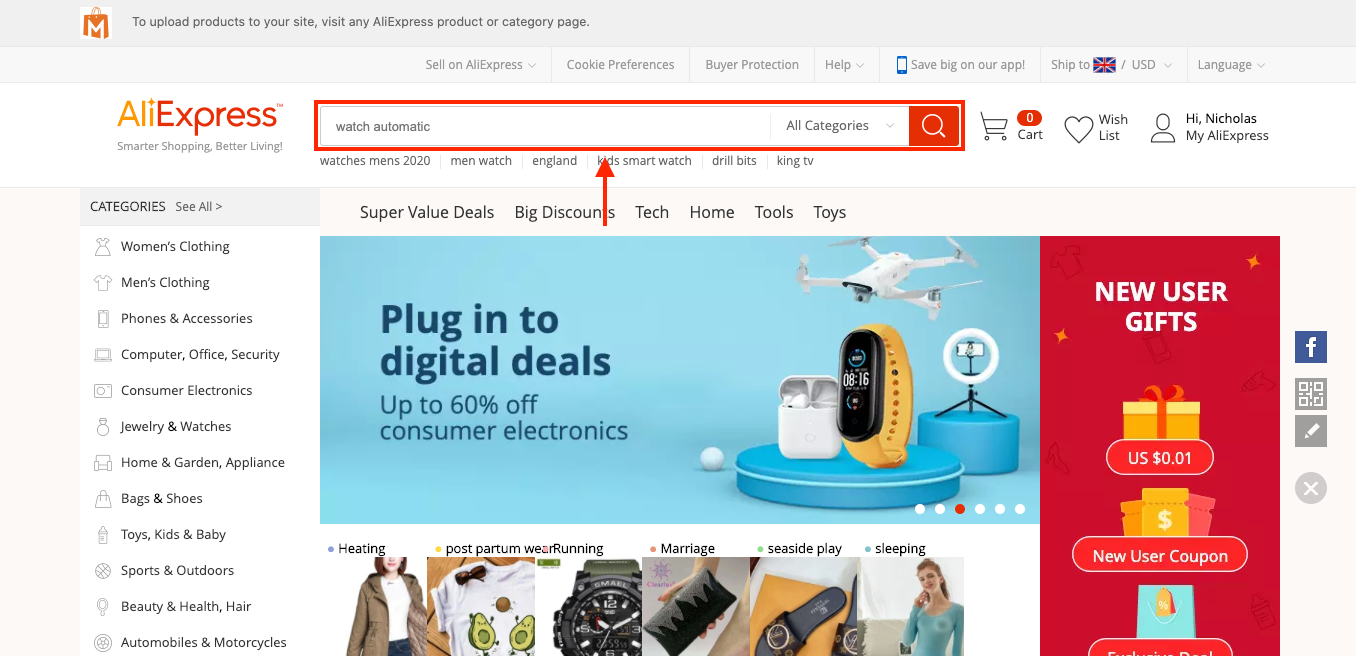
3. Search for the same product on AliExpress using the search box:
4. If you find another identical product (that gives you a profit), purchase the product manually using the customers shipping details. *Customers shipping details can be seen from the store dashboard by going to: > Orders > click the order ID*
5. You will then need to manually fulfil the product IDs.
6. This new product is available and in stock - you will now want to remove the old one and import the new one to your store to avoid repeating steps 1 - 5.
By doing this you will be able to continue selling this product in your store, but instead it's from a different supplier. If you're unable to find a product replacement, you should cancel the order and issue a refund to your customer.
Related Articles
Product Doesn't Ship To Country Of Purchase
Product Doesn't Ship To Country Of Purchase Unfortunately, sometimes when a customer orders a product from your store that product may not be able to deliver to their country. Fortunately, there's a workaround: You can find another identical product ...How To Enable/Disable Product Reviews On Product Pages?
How To Enable/Disable Product Reviews On Product Pages? To switch 'Product Reviews' on/off on product pages, from the store dashboard go to: > Store Settings > Products > Reviews From within this page, the top tick-box labelled 'Show Reviews' will ...How To Remove The 'Ship From' Attribute On Product Pages?
How To Remove The 'Ship From' Attribute On Product Pages? To remove the 'Ship From' attribute on your product page/s, from the store dashboard go to: > Products > All Products From within this page find the 'Product' you'd like to 'Edit' by either ...Product customization
Product customization You can edit titles, images, descriptions, shipping options, unpublish or remove product variants, etc. To customize a product, go to the Products section in your WP admin area, select a product to edit, and make necessary ...How To Edit Product Reviews?
How To Edit Product Reviews? Note: product reviews are gathered from customers who purchased your products on AliExpress. There are 2 main methods of editing product reviews:- Editing specific product reviews:- From the store dashboard go to: > ...