Product customization
You can edit titles, images, descriptions, shipping options, unpublish or remove product variants, etc.
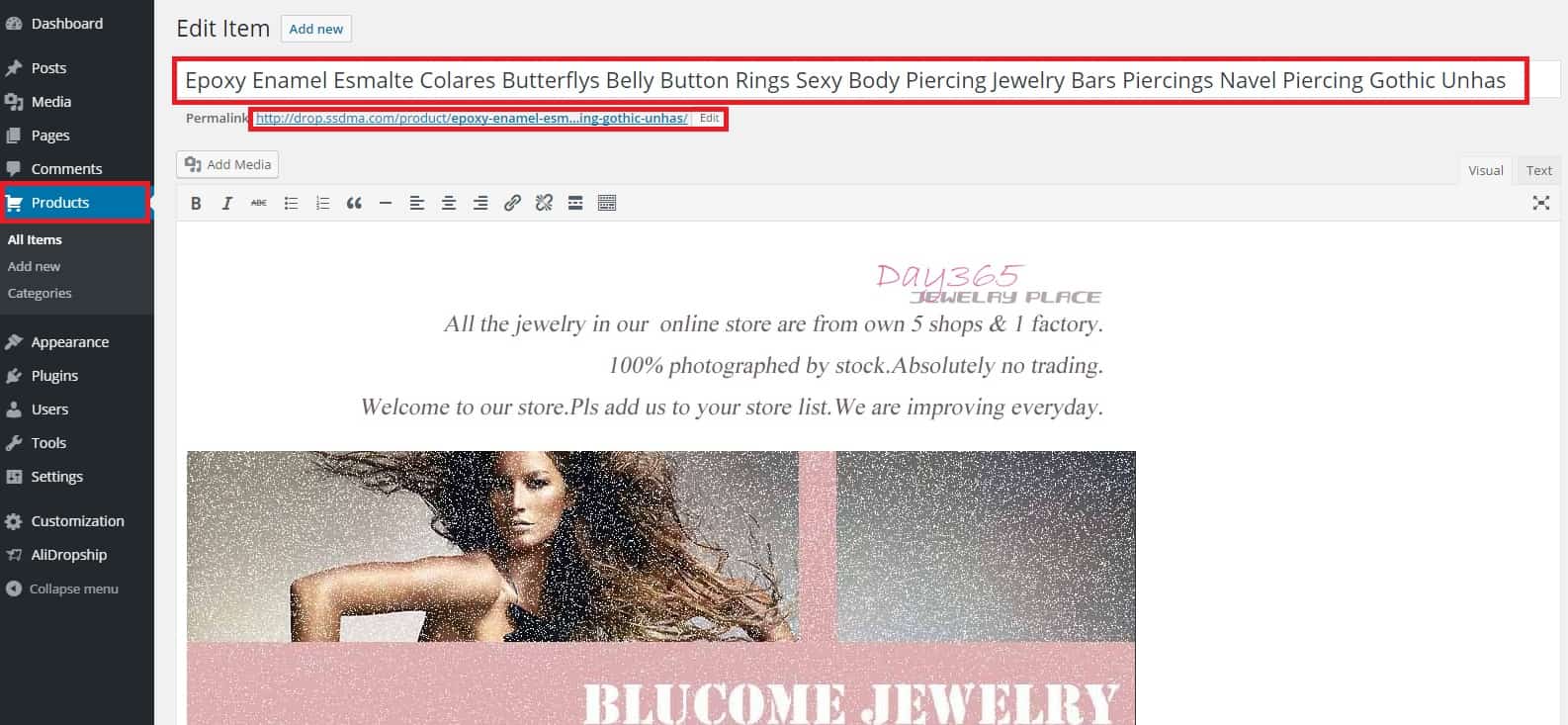
To customize a product, go to the Products section in your WP admin area, select a product to edit, and make necessary changes.
You can start with editing the title of the product so that it meets certain requirements:
Capitalize first letter of each word
Use keywords
Delete unnecessary and misleading words
Don’t use too many words (4-5 is usually enough)
Ampersands (&) should not be used in titles unless they are part of the products brand name
You may want to get rid of redundant words in permalink and make it correspond to product title. Next to permalink, click Edit, completely remove the text of the link and click OK.
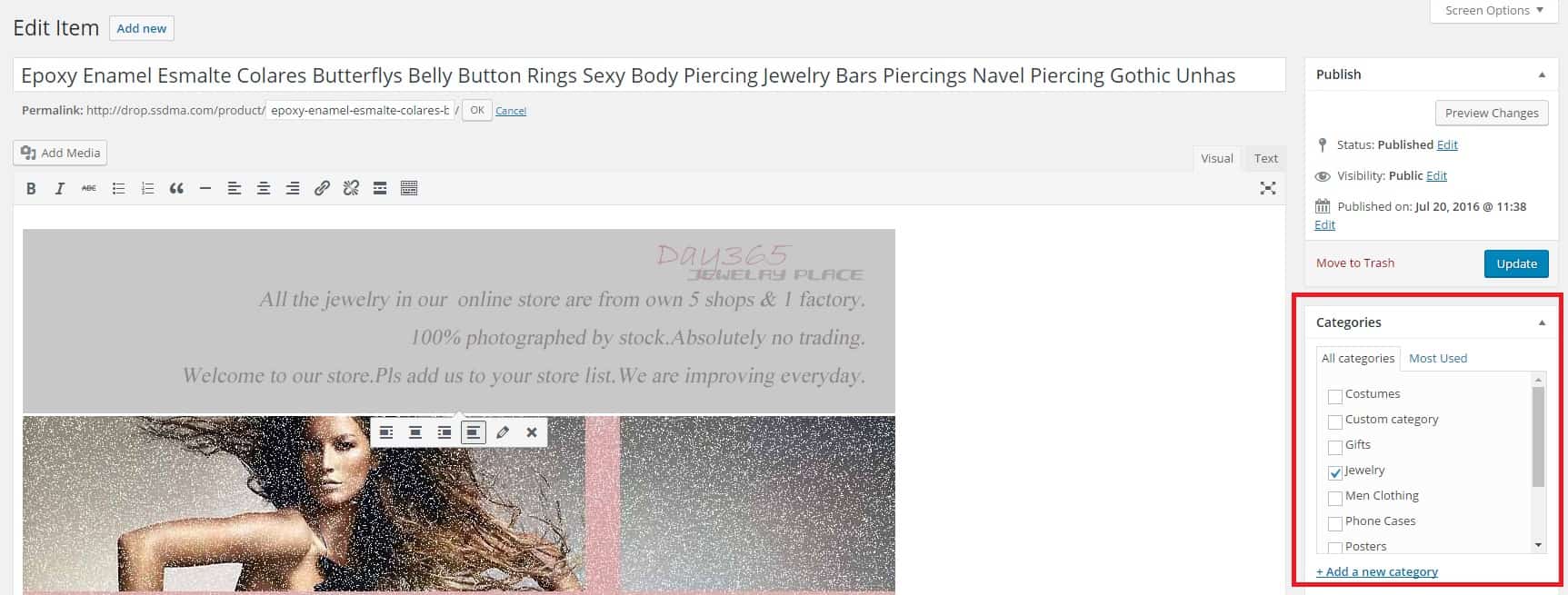
You can select product category for the product on the right side of the bar.
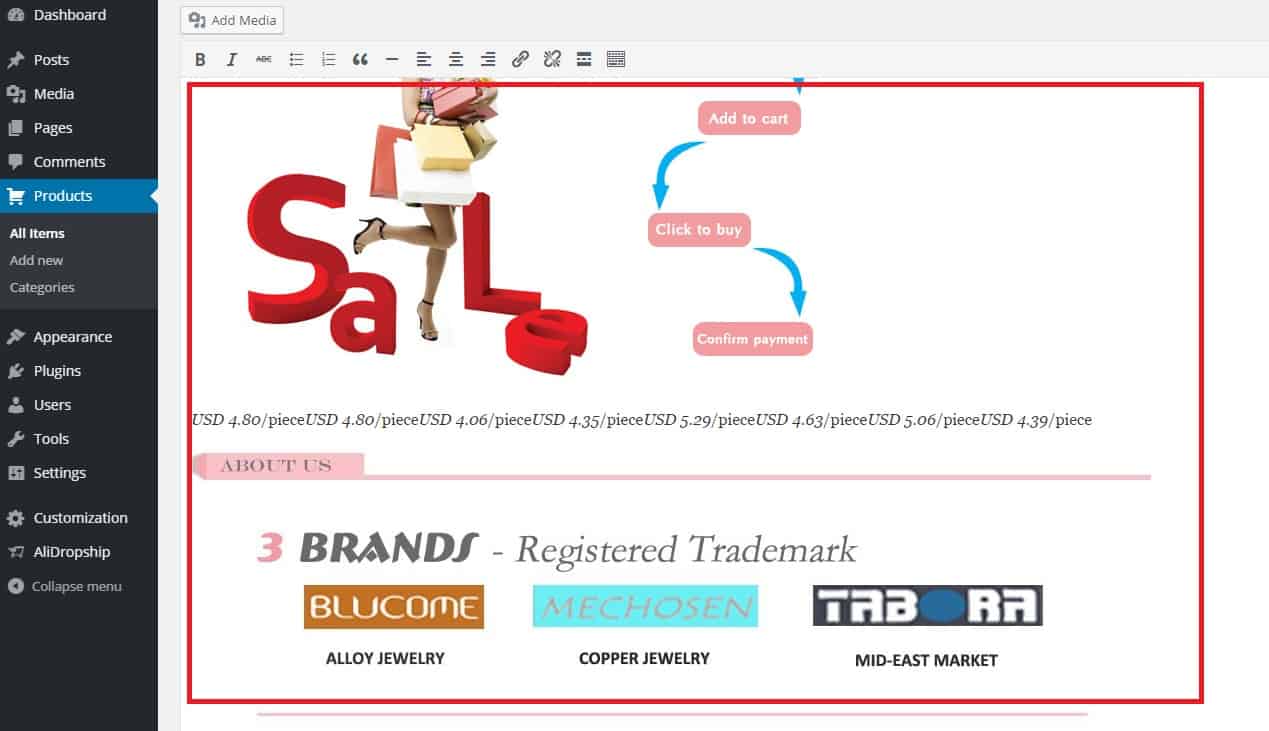
In the description field, which is situated below the product name field and permalink, there’s a possibility to edit and add product description and images. Make sure that the descriptions uploaded from Chinese supplier are assessed properly and do not contain information from supplier, grammar mistakes, factory photos, etc.
Related Articles
Product Options
Product Options General In the General section you can check and customize general information about the product. Since the plugin imports products from AliExpress in US Dollar ($), it is set as the default currency. This currency may be changed to ...How To Change Product Permalinks?
How To Change Product Permalinks? To change a product 'Permalinks', from the store dashboard go to: > Products > All Products From within this page find the 'Product' you'd like to 'Edit' by either scrolling through or searching for it via the search ...How To Export Product Data?
How To Export Product Data? To export product data for use in platforms such as Google and Facebook, you will require the 'CSV/TXT Product file export function'. Once the function is owned, it can be located in: > Products > Export The column ...How To Edit Product Reviews?
How To Edit Product Reviews? Note: product reviews are gathered from customers who purchased your products on AliExpress. There are 2 main methods of editing product reviews:- Editing specific product reviews:- From the store dashboard go to: > ...How To Enable/Disable Product Reviews On Product Pages?
How To Enable/Disable Product Reviews On Product Pages? To switch 'Product Reviews' on/off on product pages, from the store dashboard go to: > Store Settings > Products > Reviews From within this page, the top tick-box labelled 'Show Reviews' will ...