How To Delete Products?
How To Delete Products?
To delete 'Products', from the store dashboard go to:
> Products > All Products
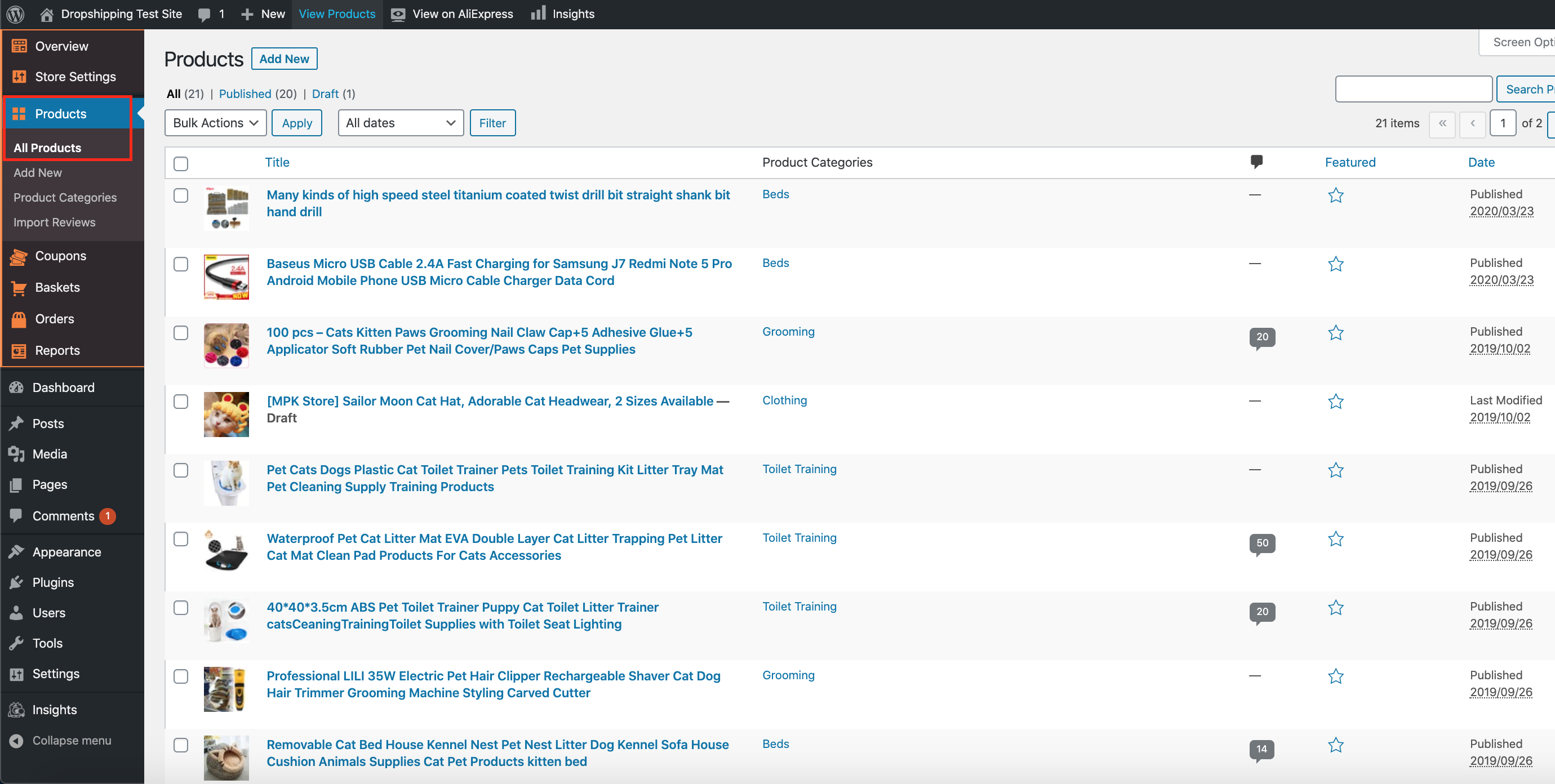
From within this page there are a few different ways to delete your products:-
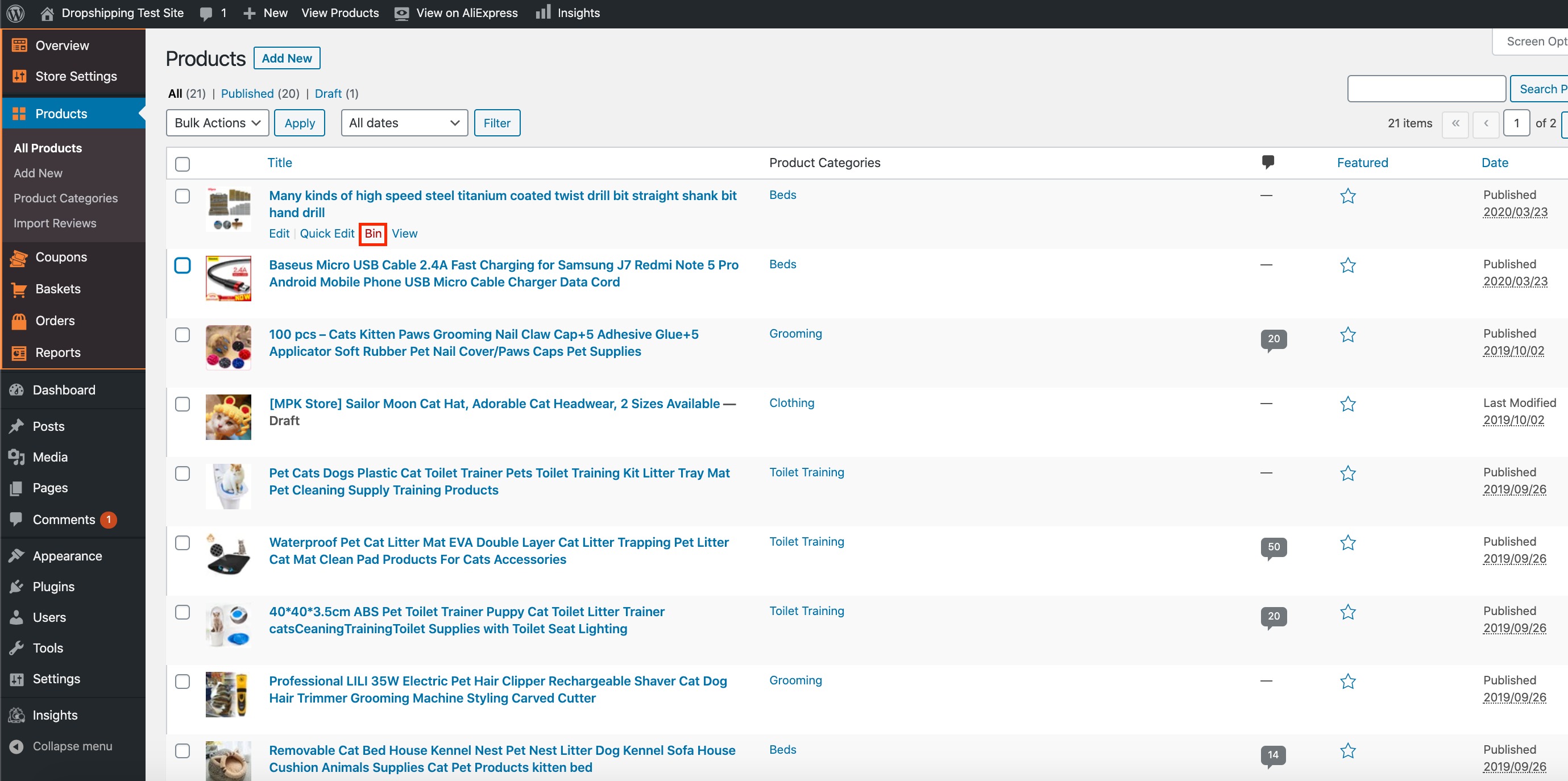
Delete products individually:
Hover your cursor over a product and click 'Bin':
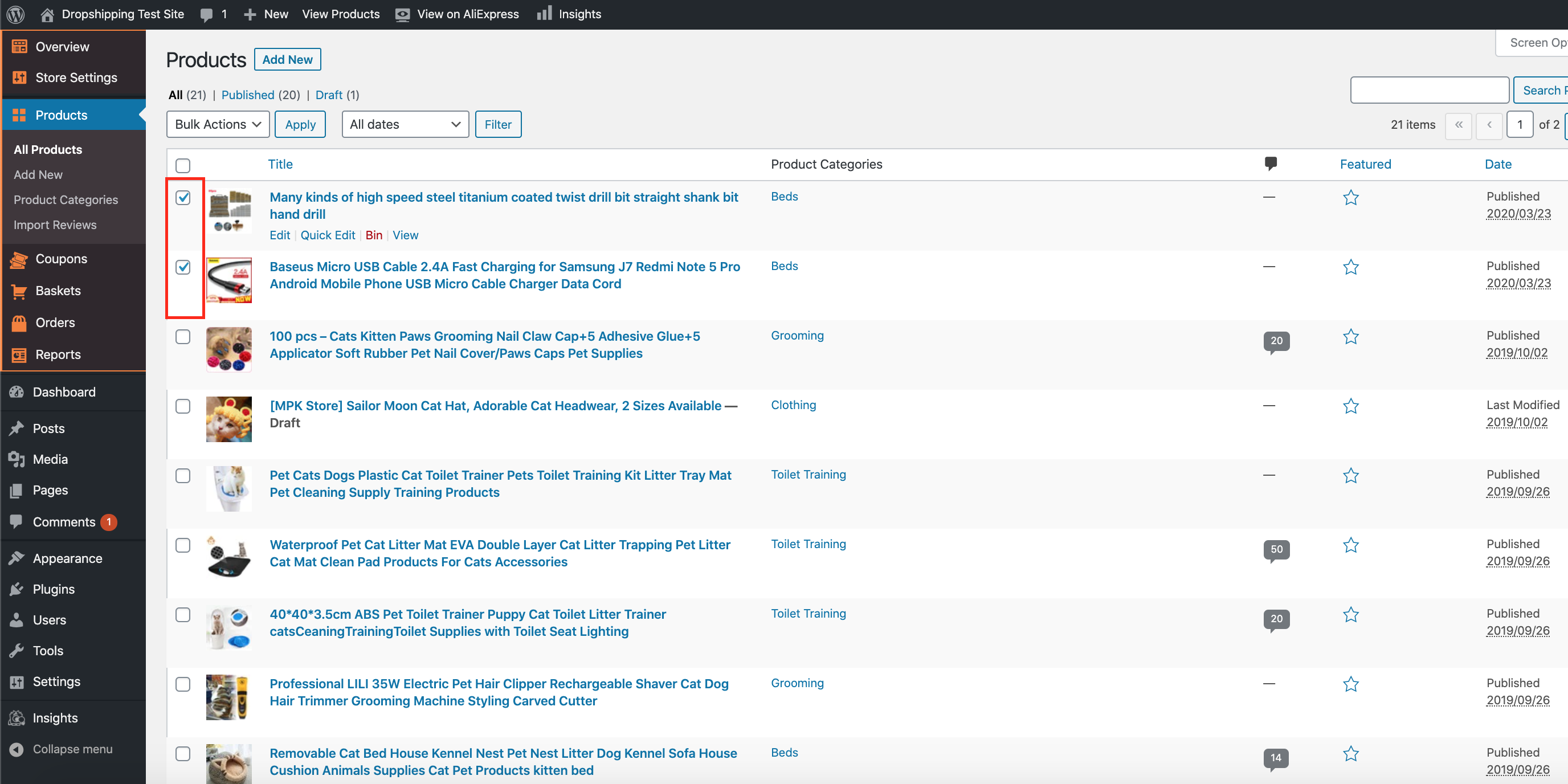
Delete products in bulk:
Select the products you wish to delete by checking their tick boxes to the left of their images:
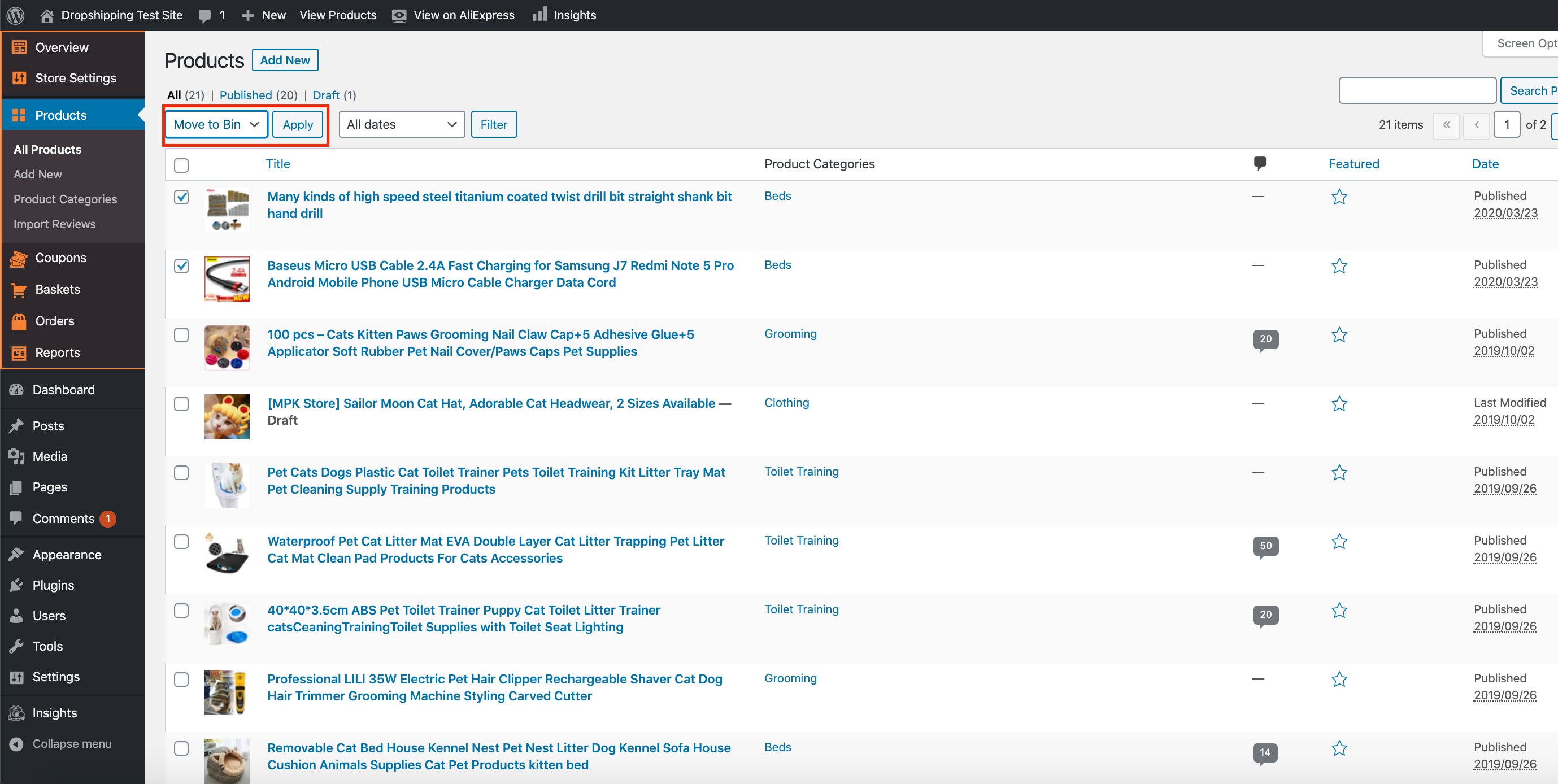
Open the drop down menu above, select 'Move to Bin' and then click 'Apply':
Related Articles
How To Delete A Product Category?
How To Delete A Product Category? To 'Delete a Product Category', from the store dashboard go to: > Products > Product Categories From within this page on the right hand side, hover your cursor over a 'Product Category' that you'd like to delete, and ...Import Products from AliExpress
NOTE! You need to check: If you are using the latest version of AliDropship: https://alidropship.com/updates-plugin. If your site's default currency, the default database currency, and the currency on AliExpress are the same! Step 1. Install ...Editing Products (Full Guide)
Editing Products (Full Guide) To access the 'Product Details', from the store dashboard go to: > Products > All Products From within this page find the 'Product' you'd like to 'Edit' by either scrolling through or searching for it via the search box ...How To Add Products From My Own Suppliers?
How To Add Products From My Own Suppliers? To 'Add New Products' to your store, from the store dashboard go to: > Products > Add New From within this page, the top text box allows you to add a 'Title' of the product and the large text box below ...Updating products
Updating products AliDropship plugin provides you with the possibility to keep your product details up-to-date. With the Update option, you can check the availability of items on AliExpress and update the product’s price, stock, and variations. NOTE! ...