Sales Report
There is a simple way to track you sales and analyze the key indicators of your business. Go to AliDropship => Reports => Sales report.
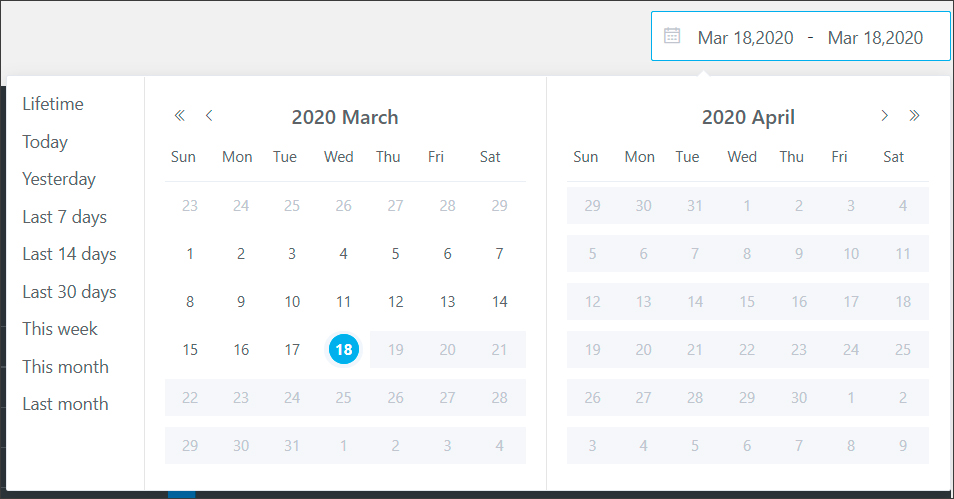
Set a time period that you want your sales report to be shown:
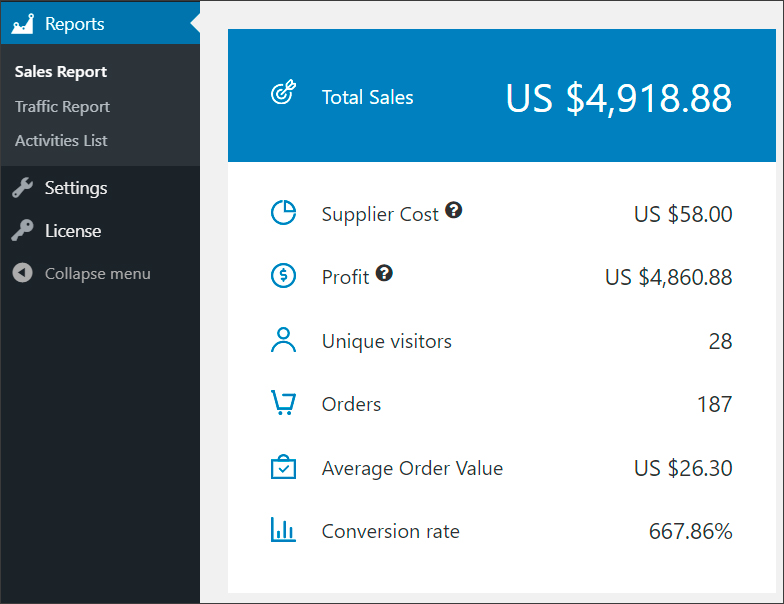
First, you see Summary chart that shows you the Total Sales for a certain period, your Supplier Cost* (amount that you spent on products purchased from your supplier), Profit (your Total sales minus Supplier Cost), the number of Unique visitors, the number of Orders, Average order value, and finally Conversion rate – a percentage of website visitors who make purchases in your store.
*The supplier costs are added only after your order was placed on AliExpress and its tracking ID was collected.
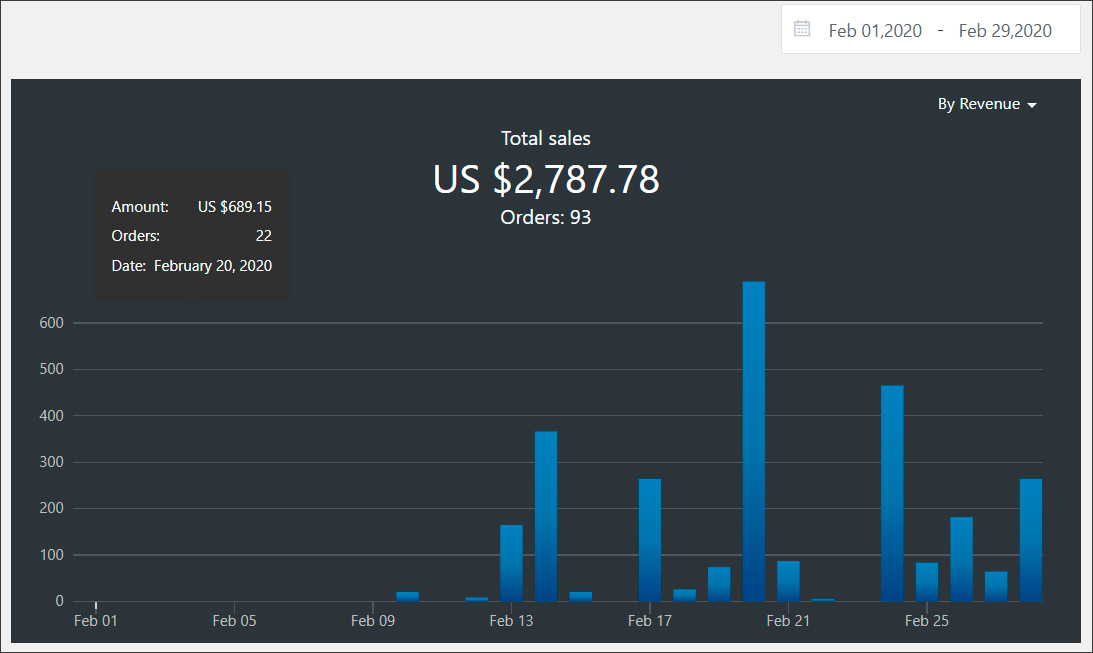
Second, you can find all figures in Sales chart using filter By revenue or By orders.
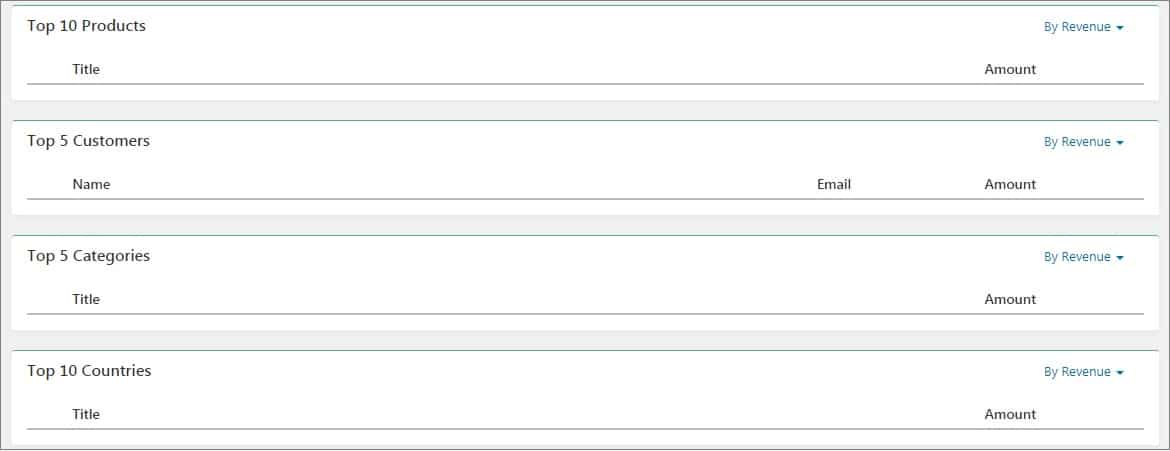
There are also Top 10 products, Top 5 customers, Top 5 categories, Top 10 countries sections where you can filter information either By revenue or By orders.
This rating is based on your sales.
Related Articles
Sales Report (Full Guide)
Sales Report (Full Guide) To see your 'Sales Report', from the store dashboard go to: > Reports > Sales Report From within this page you can track and analyse the key indicators of your business. The 'Overview' provides a summary of your total orders ...Sales Report
The report contains information about all clicks, searches, purchases and clients brought in by the affiliate. The table contains the following columns: Visitors – Number of unique people who have started searching for a flight/hotel on Jetradar or ...Activity Report (Full Guide)
Activity Report (Full Guide) To see your 'Activity Report', from the store dashboard go to: > Reports > Activity Report From within this page you can see all the changes you've made since the beginning.Traffic Report (Full Guide)
Traffic Report (Full Guide) To see your 'Traffic Report', from the store dashboard go to: > Reports > Traffic Report From within this page you can track, measure and analyze a great range of data, the first being the 'Overview Report': In this graph ...How to use Facebook Ads
Facebook Ads can take your drop shipping business to a brand new level – or, in some cases, cause damage. This will never happen if you go by our instructions and treat them right! When you start your dropshipping business, you come to a conclusion ...