My Product Is No Longer Available On Aliexpress?
Sometimes, when placing an order for your customer you may face the below issue:
"a product is not found on AliExpress."
When this this occurs you have 2 options:-
1. Refund the customer.
2. Try to find the same product from a different supplier that has the product in stock.
For option 2, follow the guide below.
1. Go to: AliExpress.com
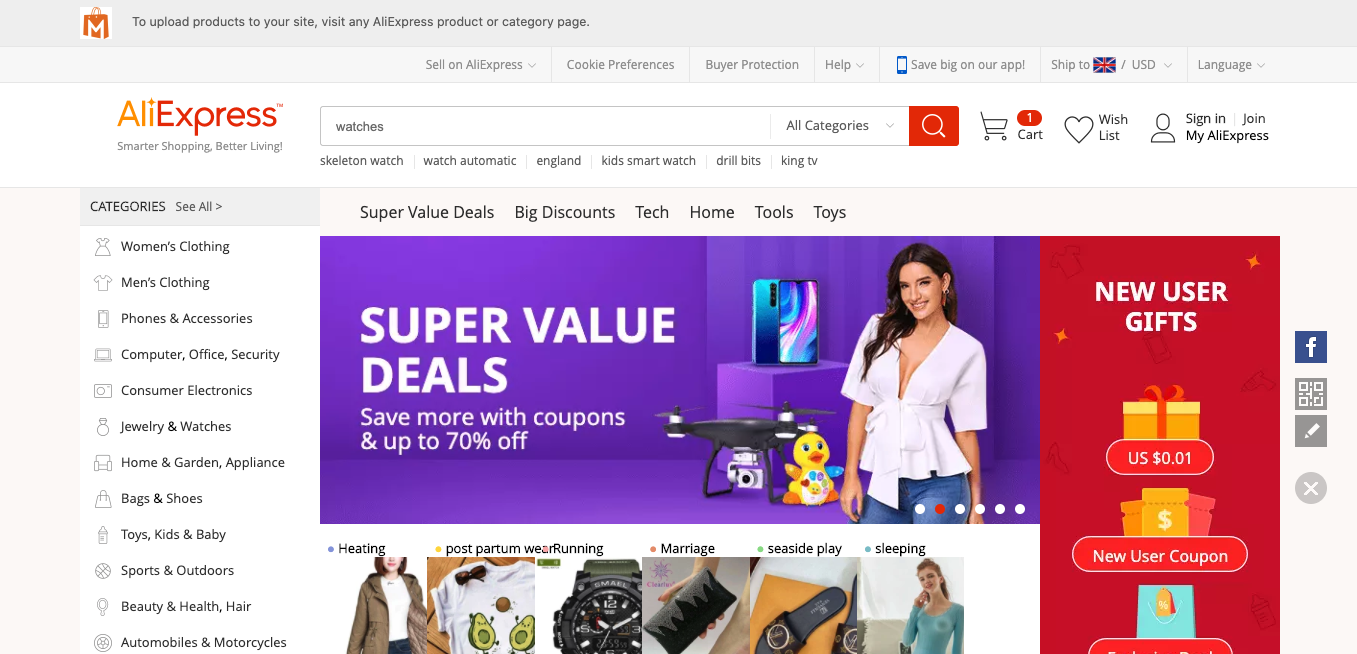
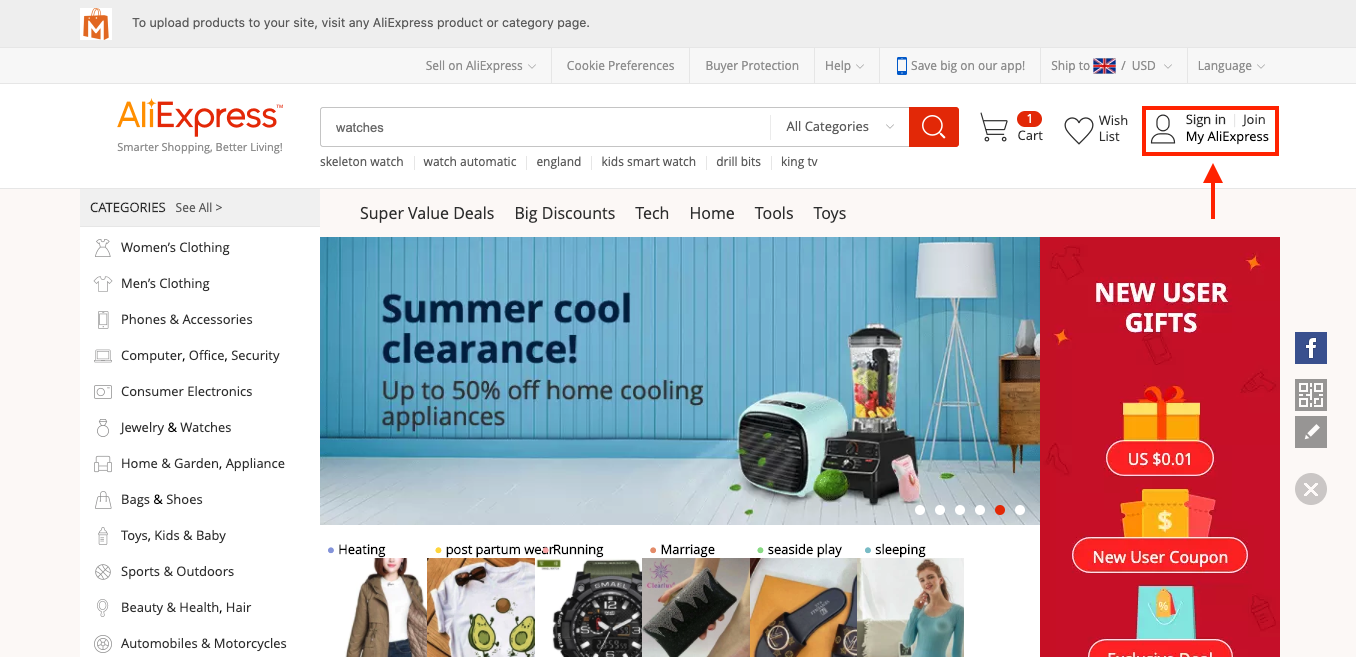
2. Log into your AliExpress account
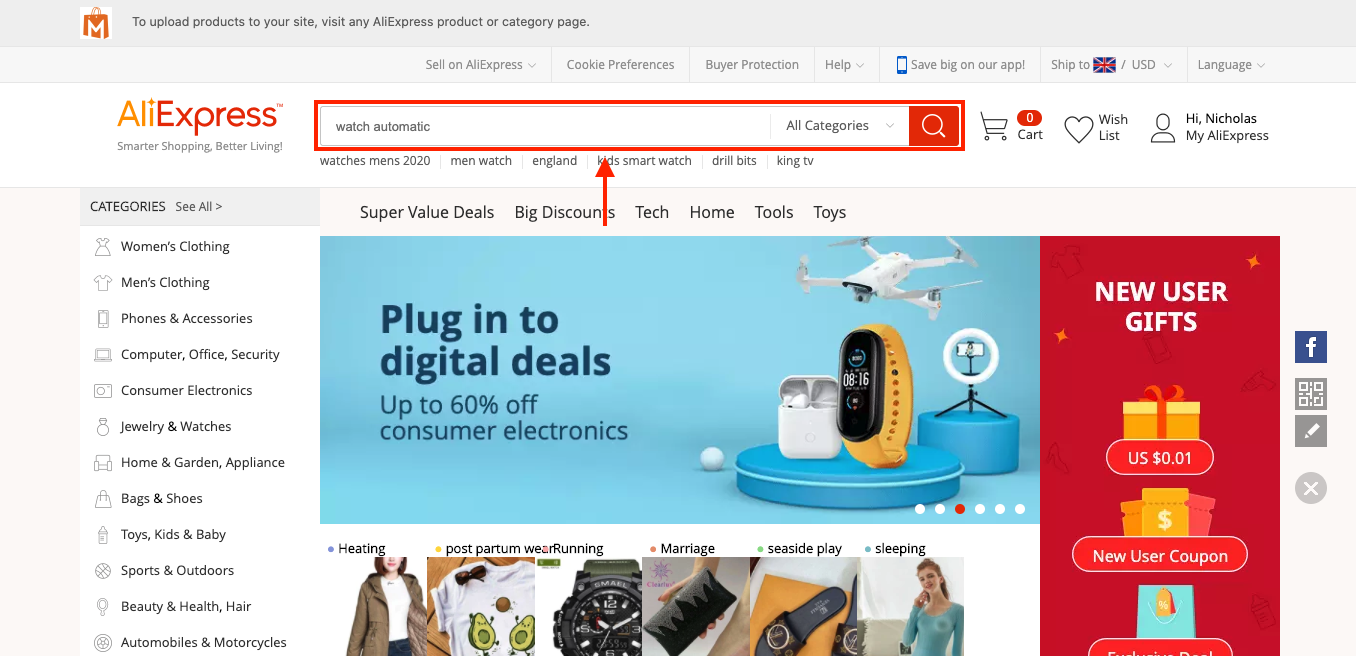
3. Search for the same product on AliExpress using the search box:
4. If you find another identical product (that gives you a profit), purchase the product manually using the customers shipping details. *Customers shipping details can be seen from the store dashboard by going to: > Orders > click the order ID*
5. You will then need to manually fulfil the product IDs.
6. This new product is available and in stock - you will now want to remove the old one and import the new one to your store to avoid repeating steps 1 - 5.
By doing this you will be able to continue selling this product in your store, but instead it's from a different supplier. If you're unable to find a product replacement, you should cancel the order and issue a refund to your customer.
Related Articles
Product is no longer available on Aliexpress
Product is no longer available on Aliexpress Sometimes, when placing an order for your customer you may face the below issue: "a product is not found on AliExpress." When this this occurs you will have to try and find the same product from a ...How to Update AliExpress Products
How to Update AliExpress Products Video Tutorial Overview The Update Products feature automatically synchronizes your store's inventory with AliExpress, ensuring accurate pricing, stock levels, and product availability. Products that are no longer ...The Product Doesn't Ship To The Customers Country?
The Product Doesn't Ship To The Customers Country? Sometimes when a customer orders a product from your store, that products shipping methods may have been altered by the AliExpress supplier. Subsequently that product may no longer deliver to your ...Import Products from AliExpress
NOTE! You need to check: If you are using the latest version of AliDropship: https://alidropship.com/updates-plugin. If your site's default currency, the default database currency, and the currency on AliExpress are the same! Step 1. Install ...Updating products
Updating products AliDropship plugin provides you with the possibility to keep your product details up-to-date. With the Update option, you can check the availability of items on AliExpress and update the product’s price, stock, and variations. NOTE! ...