How To Create Coupon Codes?
Before you create 'Coupon Codes', please ensure that you have enabled the 'Coupon Code Field'.
Once this tick box is enabled, to create 'Coupons', from the store dashboard go to:
> Coupons > All Coupons
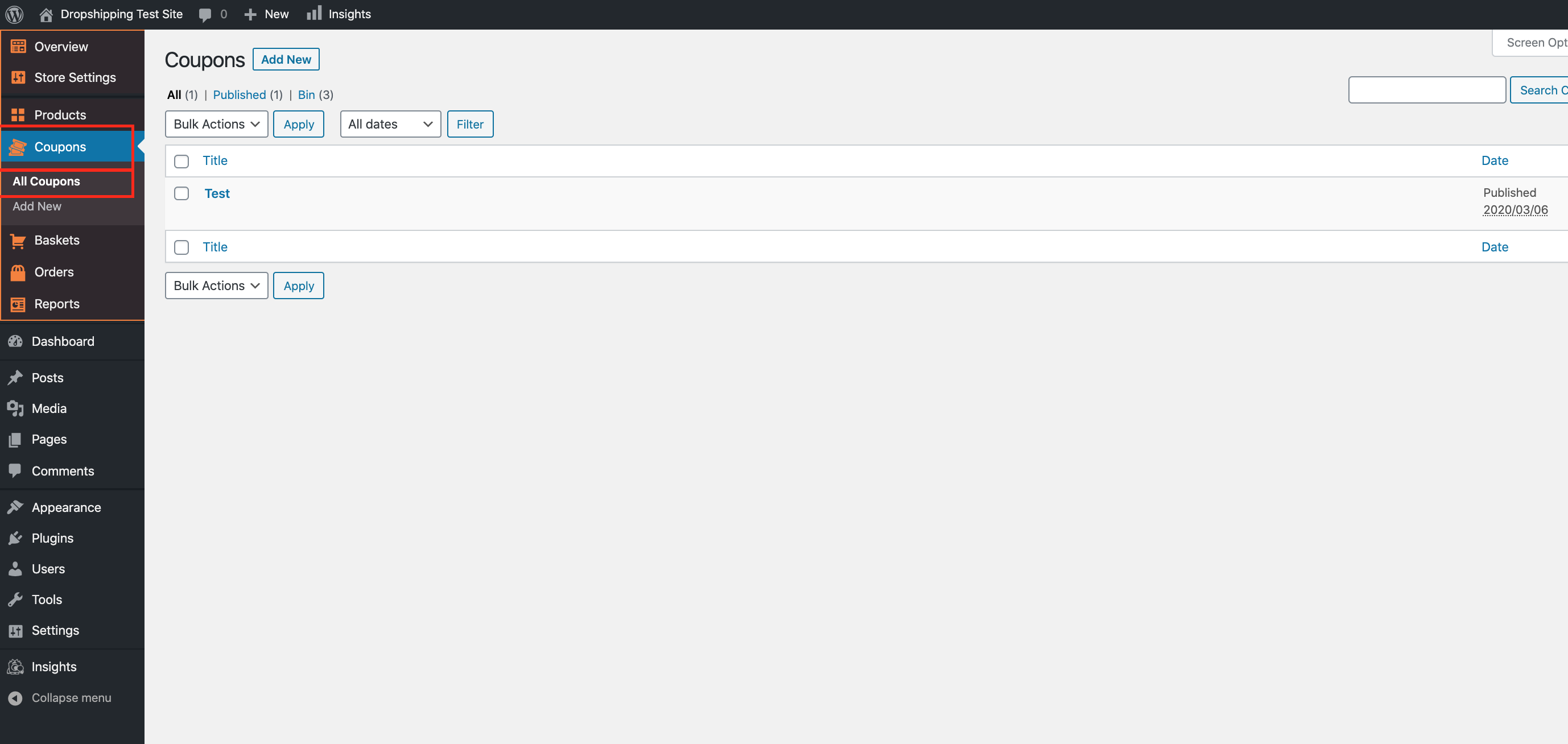
Click 'Add New' at the top of the page to create a coupon:
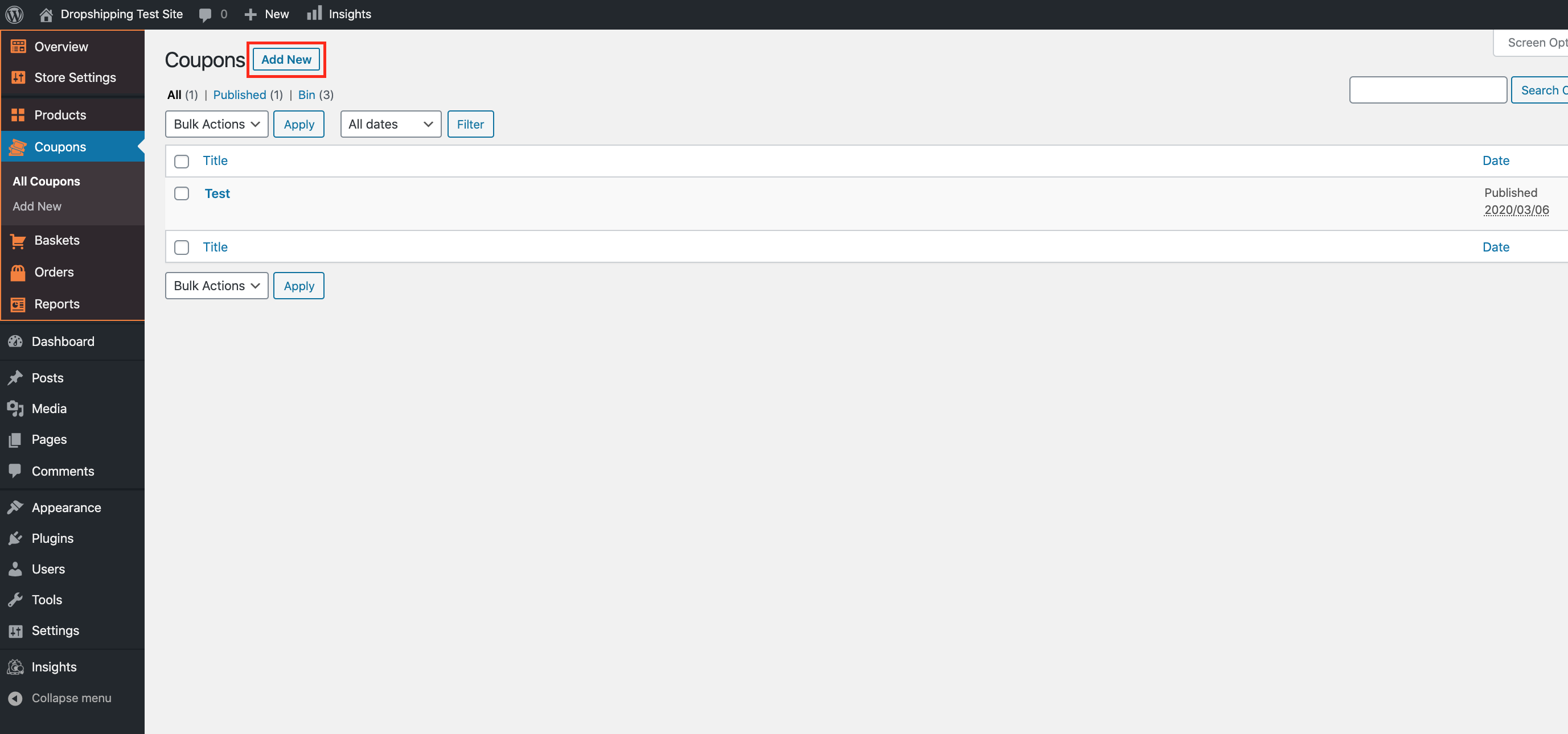
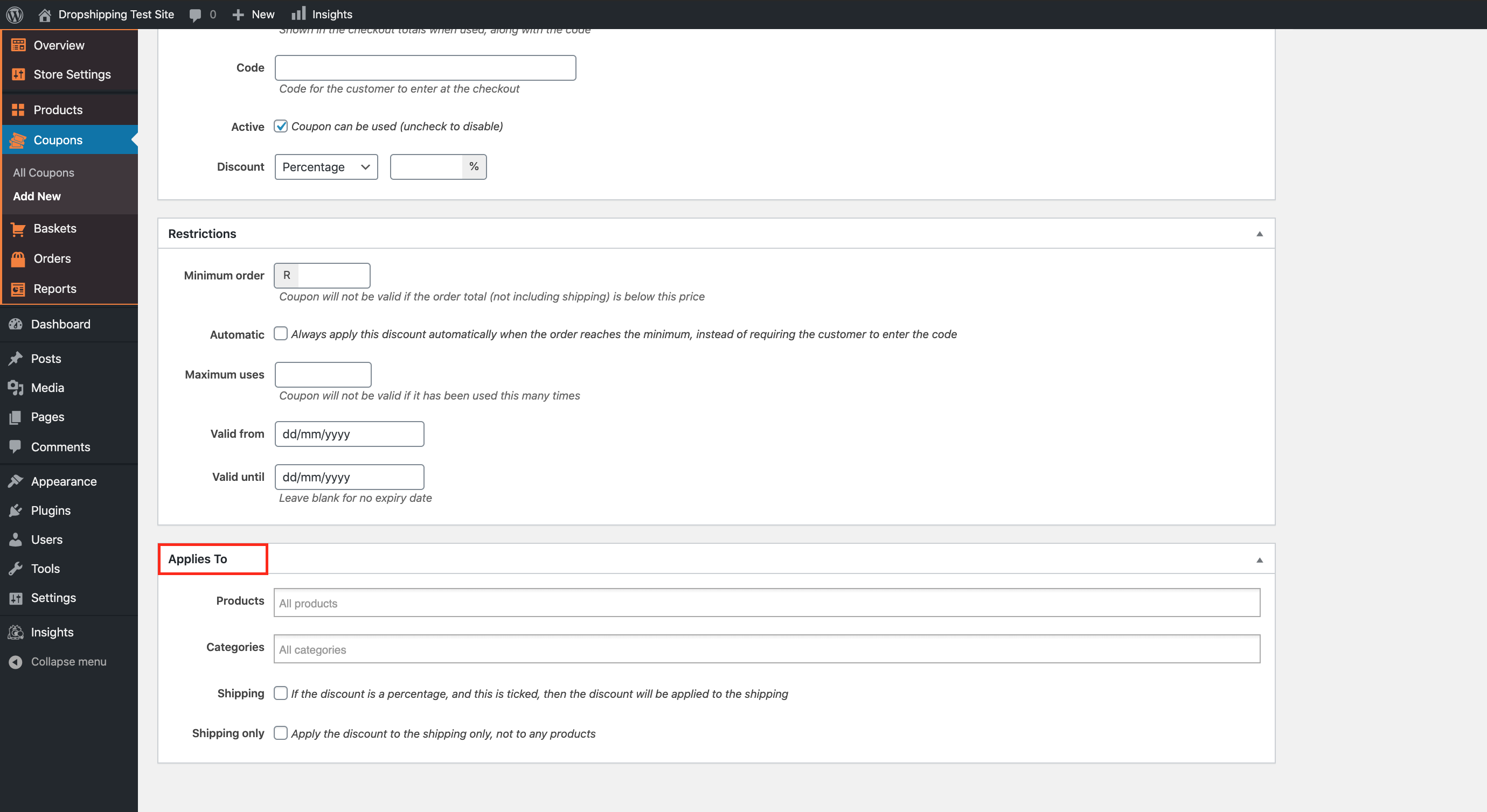
Within the 'General' tab you can 'Name', 'Code', 'Activate' and decide how much 'Discount' you'd like to offer on your 'Coupons':
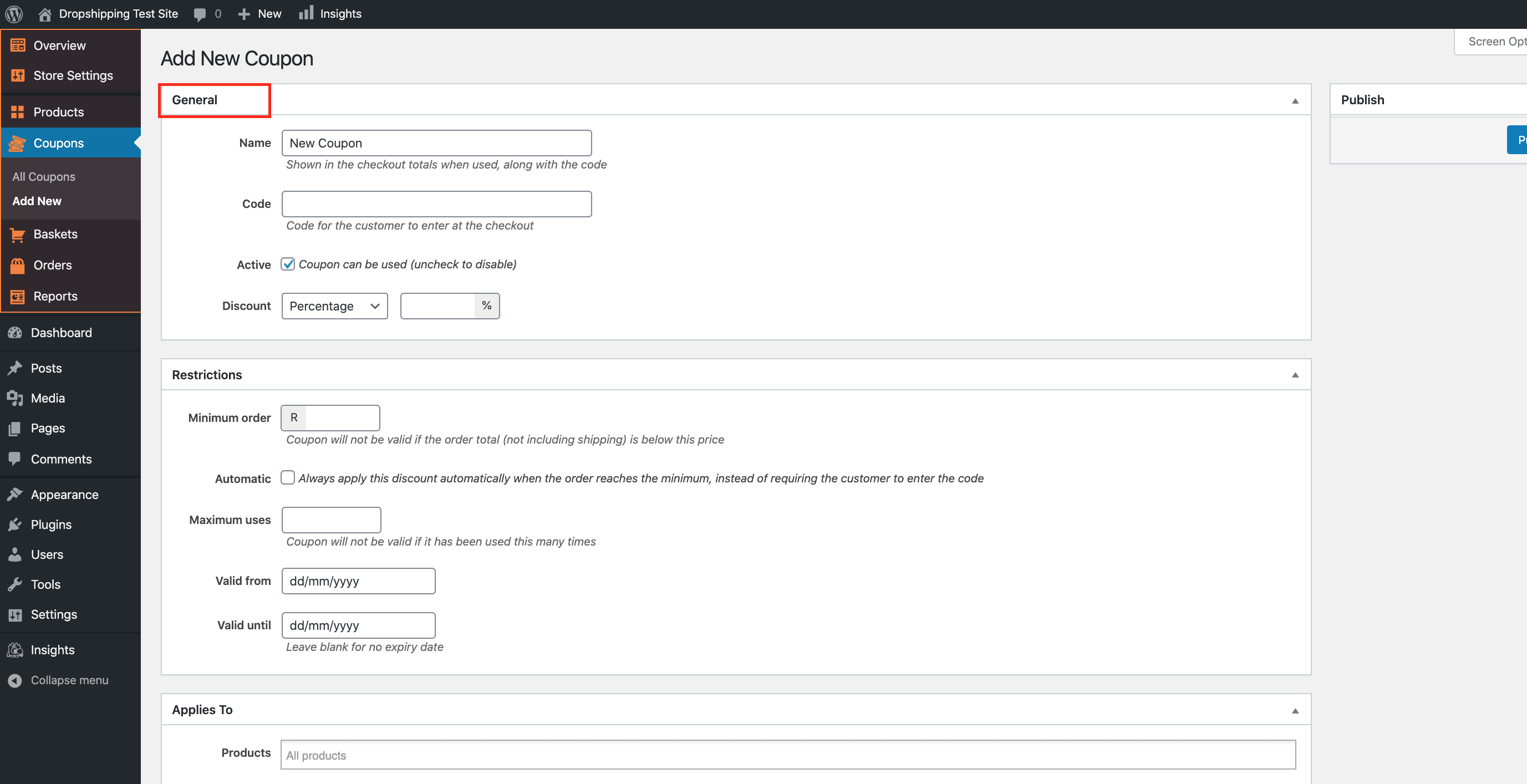
The 'Restrictions' tab offers additional criteria based settings which restricts how 'Coupons' are used:
*Underneath each of these settings is a description which informs you of what they each entail - please read them carefully*
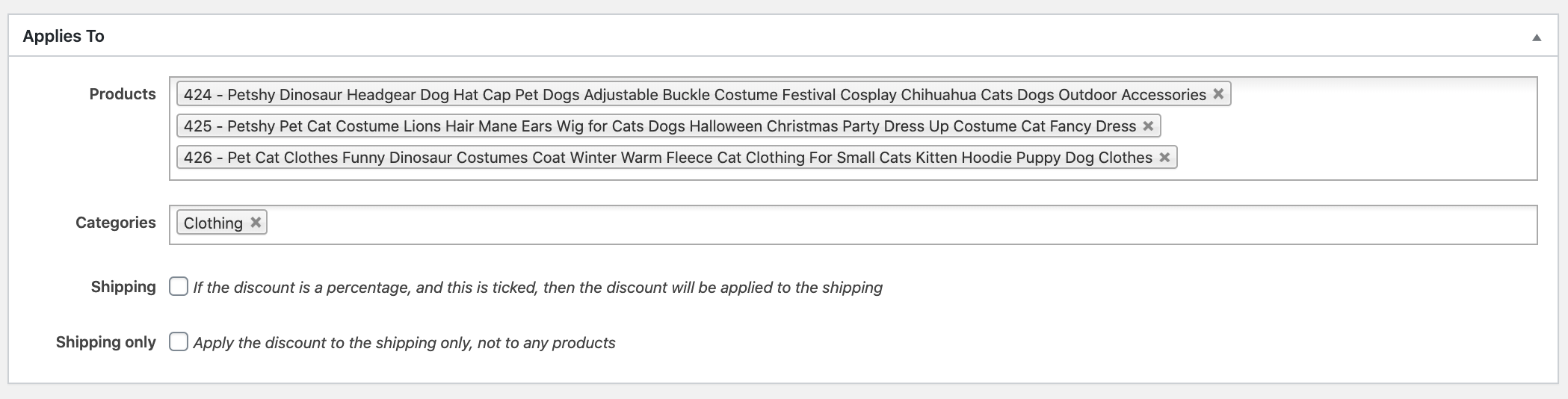
'Applies To' is the final heading tab on this page which allows you to choose which 'Products' or 'Categories' you'd like your coupon/s to target. 'Shipping' costs can also be discounted with 'Coupons' via the tick-boxes below:
*Beside each of these settings is a description which informs you of what they each entail - please read them carefully*
Click 'Products' or 'Categories' to attach the coupon to 1 or multiple 'Products' or 'Categories':
(*Don't forget to click 'Publish' after making alterations*)
After publishing the coupon, it will be listed in:
> Coupons > All Coupons
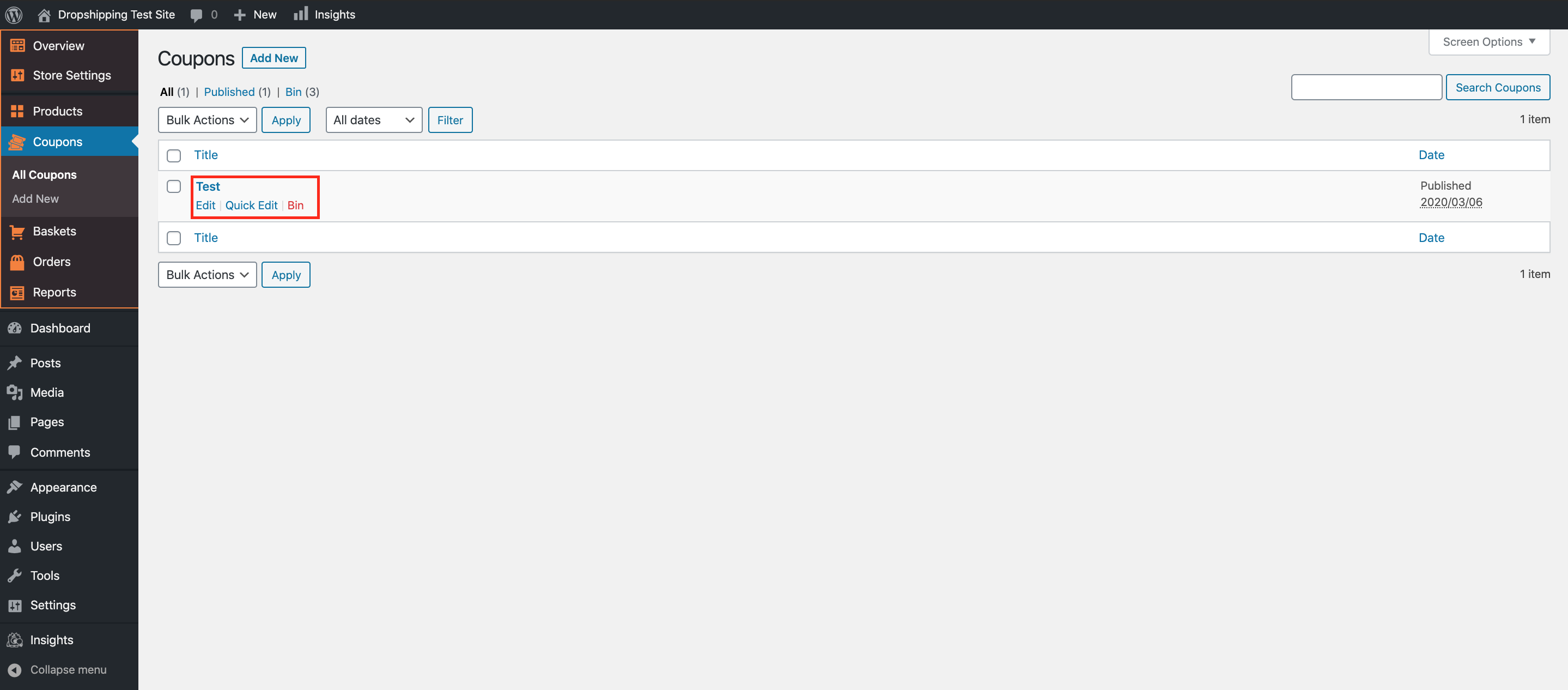
Hovering over an individual coupon will allow you to 'Edit' (re-edit), 'Quick Edit' and 'Bin' it:
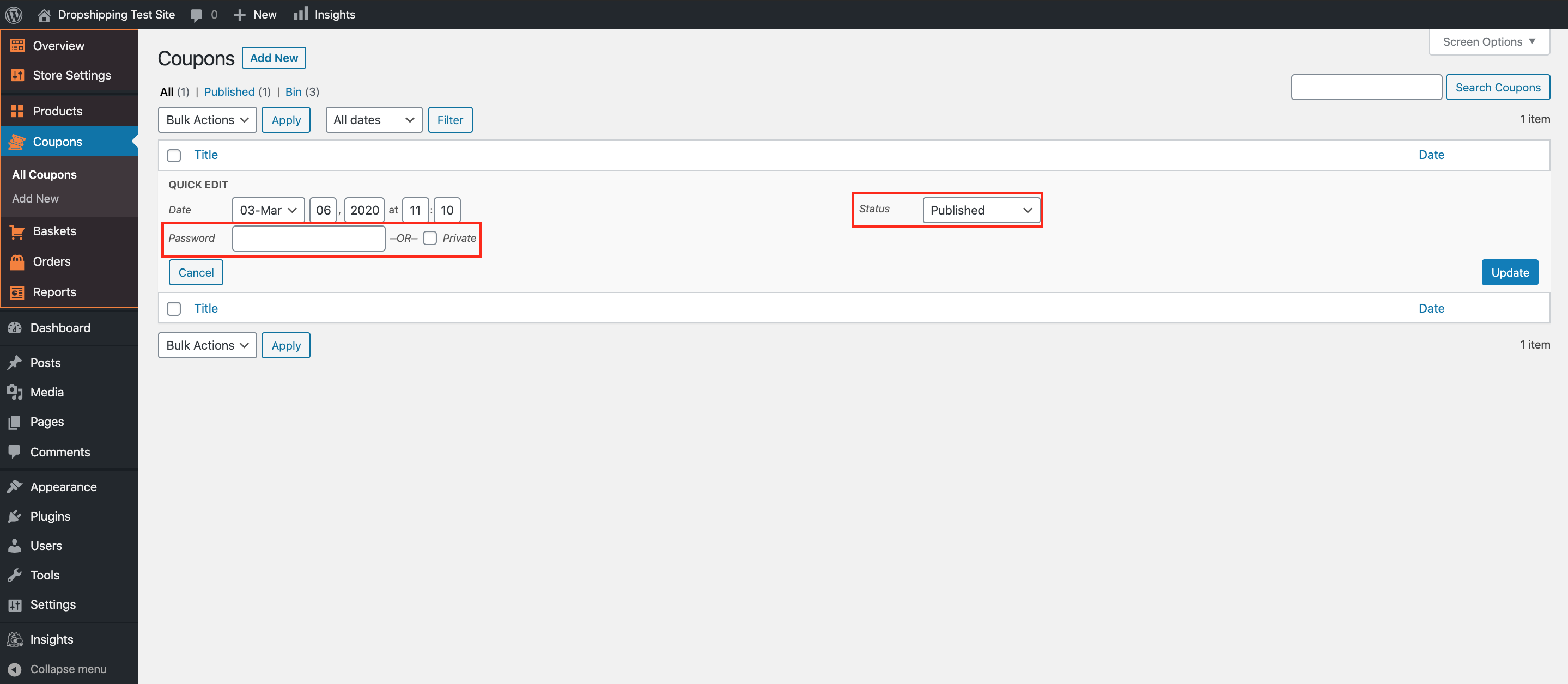
In 'Quick Edit' you are able to allow only strict access to the coupon via 'Password' or via a 'Private' link.
Additionally, over to the right, you can alter the 'Status' of the coupon. You can either change this to 'Published', 'Pending Review' or 'Draft'. *Only 'Published Coupons' are able to be used by your customers*:
(*Don't forget to click 'Update' after making alterations*)
Related Articles
How To Enable/Disable Coupon Code Field?
How To Enable/Disable Coupon Code Field? To enable the 'Coupon code field', from the store dashboard go to: > Store Settings > Checkout > General From within this page the top tick box labelled 'Show coupon code field' gives you the option to enable ...Guide 2: Create An AliExpress Account
Guide 2: Create An AliExpress Account To 'Create An AliExpress Account', go to: > https://www.aliexpress.com/ From within AliExpress, hover your cursor over 'Account' in the top right and click 'Join':Guide 2: Create An AliExpress Account
Guide 2: Create An AliExpress Account To 'Create An AliExpress Account', go to: > https://www.aliexpress.com/ From within AliExpress, hover your cursor over 'Account' in the top right and click 'Join':How To Create A Google Analytics Account
How To Create A Google Analytics Account 1. How to create Google Analytics account. Click here to access Google Analytics. If you have a Google account, and are not signed in, click Sign in to Analytics. If you do not have a Google account, choose ...Coupons
Using coupons can be a powerful marketing tool for your dropshipping online store. If you want to create a coupon, go to AliDropship → Settings → Coupons and click the Add New button. Enable a coupon and change its name if you want. To set the value ...