How To Create A Google Analytics Account
How To Create A Google Analytics Account
1. How to create Google Analytics account.
Click here to access Google Analytics. If you have a Google account, and are not signed in, click Sign in to Analytics. If you do not have a Google account, choose Start for free.

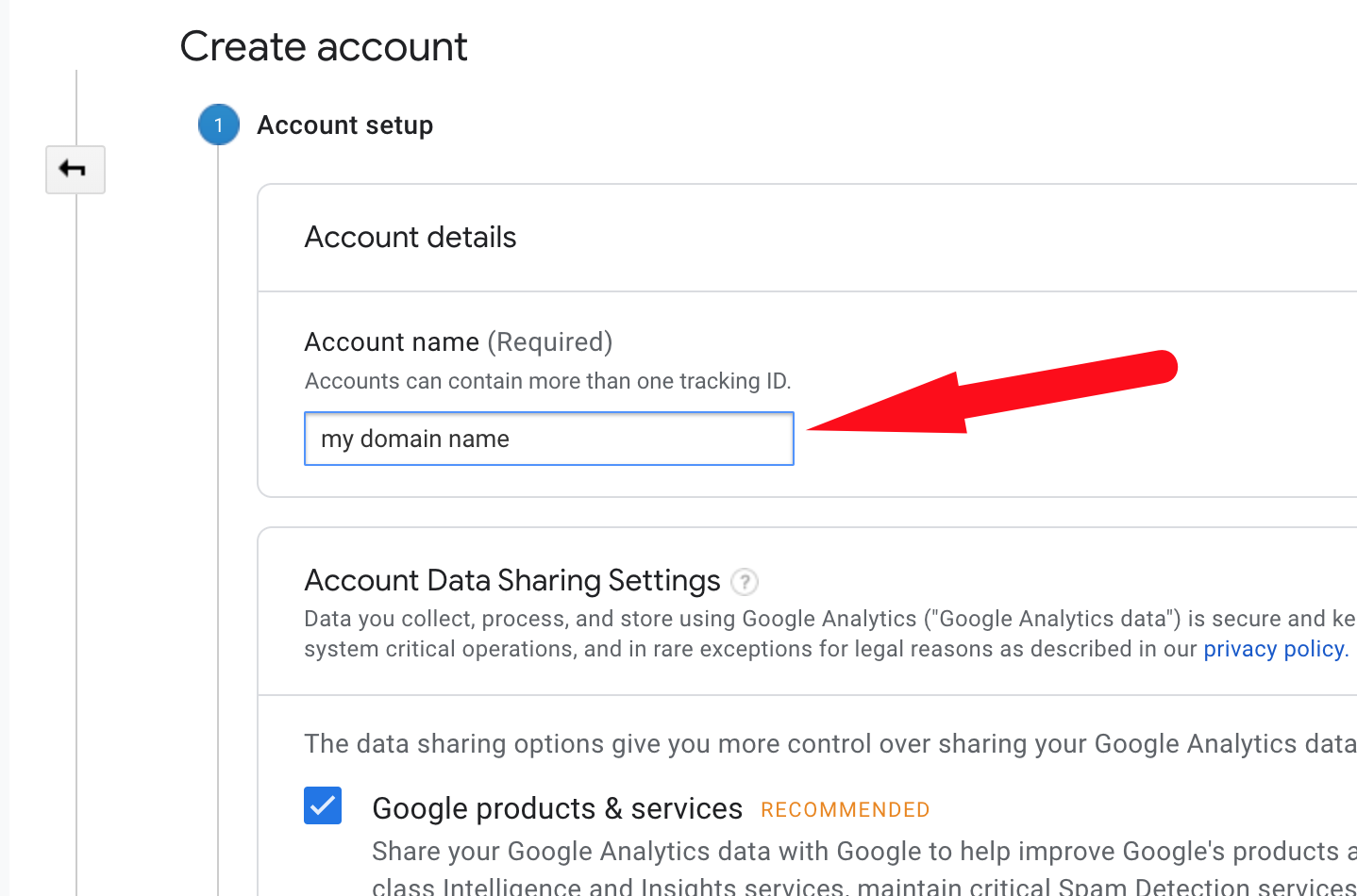
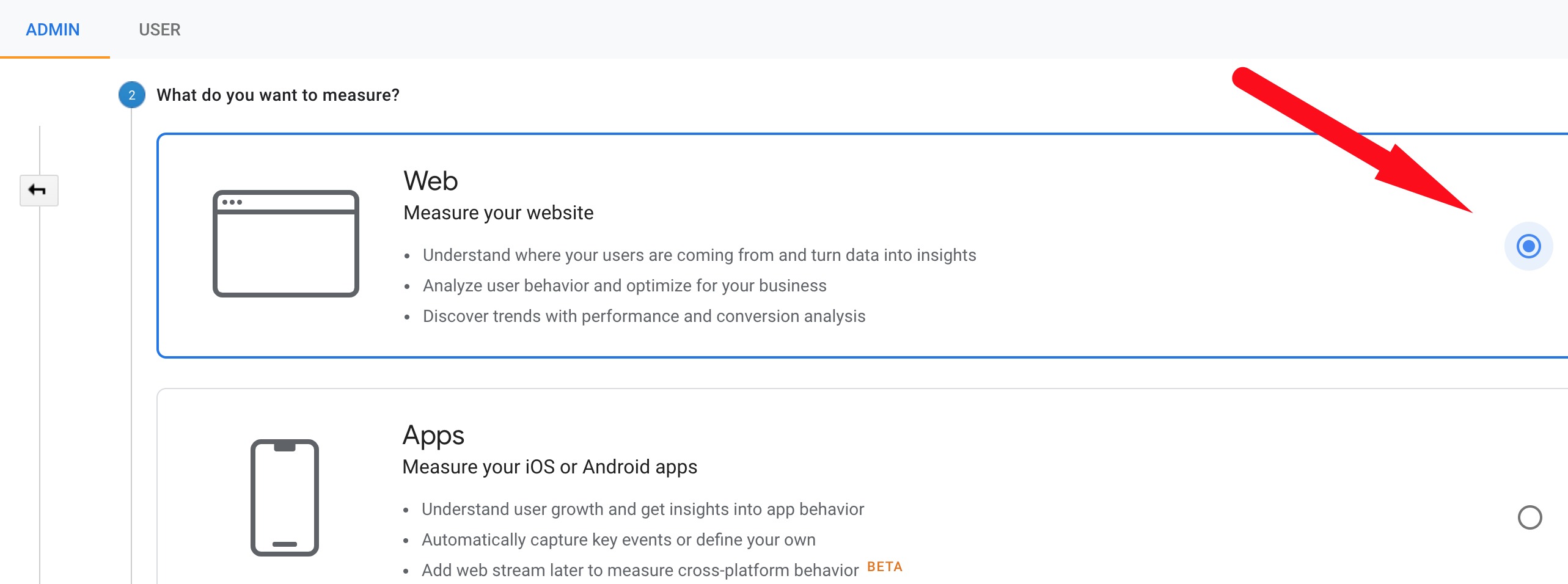
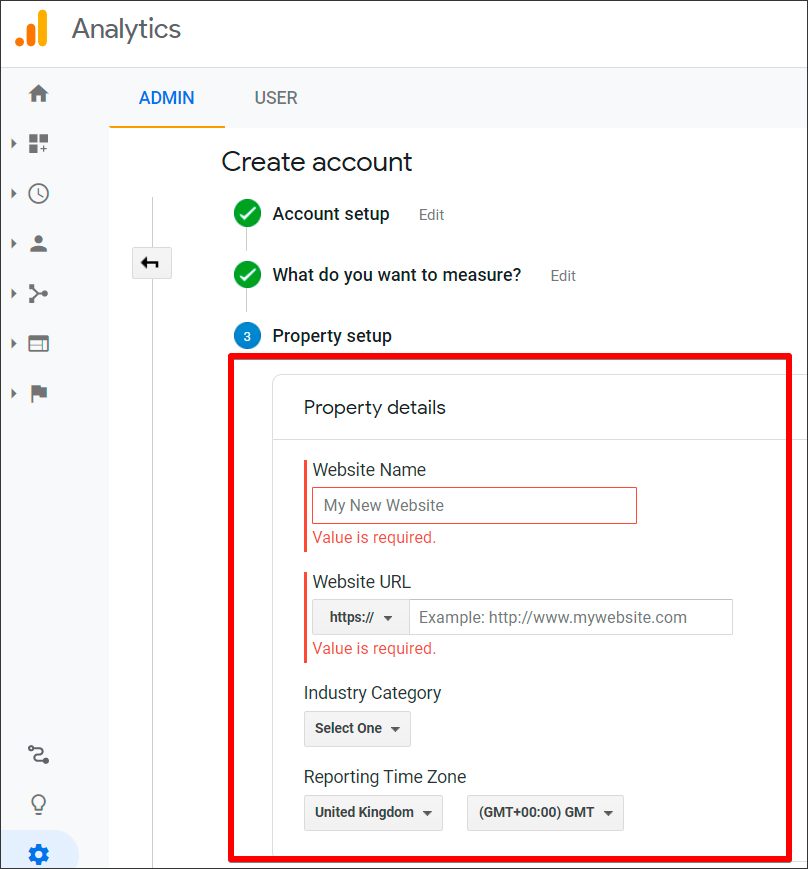
Once you have signed in to your Google account, fill in your Account Name, Website Name, Website URL, and select an Industry Category and Reporting Time Zone.
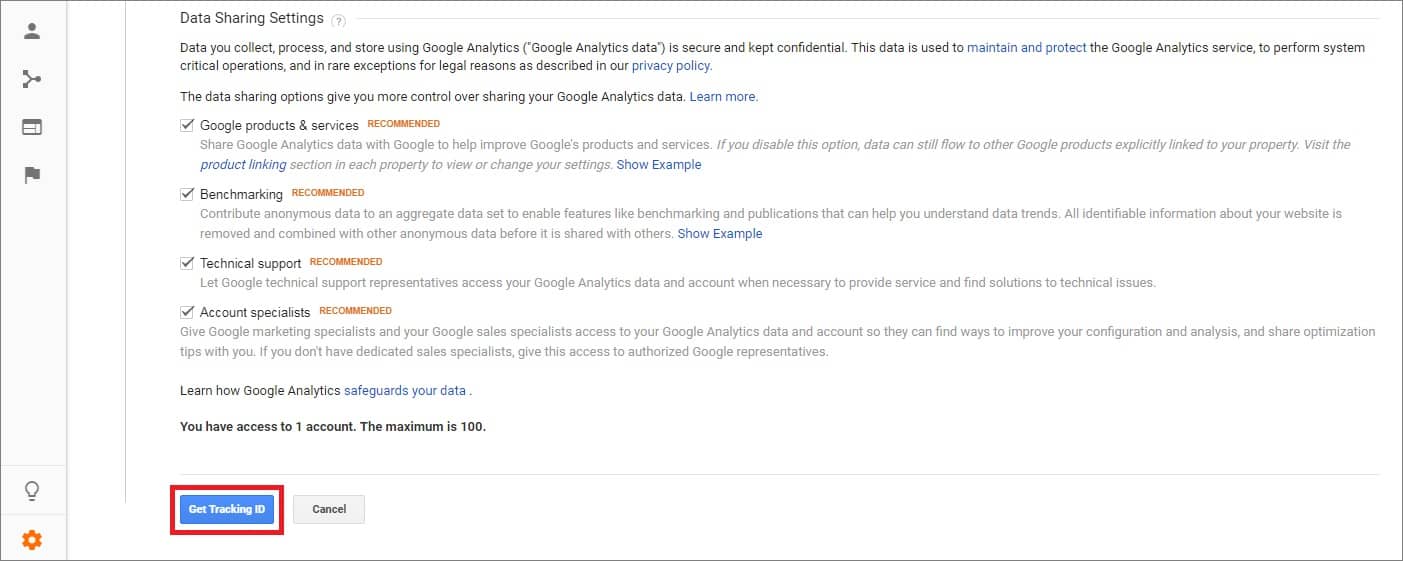
Under Data Sharing Options, check the boxes next to the options that you want to control. Click Get Tracking ID.
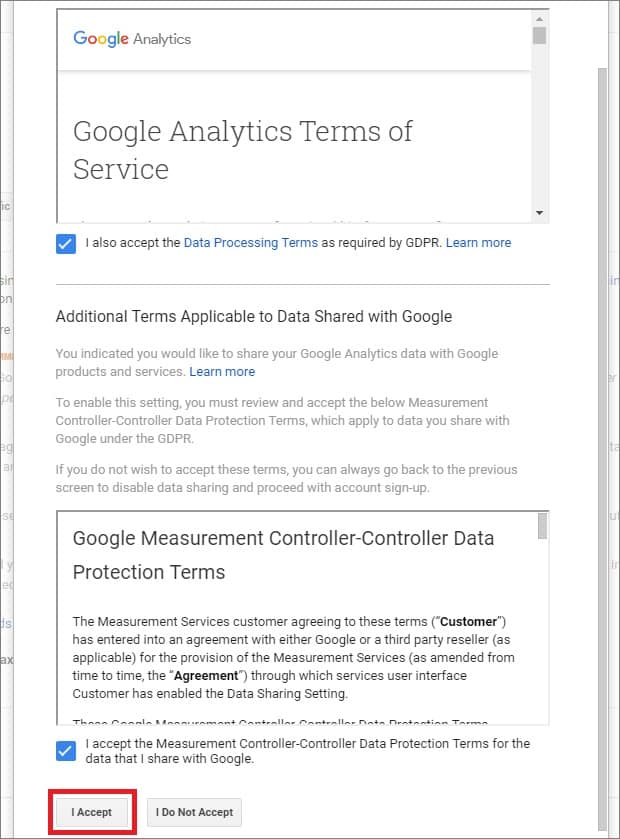
From the Google Analytics Terms of Service Agreement that opens, click I Accept.
Related Articles
How To Set Up Google Analytics Traffic Reports
How To Set Up Google Analytics Traffic Reports How to make Google Analytics live stats show on your dashboard. Go to the Google Developer Console. 2. In the Google Developers Console, click the Projects Menu: 3. Enter your Project Name and click the ...How To Setup The Google Analytics Global Site Tag?
How To Setup The Google Analytics Global Site Tag? To setup the 'Google Analytics Global Site Tag', please follow the steps below. If you have not already done so, create a Google Analytics property for each website you want to collect data from. ...How To Setup Google Ads Conversion Tracking?
How To Setup Google Ads Conversion Tracking? To setup the 'Google Ads Conversion Tracking Tag', please follow the steps below. Step 1: Create a conversion action Sign in to your Google Ads account. In the top right-hand corner, click the tools icon , ...How to Integrate Google Analytics
How to Integrate Google Analytics Sign in to your Google Analytics account. Click Admin at the bottom of the page. Go to the Property section => Tracking Info. Click Tracking Code in the drop-down menu. Copy the script below Global Site Tag. Go to ...Guide 2: Create An AliExpress Account
Guide 2: Create An AliExpress Account To 'Create An AliExpress Account', go to: > https://www.aliexpress.com/ From within AliExpress, hover your cursor over 'Account' in the top right and click 'Join':