Guide 2: Create An AliExpress Account
Guide 2: Create An AliExpress Account
To 'Create An AliExpress Account', go to:
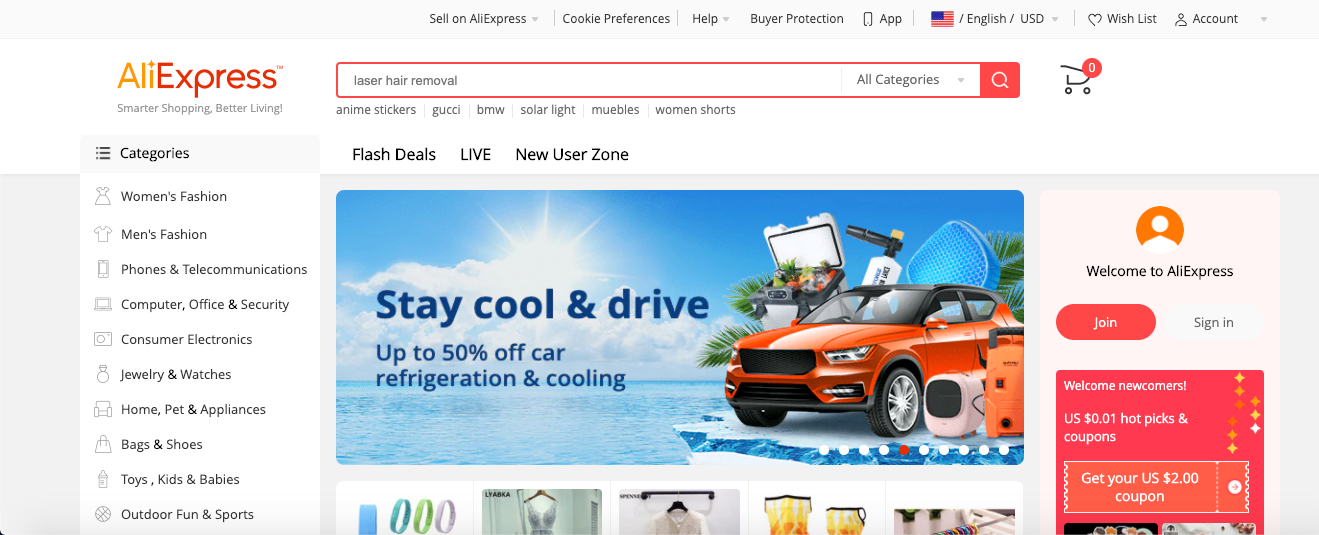
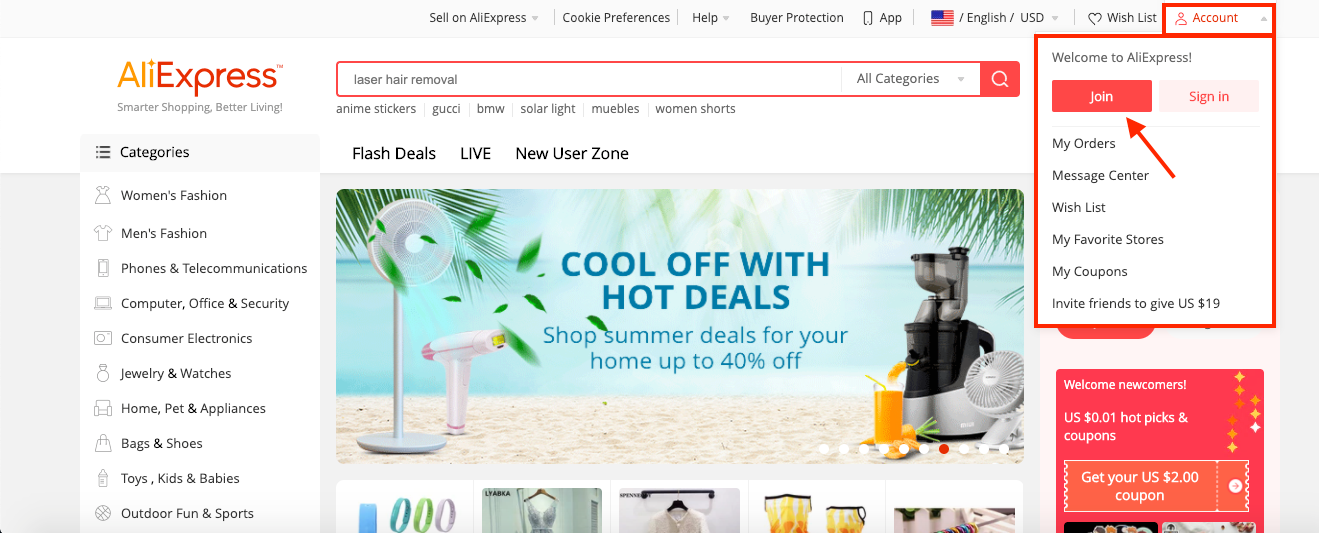
From within AliExpress, hover your cursor over 'Account' in the top right and click 'Join':
Related Articles
Guide 2: Create An AliExpress Account
Guide 2: Create An AliExpress Account To 'Create An AliExpress Account', go to: > https://www.aliexpress.com/ From within AliExpress, hover your cursor over 'Account' in the top right and click 'Join':How To Get Instagram Shoutouts: A Complete Guide For Drop Shipping Business
Instagram shoutouts are a simple but promising way to promote a dropshipping store. We have been using it since 2016 and we still get great results! In this step-by-step complete guide you’ll learn how to effectively use this advertising method. ...Guide 3: Set The AliExpress Currency To USD
Guide 3: Set The AliExpress Currency To USD To set the 'AliExpress Currency' to 'USD', follow the steps shown below. 1. Log into your AliExpress.com account i) click 'Account' (top right) ii) click 'Sign In' iii) use your login credentials to sign in ...How To Create A Google Analytics Account
How To Create A Google Analytics Account 1. How to create Google Analytics account. Click here to access Google Analytics. If you have a Google account, and are not signed in, click Sign in to Analytics. If you do not have a Google account, choose ...Editing Products (Full Guide)
Editing Products (Full Guide) To access the 'Product Details', from the store dashboard go to: > Products > All Products From within this page find the 'Product' you'd like to 'Edit' by either scrolling through or searching for it via the search box ...