How To Alter A Products Title & Description?
How To Alter A Products Title & Description?
To alter a 'Products' title and/or description, from the store dashboard go to:
> Products > All Products
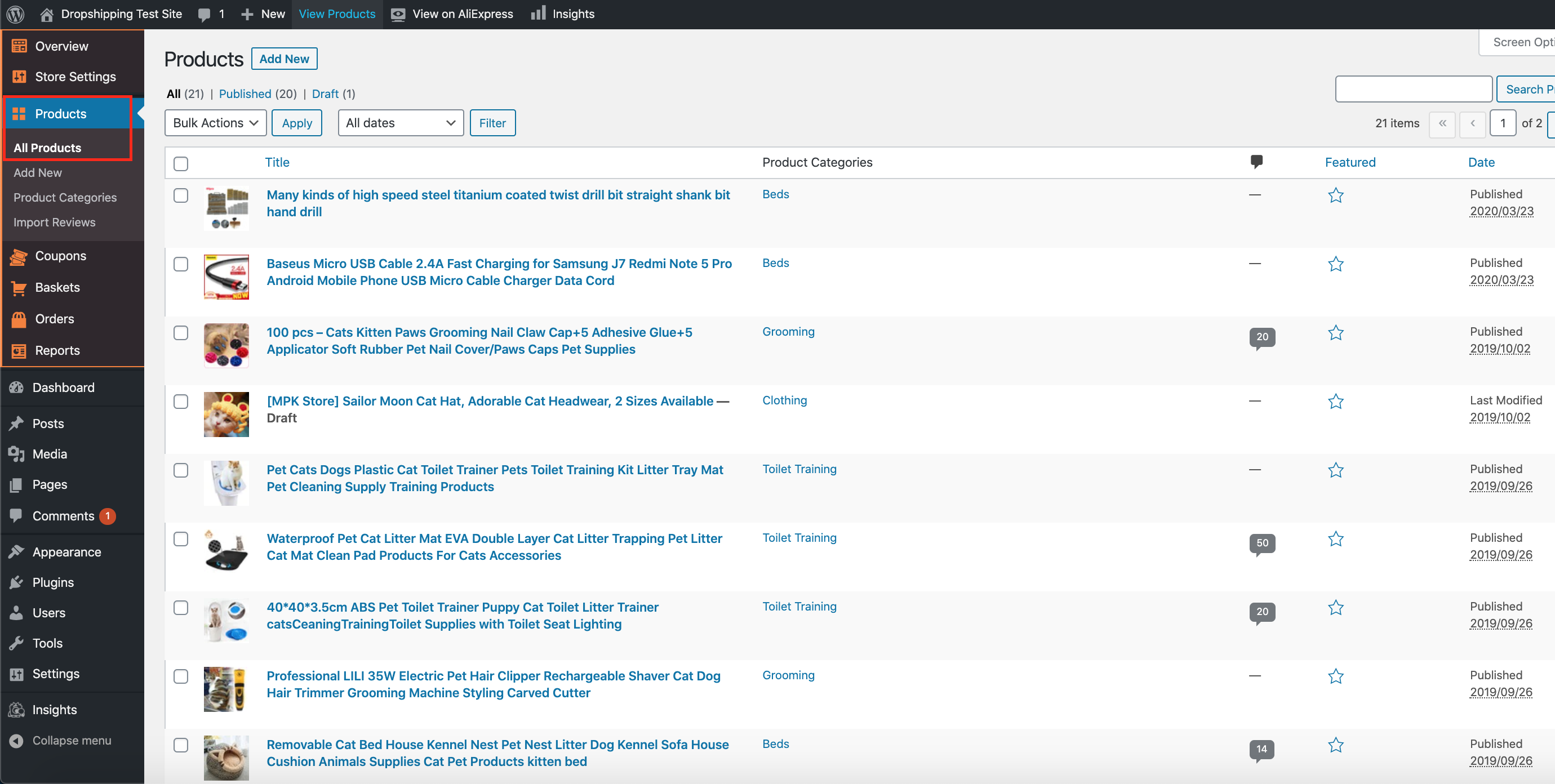
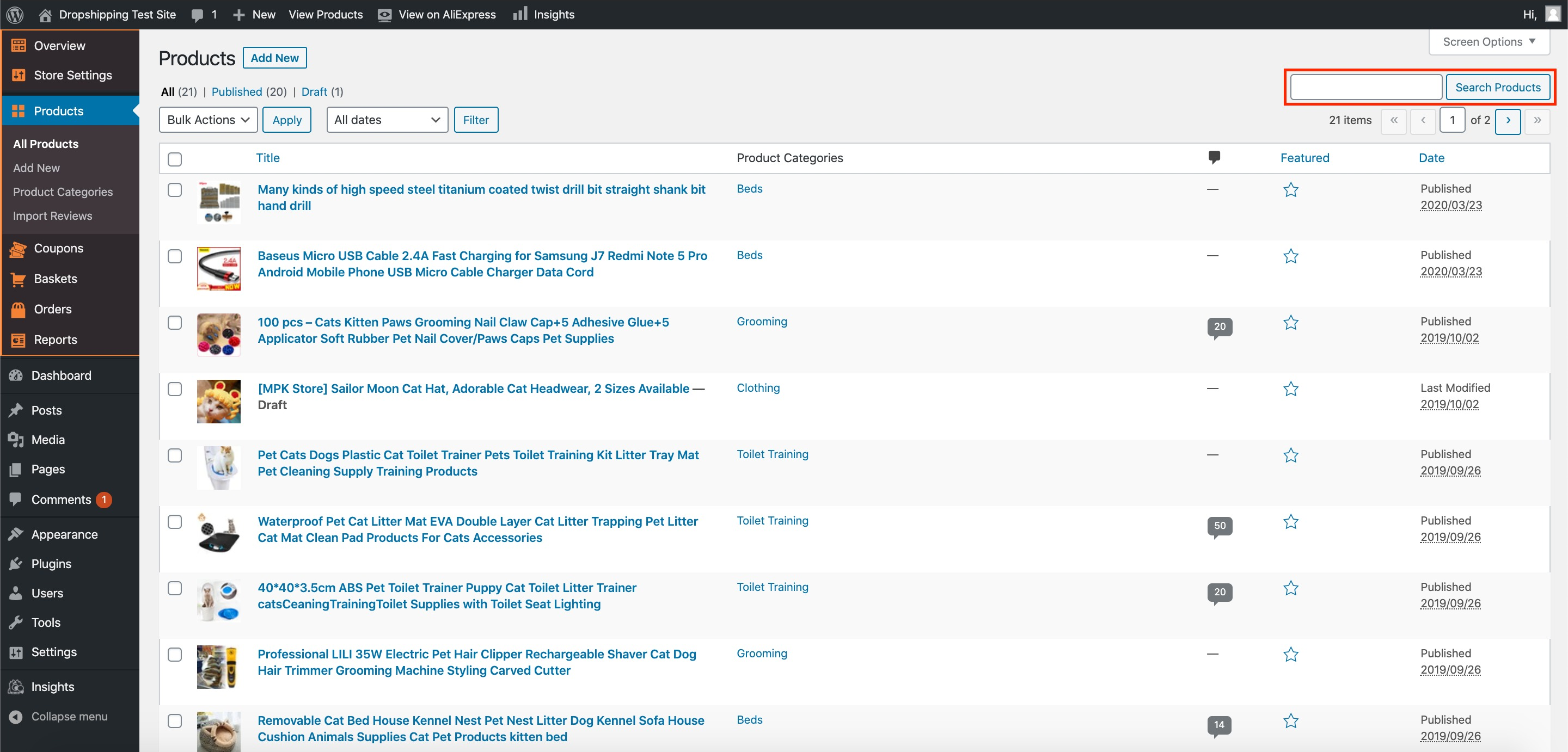
From within this page find the 'Product' that you'd like to alter the title and/or description of, either by scrolling through or searching for it via the search box in the top right:
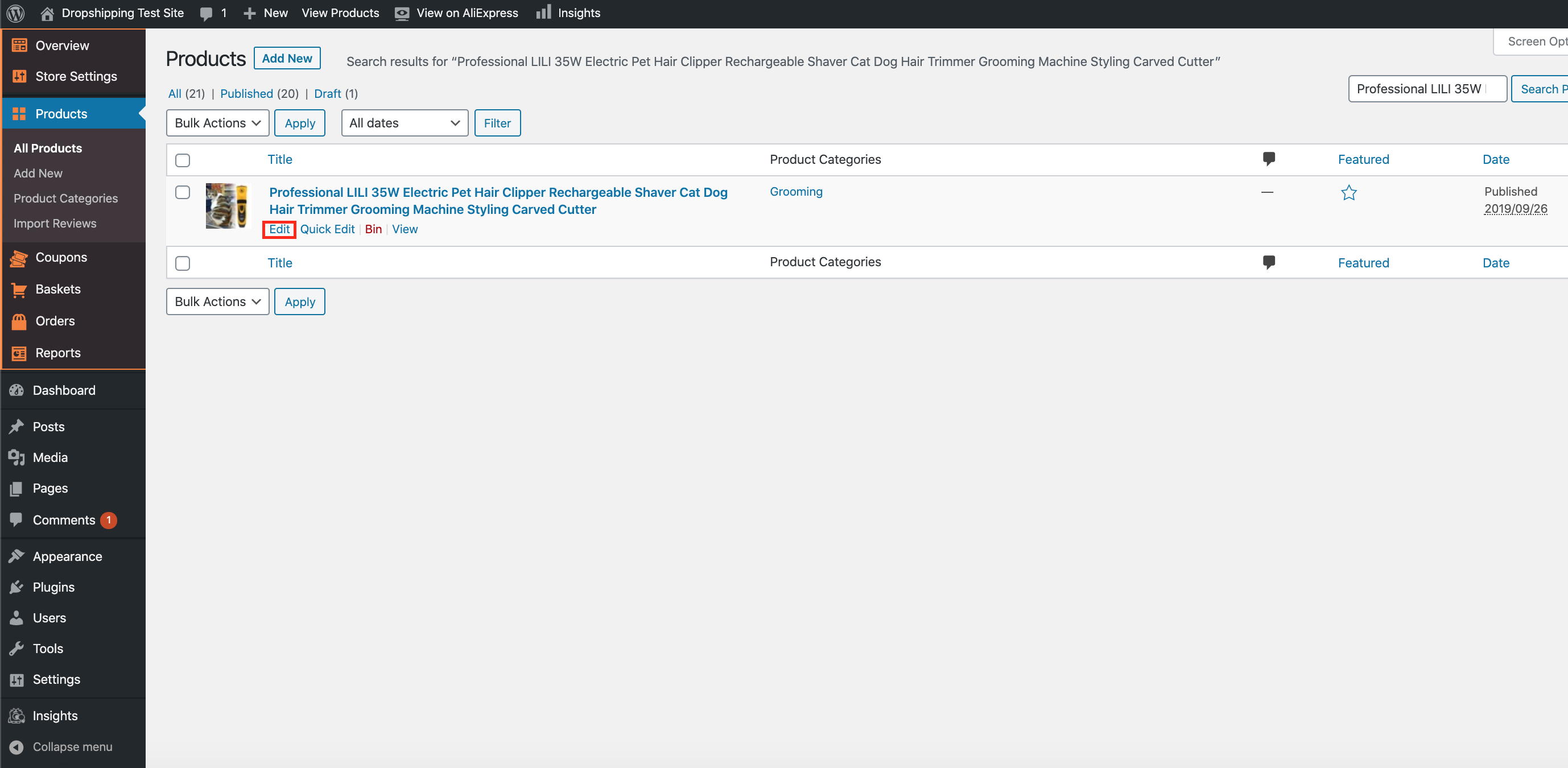
Once you've found the product, hover over it with your cursor and click 'Edit':
The title of the product can be edited from the top text box, and the description of the product can be edited by the large text box below it:
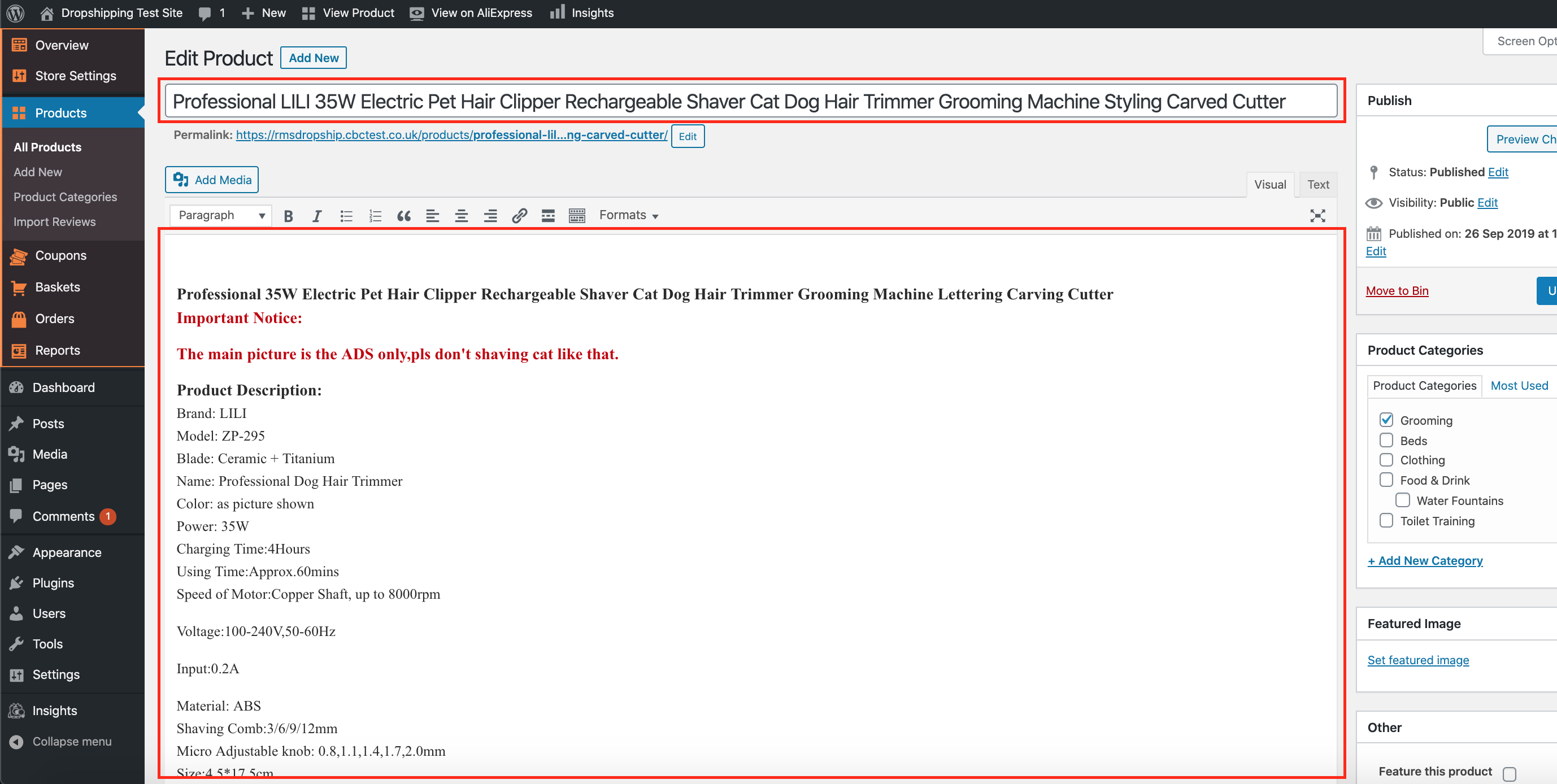
(*Don't forget to click 'Update' after making alterations*)
Related Articles
How To Add Products From My Own Suppliers?
How To Add Products From My Own Suppliers? To 'Add New Products' to your store, from the store dashboard go to: > Products > Add New From within this page, the top text box allows you to add a 'Title' of the product and the large text box below ...How To Alter A Products Status?
How To Alter A Products Status? To alter a 'Products Status', from the store dashboard go to: > Products > All Products From within this page find the 'Product' that you'd like to alter the 'Status' of, either by scrolling through or searching for it ...Import Products from AliExpress
NOTE! You need to check: If you are using the latest version of AliDropship: https://alidropship.com/updates-plugin. If your site's default currency, the default database currency, and the currency on AliExpress are the same! Step 1. Install ...Adding your own products
Adding your own products You can populate your web store with your own products, even if they are not on sale on AliExpress. Please bear in mind that these items will not be synchronized with AliExpress API and will not be updated (stock, prices, ...How To Alter The Default Shipping Method Selected At Checkout?
How To Alter The Default Shipping Method Selected At Checkout? To change the default shipping method selected at checkout, from the store dashboard go to: > Store Settings > Checkout > Shipping From within this page, the top dropdown menu labelled ...