Adding your own products
You can populate your web store with your own products, even if they are not on sale on AliExpress. Please bear in mind that these items will not be synchronized with AliExpress API and will not be updated (stock, prices, etc.) automatically.

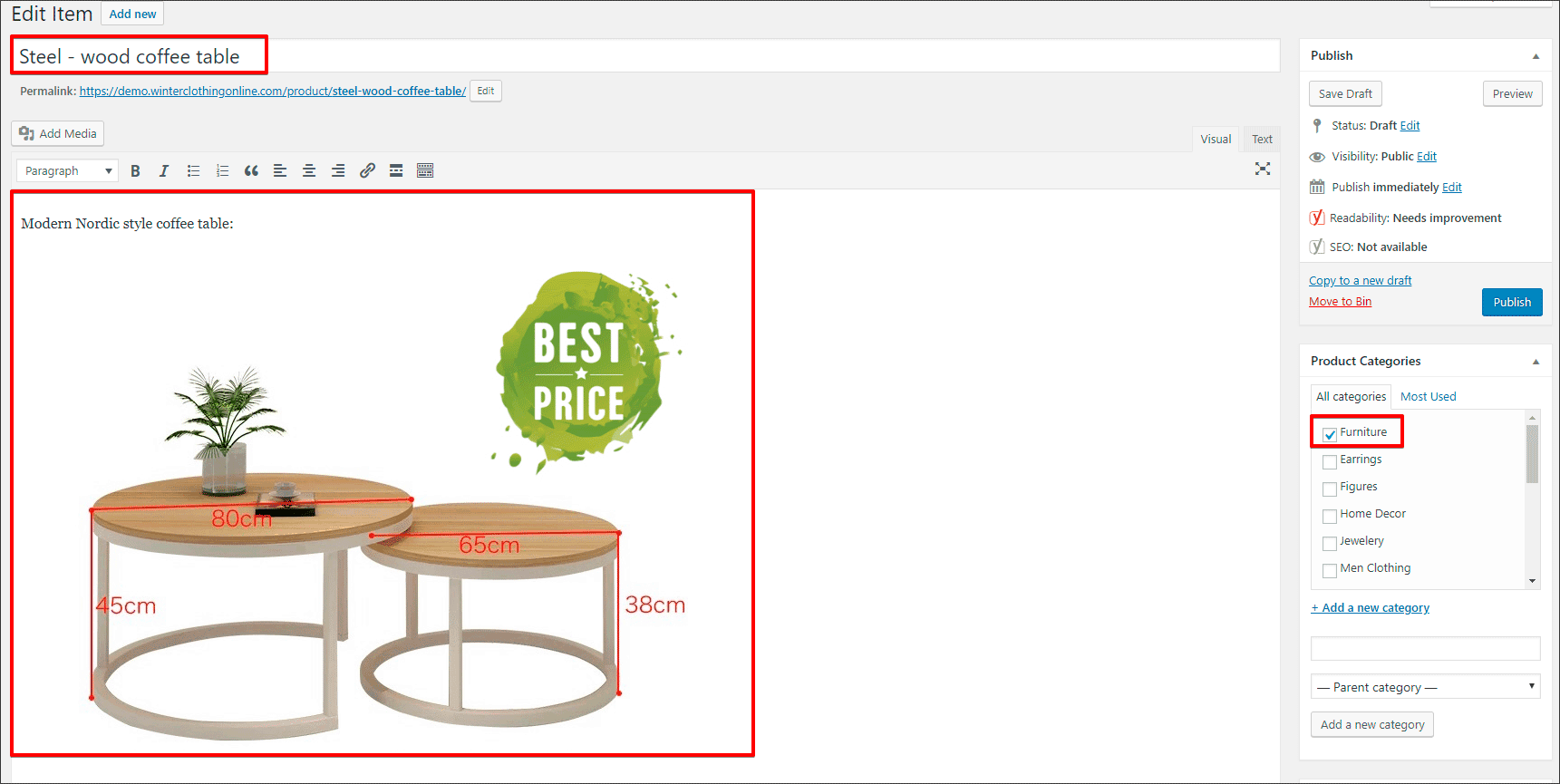
Enter a product Title and Description. Permalink will be generated automatically according to your product’s Title. Select a product’s category:
Scroll down to the Product options section -> General:
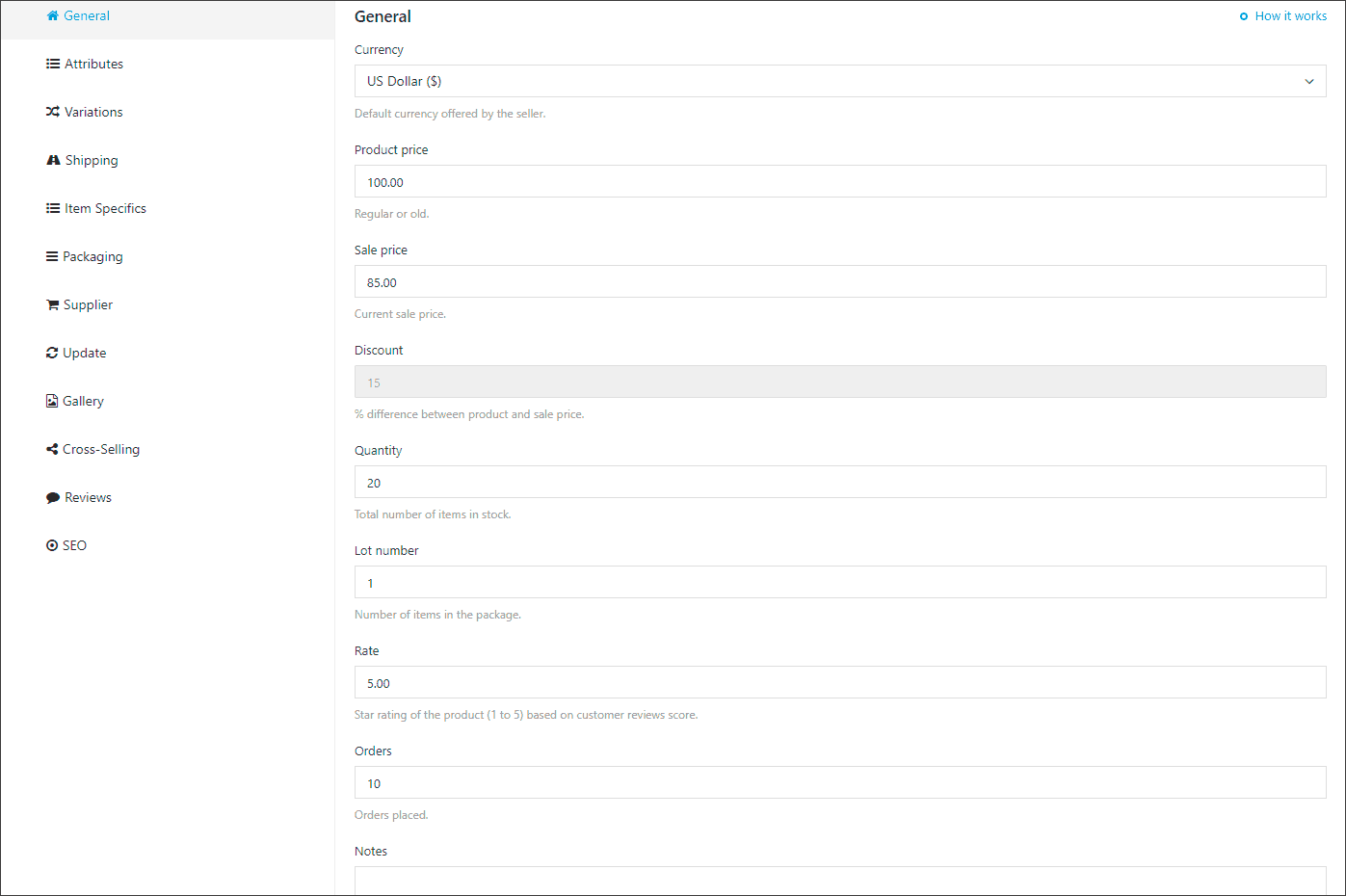
Fill in all fields with the information: select currency of the product (default currency of your store), set product’s regular and sale prices, set total number of items in stock, etc. You can put some important details in ‘Notes’ field, this is hidden from public view area.
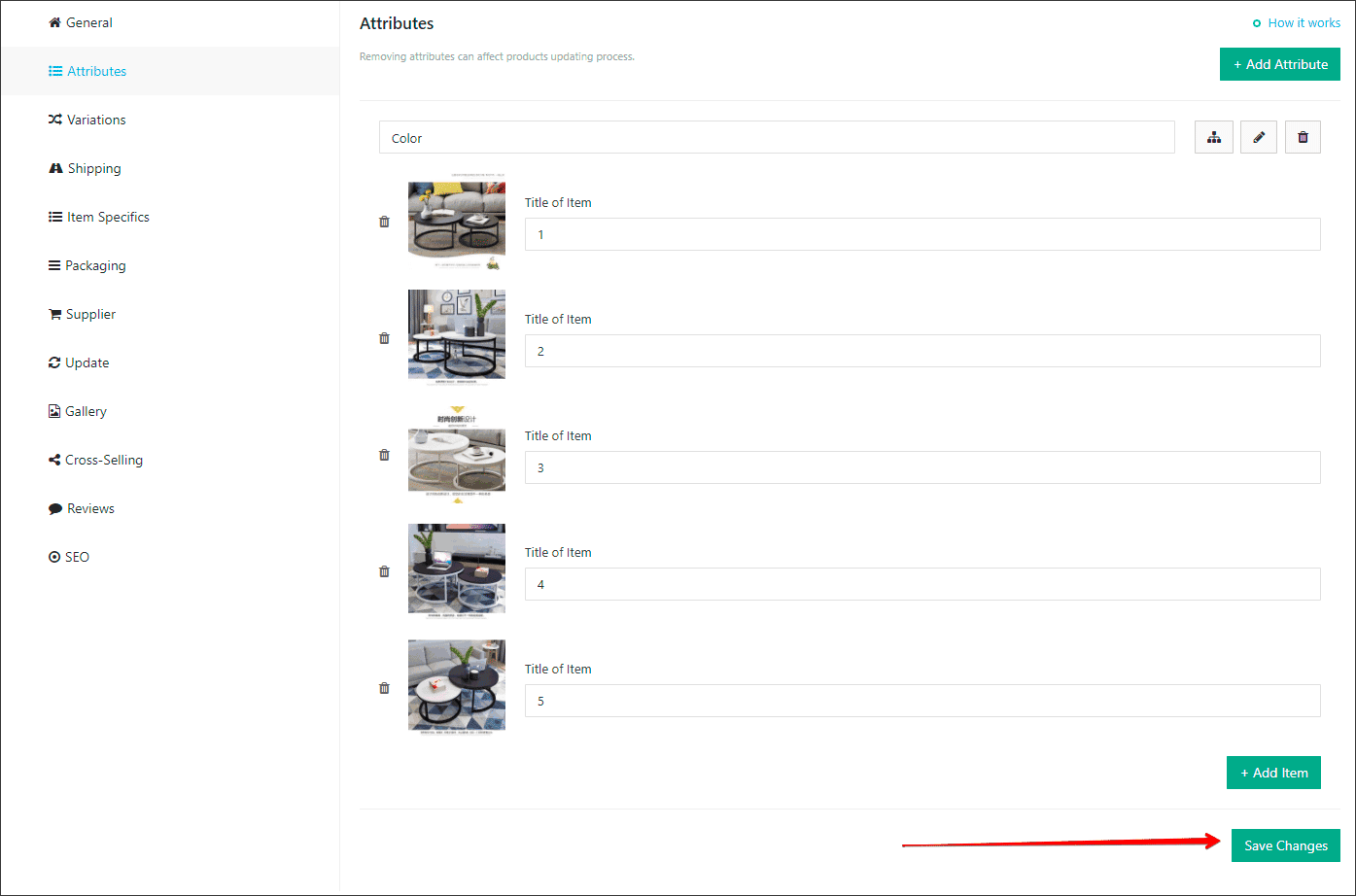
Product options -> Attributes:
Add attributes to your product, in my case I have only one attribute – Color.
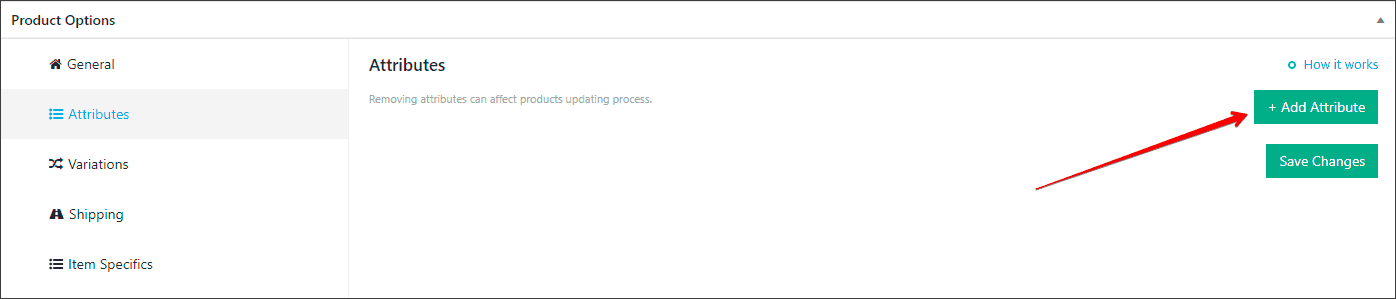
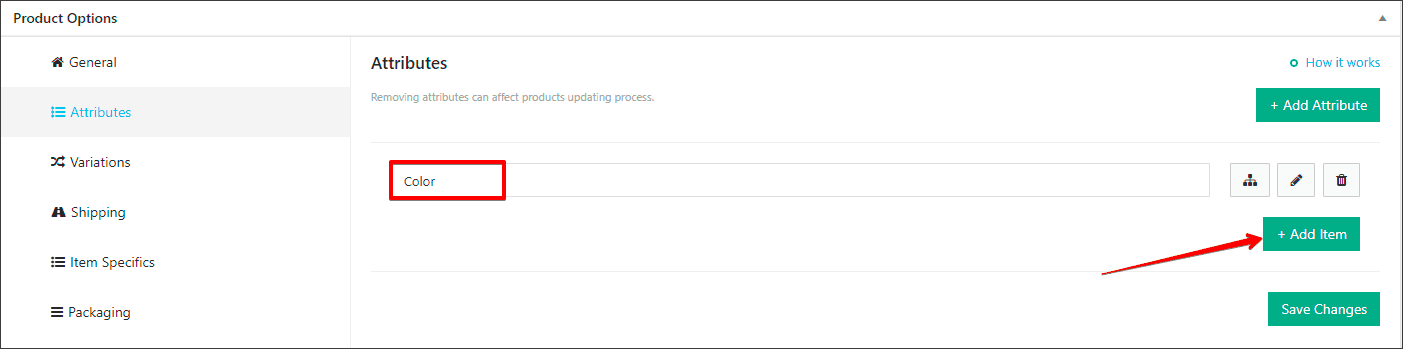
Add images and name of attributes’ items, click ‘Save Changes’:
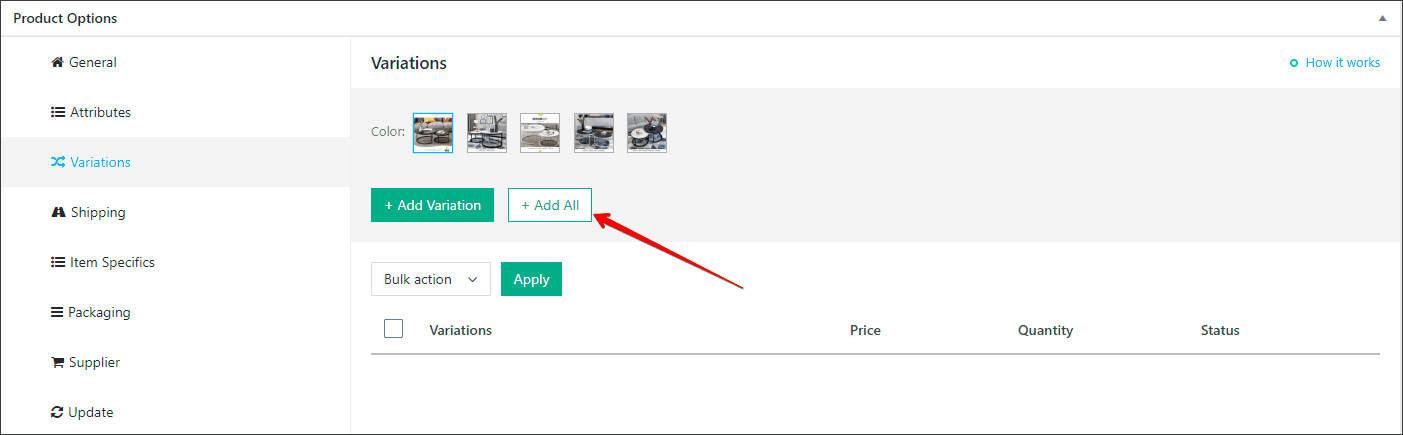
Product options -> Variations:
As we have only one attribute ‘Color’, we will have the same product variations as attribute. Click ‘Add All’, plugin generates all possible variations automatically.

If your product is simple and it doesn’t have any attributes and variations, just leave these sections empty.
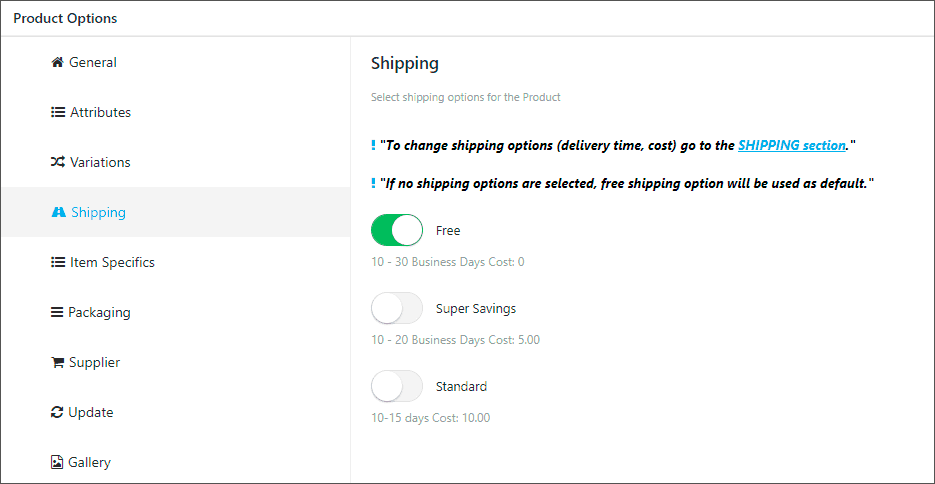
Product options -> Shipping:
This section is connected with global Shipping settings.
In my example I have shipping enabled per each item in the cart, so I’m able to select shipping options for each product individually.
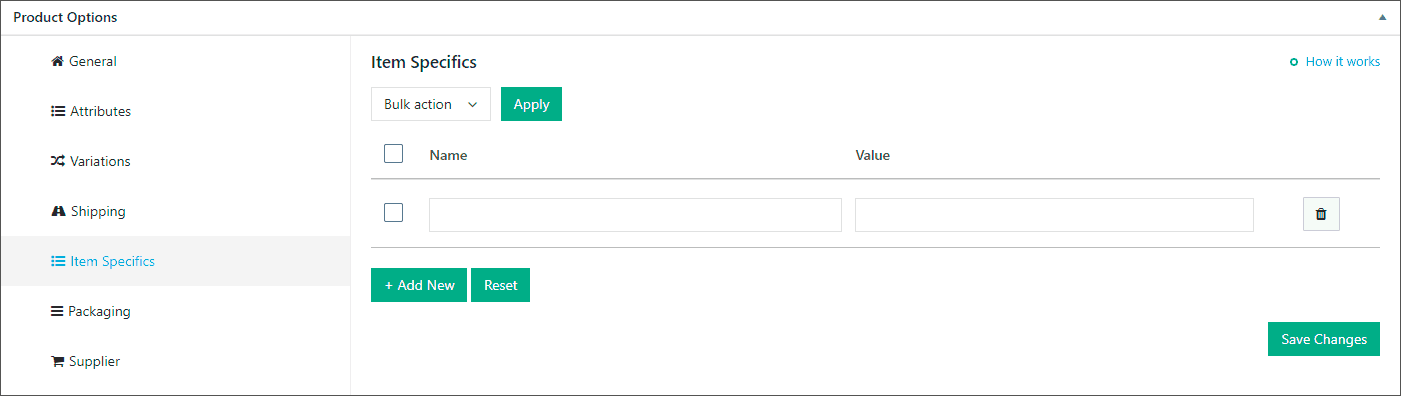
Product options -> Item Specifics; Packaging:
You can add some of them like AliExpress suppliers do, but also you can leave this section empty.

Sections ‘Supplier’, ‘Update’ and ‘Reviews ‘ could be remained untouched as long as your product is not connected to AliExpress.
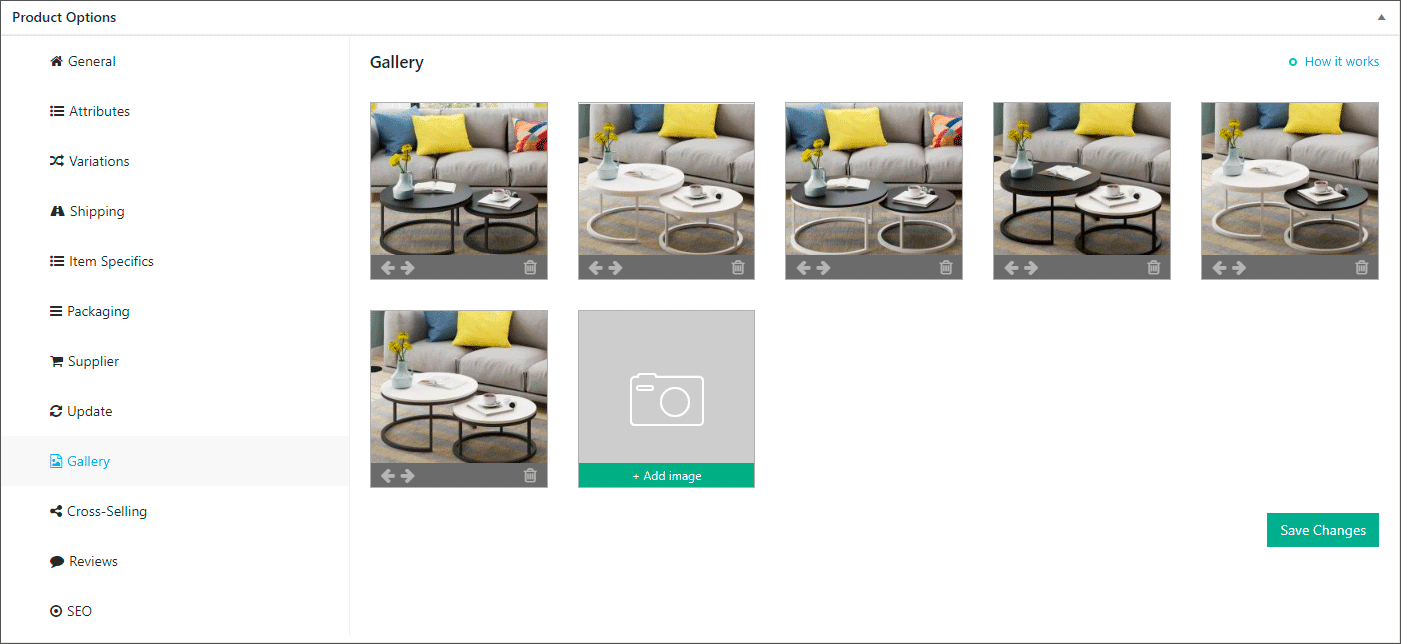
Product options -> Gallery:
Add images to your gallery.
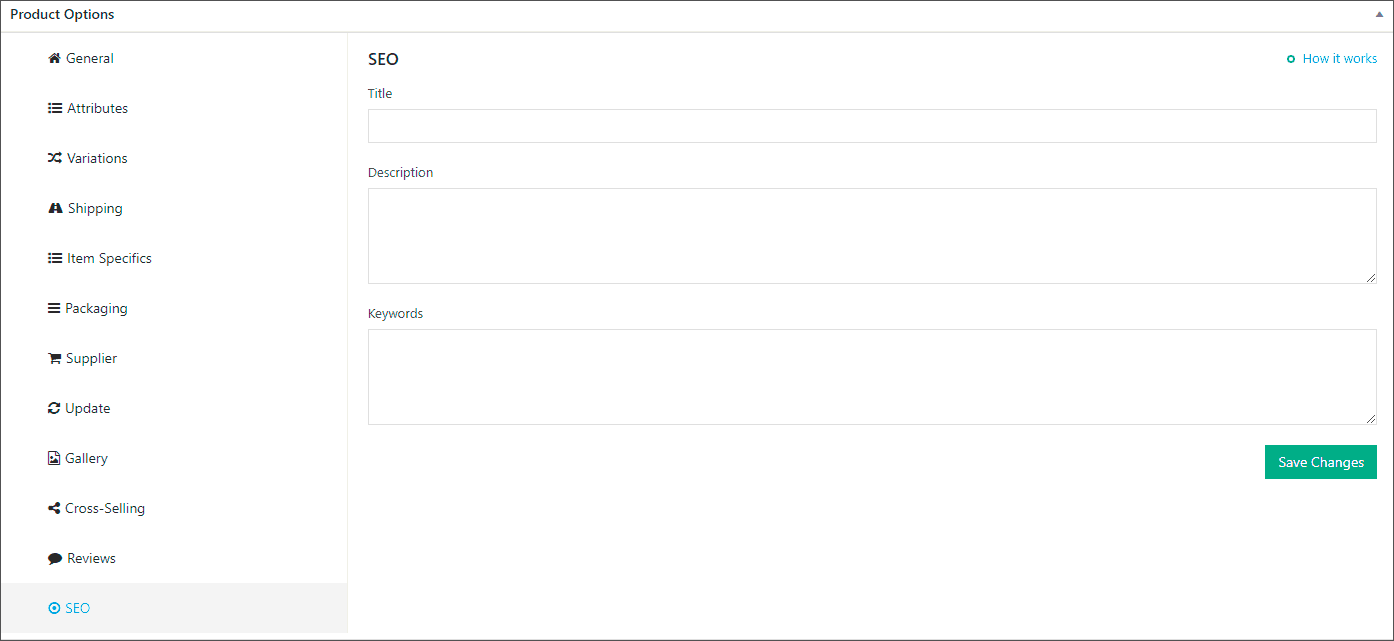
Product options -> SEO:
Add Title, Description and Keywords for your product.
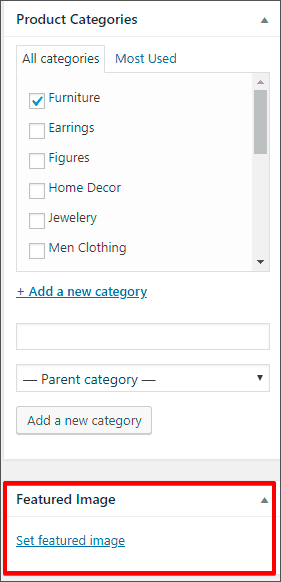
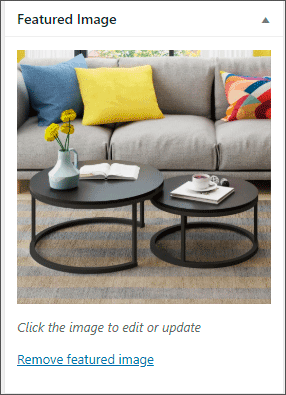
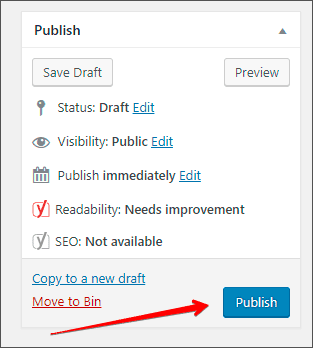
Finally, set featured image and Publish your product!
Related Articles
Adding blog
Adding a Blog You can use our built-in blogging platform to post engaging content on your website. Blog posts are great if you want to generate traffic to your site and build a community around your brand. To get started with blogging, please go to ...Import Products from AliExpress
NOTE! You need to check: If you are using the latest version of AliDropship: https://alidropship.com/updates-plugin. If your site's default currency, the default database currency, and the currency on AliExpress are the same! Step 1. Install ...Adding Social Media
Adding Social Media After you have created accounts in social media networks, you need to set up social buttons and widgets on your store. Go to > Customization > Social Media > Social Pages links Add your Facebook, Instagram, Twitter, Pinterest and ...Updating products
Updating products AliDropship plugin provides you with the possibility to keep your product details up-to-date. With the Update option, you can check the availability of items on AliExpress and update the product’s price, stock, and variations. NOTE! ...How To Place Products In Featured Products?
How To Place Products In Featured Products? To place 'Products' within the 'Featured Products' section, from the store dashboard go to: > Products > All Products From within this page click a 'Product' you'd like to place in the 'Featured Products' ...