How To Alter A Products Status?
To alter a 'Products Status', from the store dashboard go to:
> Products > All Products
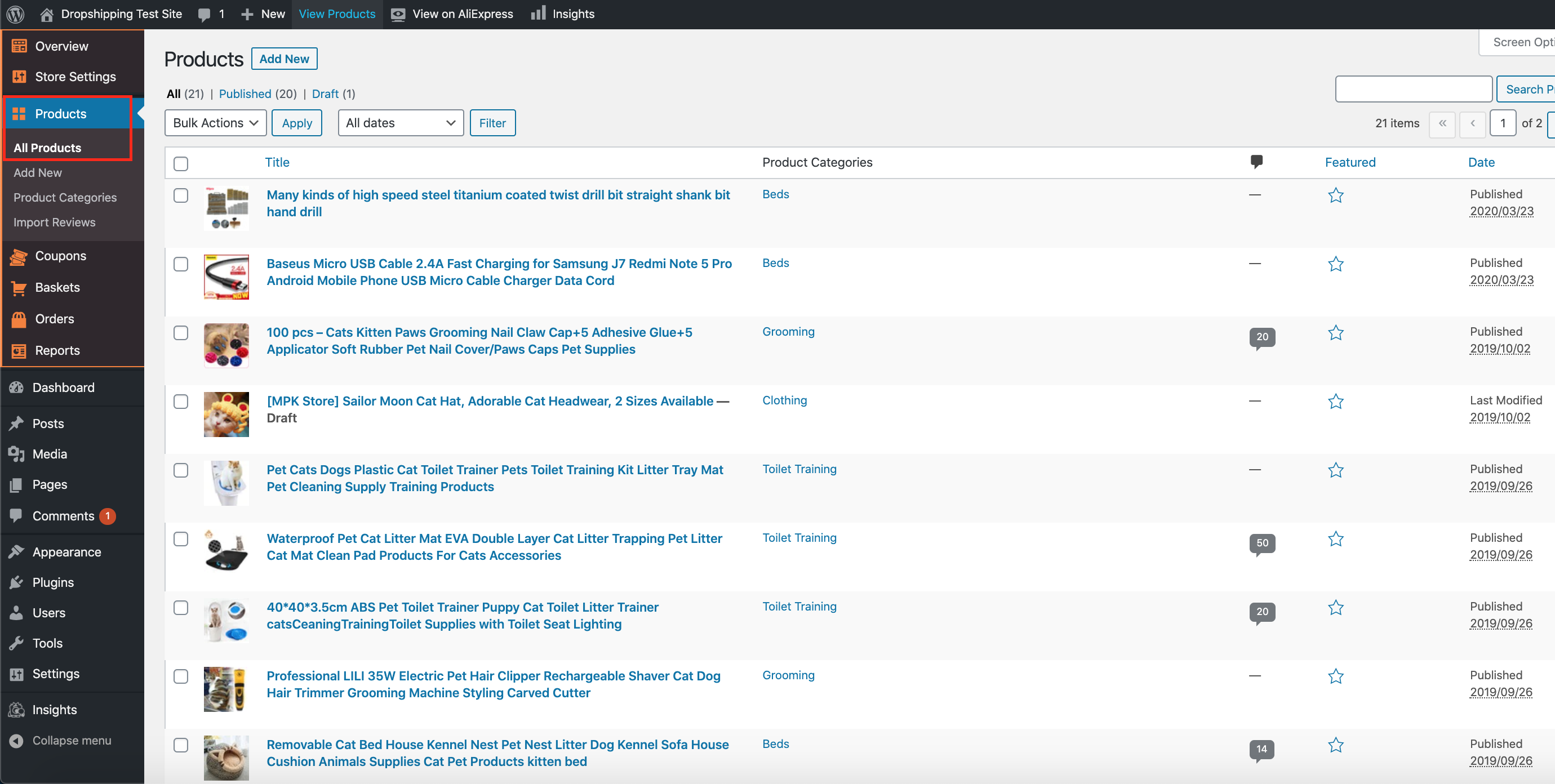
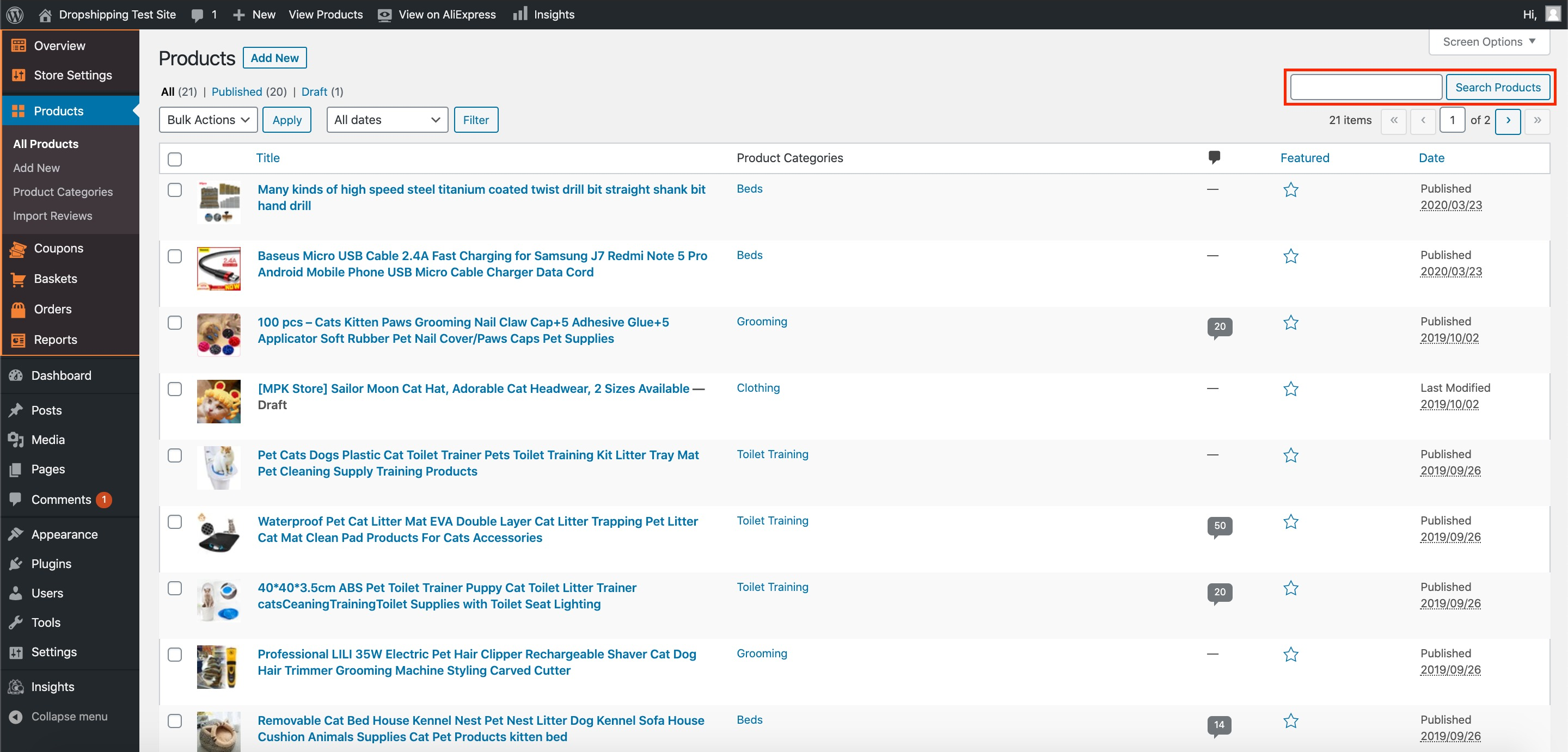
From within this page find the 'Product' that you'd like to alter the 'Status' of, either by scrolling through or searching for it via the search box in the top right:
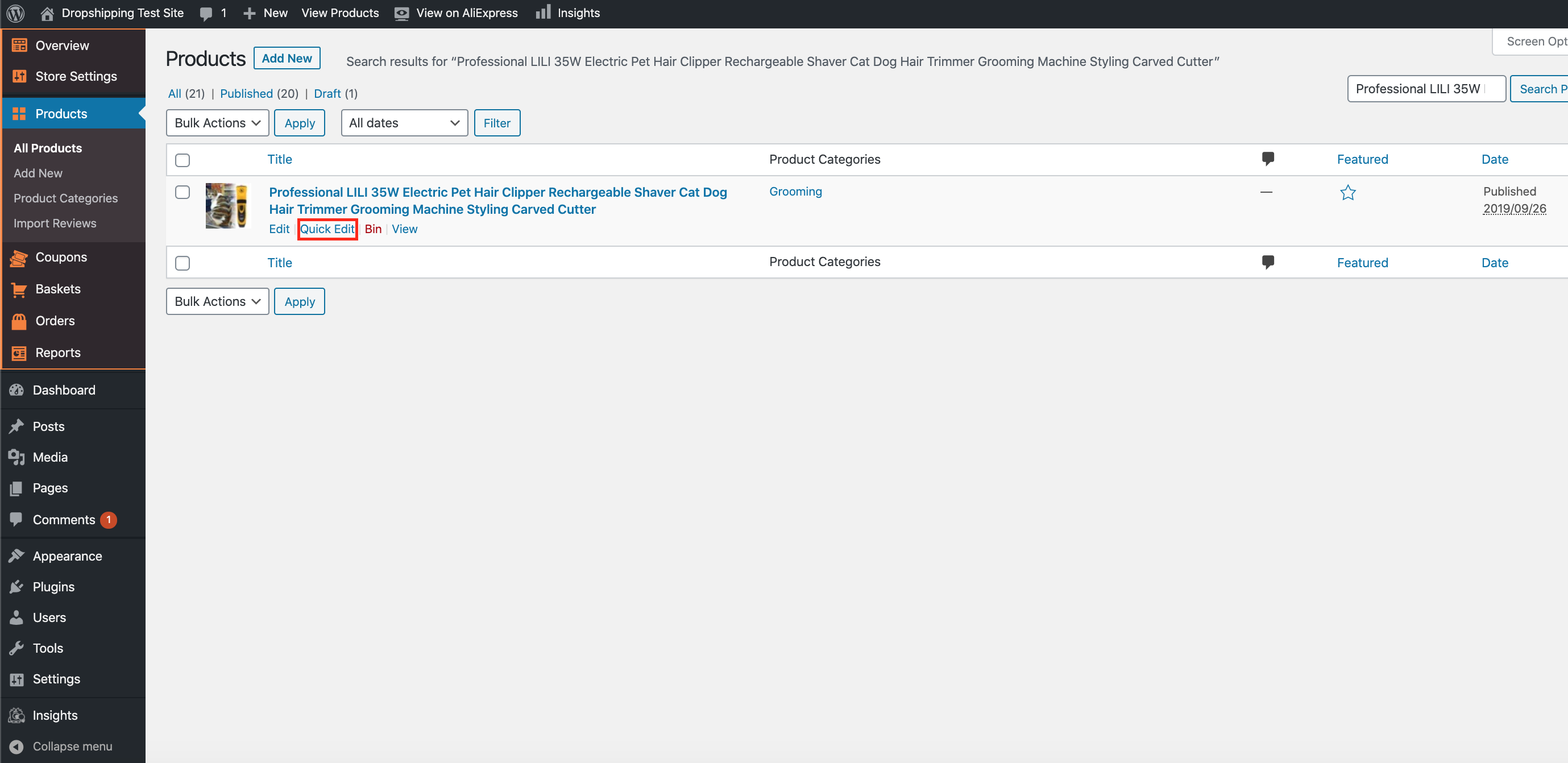
Once you've found the product, hover over it with your cursor and click 'Quick Edit':
Within this 'Quick Edit' menu, to the right hand side of the title 'Product Categories', you can open a dropdown menu labelled 'Status':
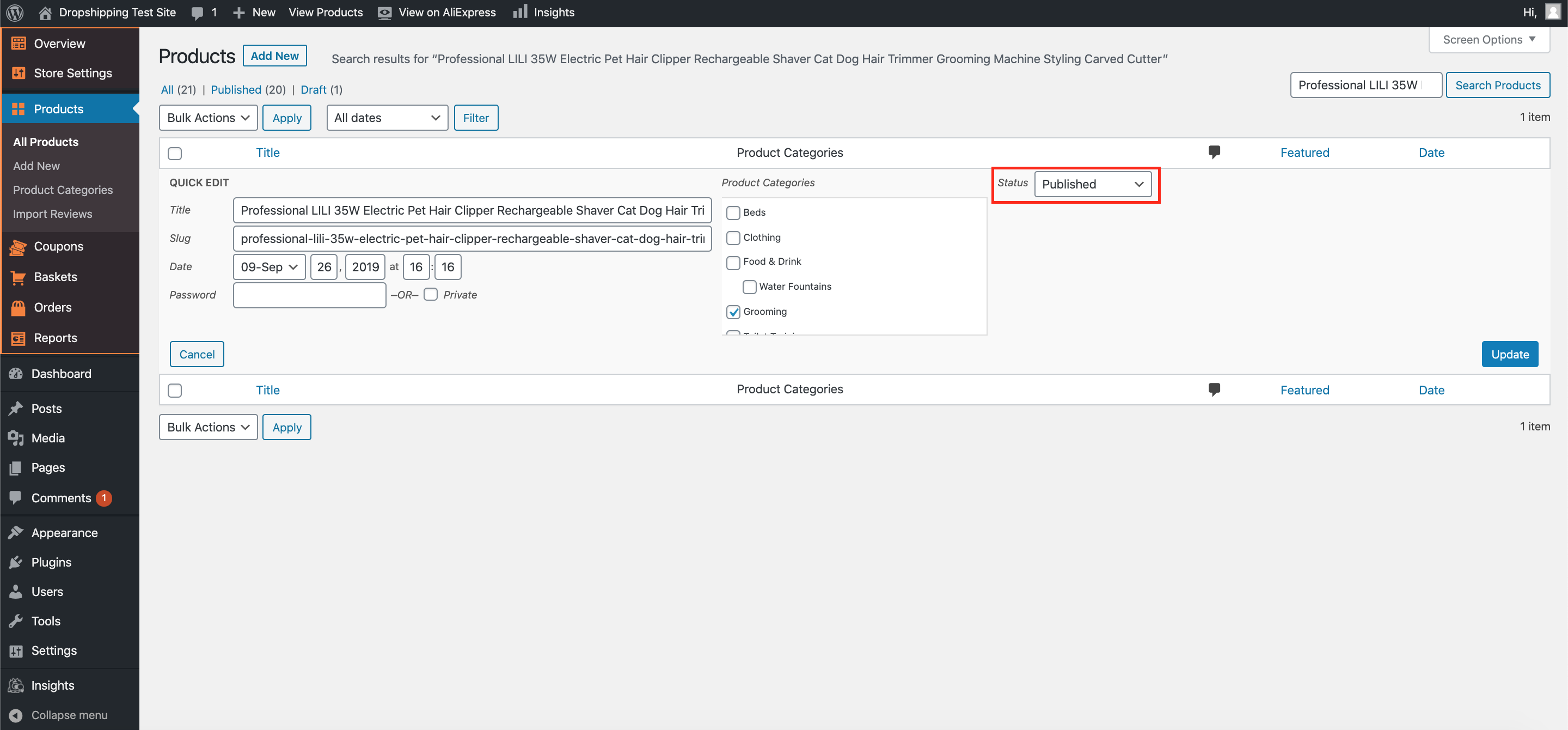
There are 3 options to choose from:-
1. Published - will publish the product to your store for all visitors to see
2. Pending Review - will remove the product from your store - *recommended so that you can later edit*
3. Draft - will remove the product from your store - *recommended if you wish to bring the item back at a later point*
(*Don't forget to click 'Update' after making alterations*)
Related Articles
How To Add Products From My Own Suppliers?
How To Add Products From My Own Suppliers? To 'Add New Products' to your store, from the store dashboard go to: > Products > Add New From within this page, the top text box allows you to add a 'Title' of the product and the large text box below ...How To Alter A Products Title & Description?
How To Alter A Products Title & Description? To alter a 'Products' title and/or description, from the store dashboard go to: > Products > All Products From within this page find the 'Product' that you'd like to alter the title and/or description of, ...Updating products
Updating products AliDropship plugin provides you with the possibility to keep your product details up-to-date. With the Update option, you can check the availability of items on AliExpress and update the product’s price, stock, and variations. NOTE! ...Editing Products (Full Guide)
Editing Products (Full Guide) To access the 'Product Details', from the store dashboard go to: > Products > All Products From within this page find the 'Product' you'd like to 'Edit' by either scrolling through or searching for it via the search box ...How to Update AliExpress Products
How to Update AliExpress Products Video Tutorial Overview The Update Products feature automatically synchronizes your store's inventory with AliExpress, ensuring accurate pricing, stock levels, and product availability. Products that are no longer ...