How To Add AliExpress Images To My Product?
How To Add AliExpress Images To My Product?
1. Download this Google Chrome Extension.
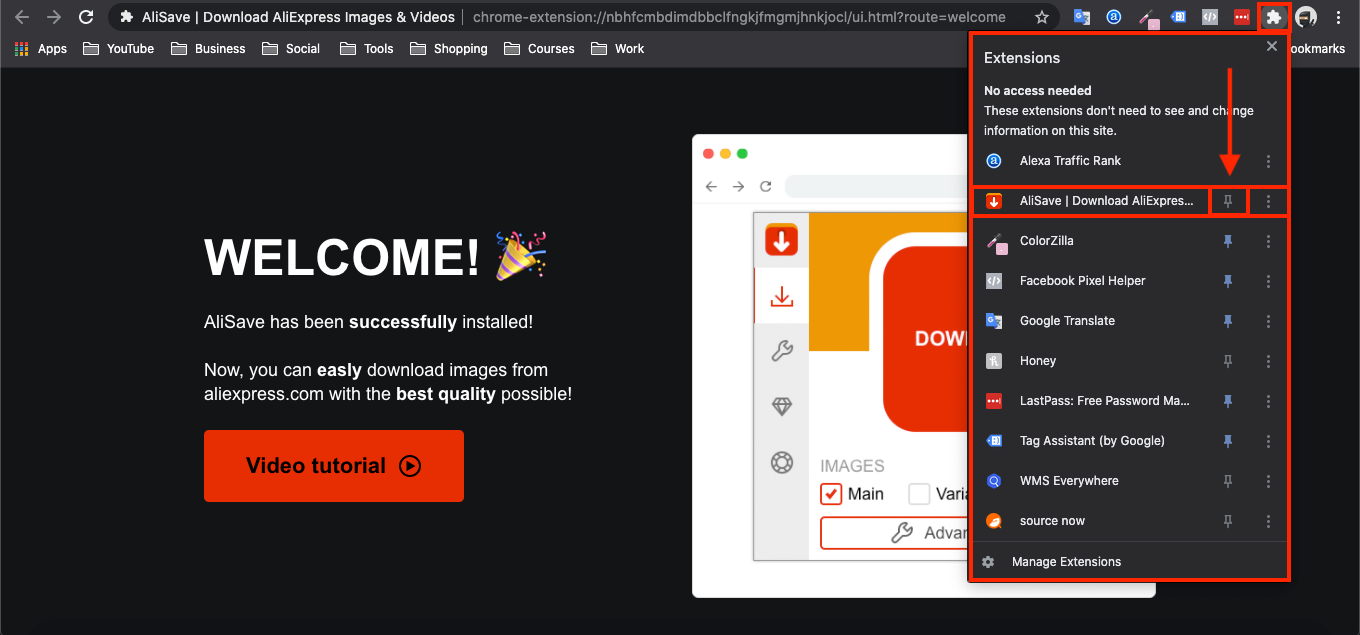
2. Click this small icon at the top of your Google Chrome Browser and pin the 'AliSave Chrome Extension' (make the pin turn blue):
3. Log into your store backend and go to:
> Products > All Products
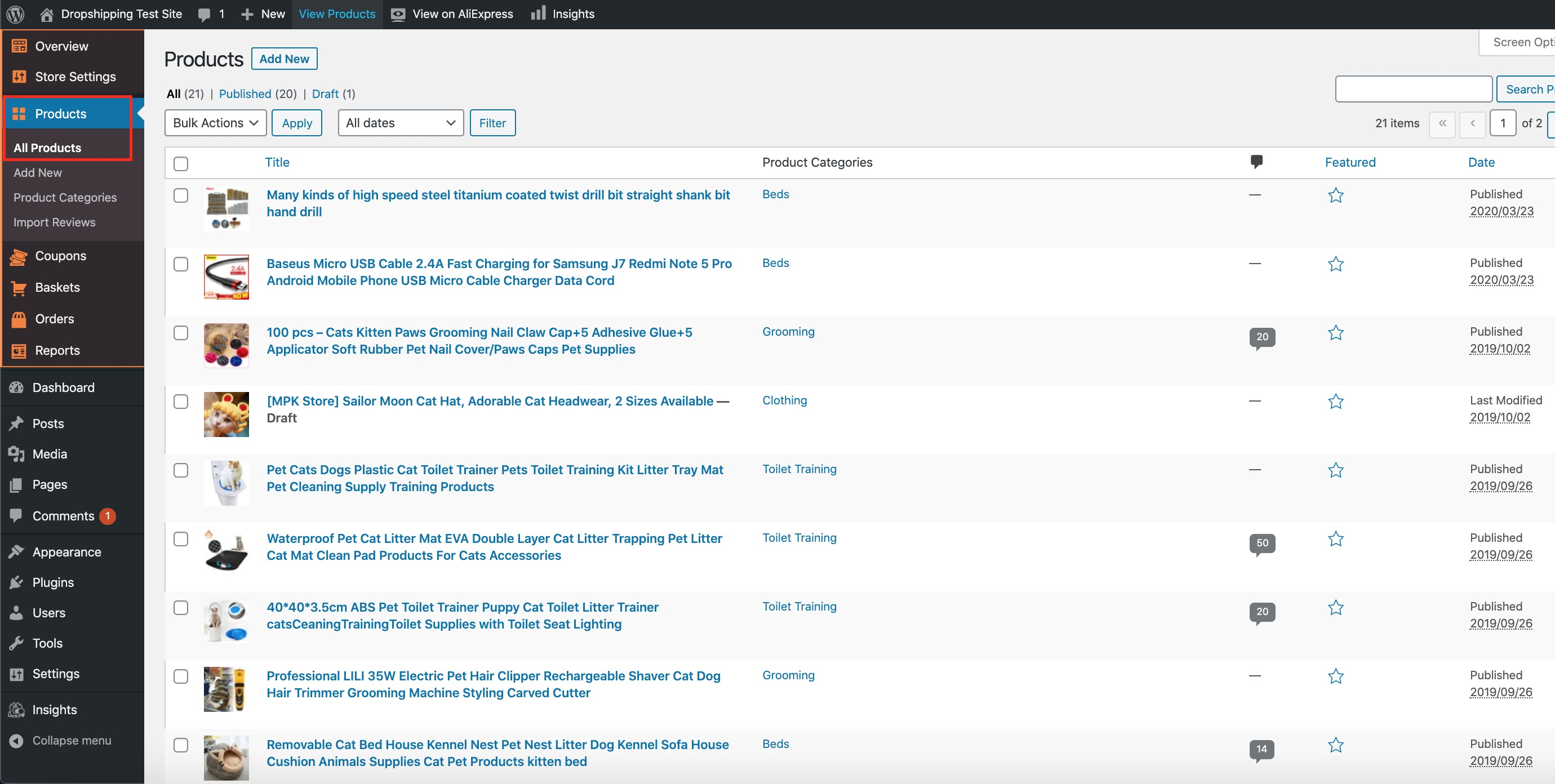
4. From within this page find the 'Product' that you'd like to add an image to by either scrolling through, or searching for it via the search box in the top right:
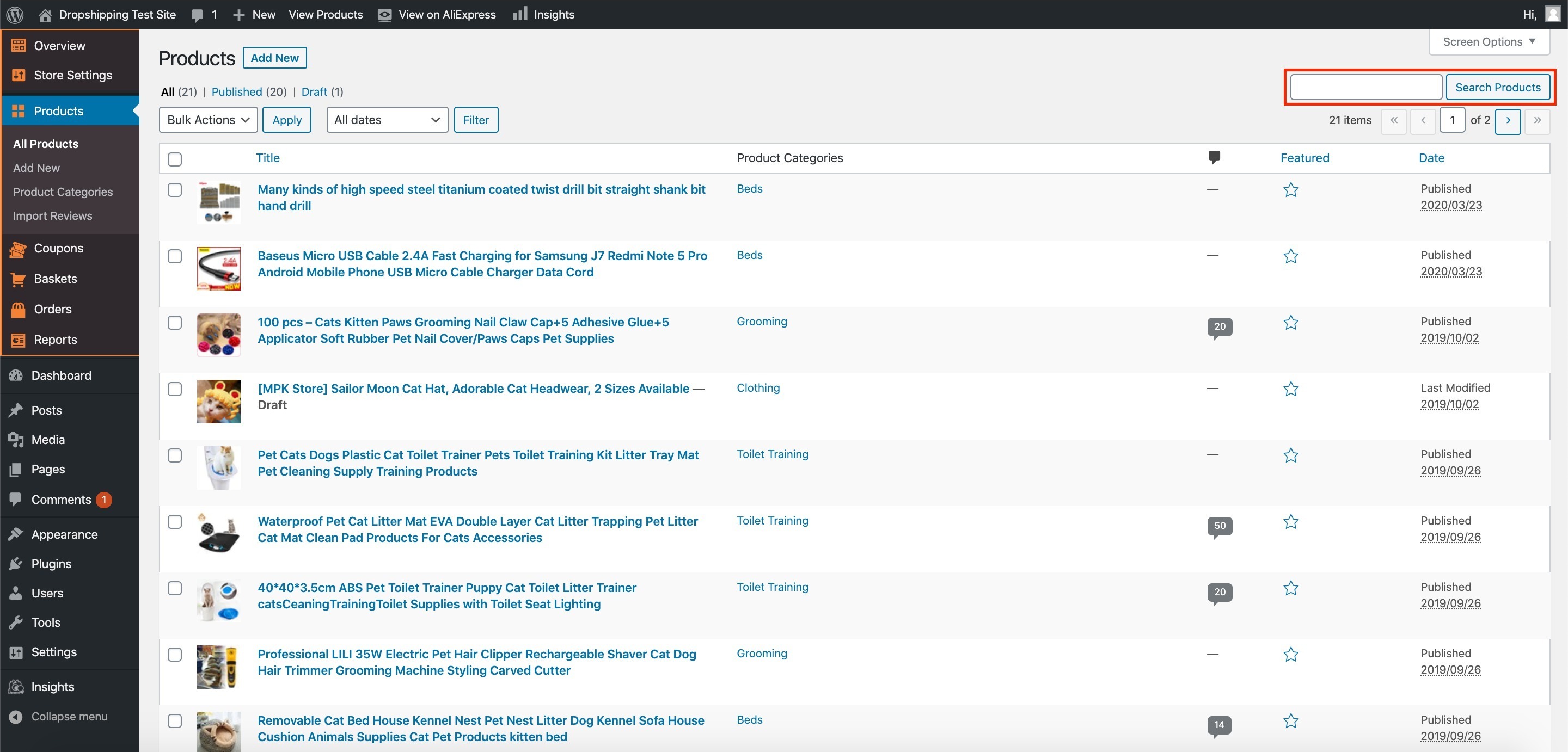
5. Once you've found the product, hover over it with your cursor and click 'Edit':
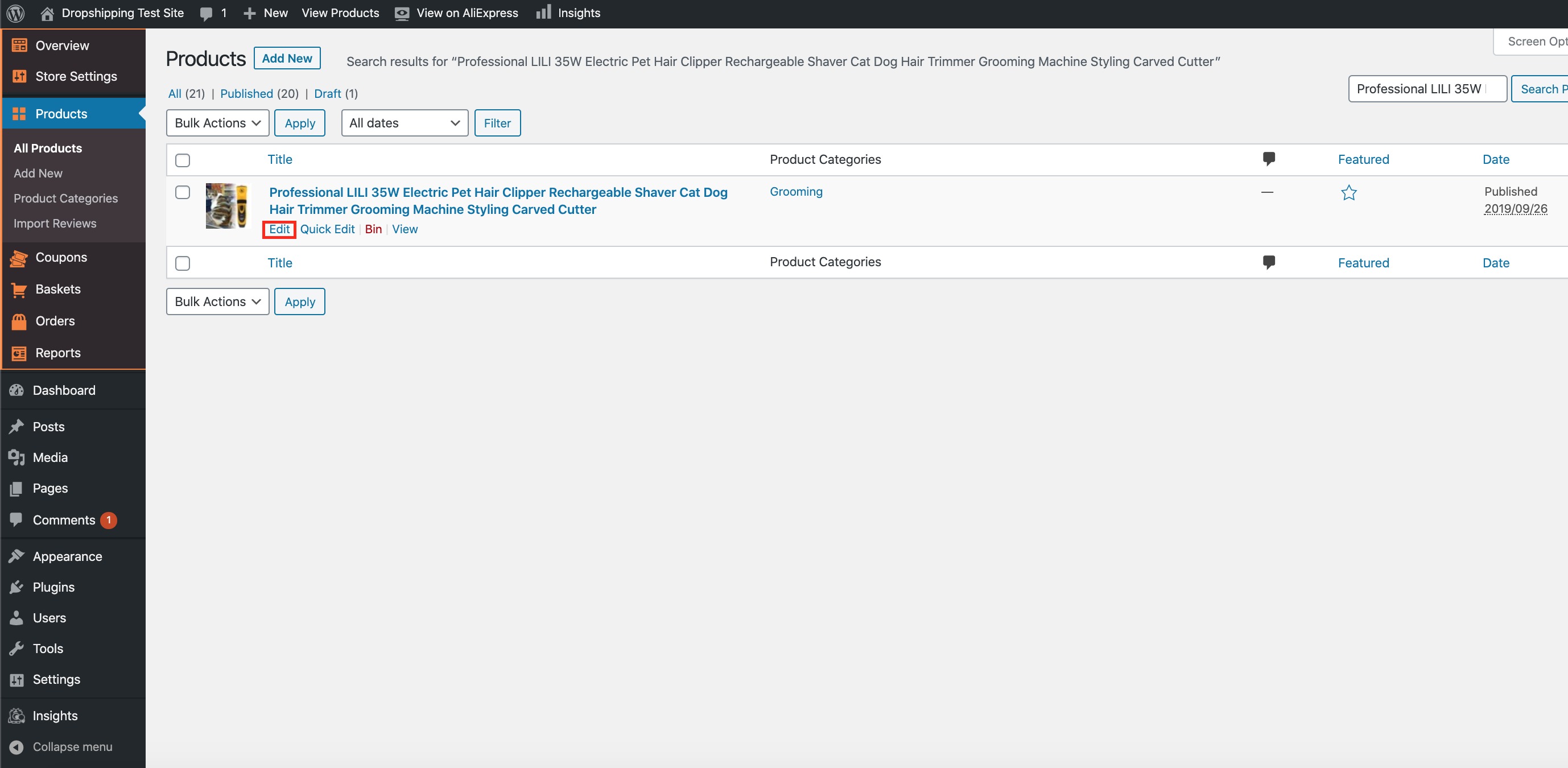
6. When the next page opens up, at the very top, click 'View on AliExpress':

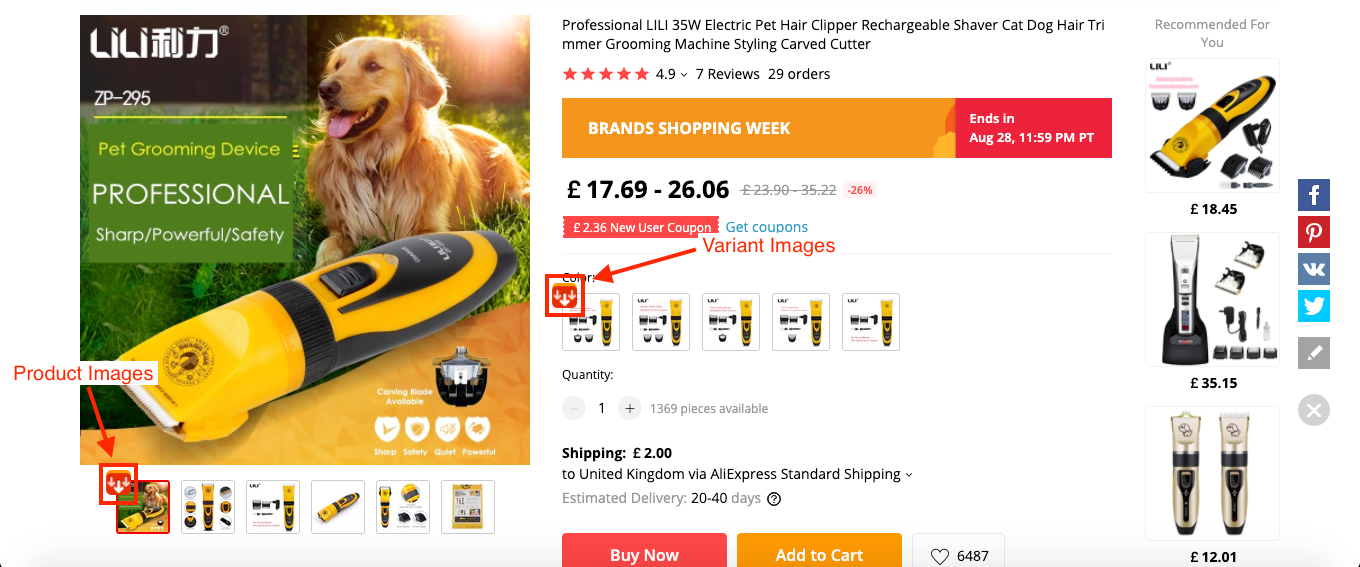
7. This will then take you to the AliExpress product page. When the product page loads, click either or both of these icons to download either or both of their product and/or variant images:
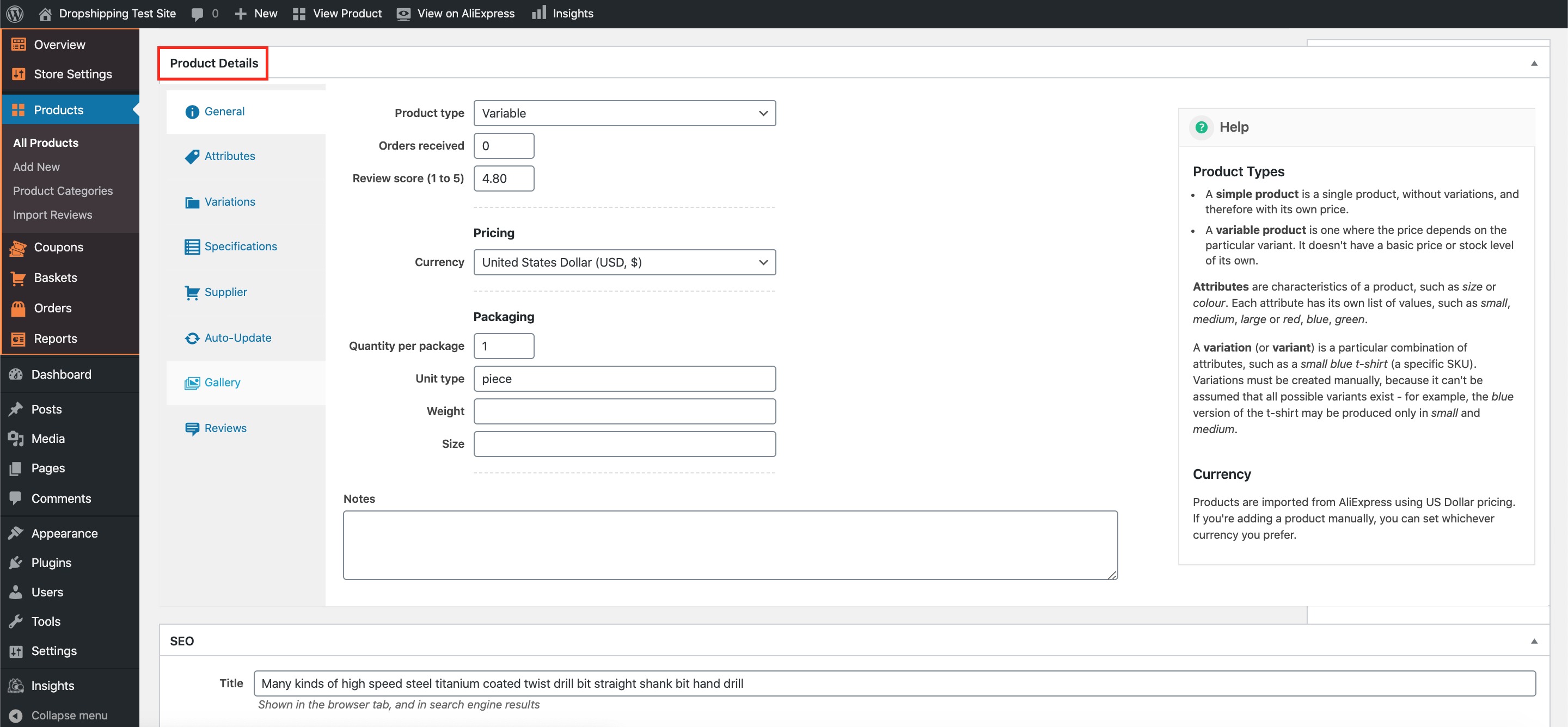
8. Once downloaded, head back to your product editing page on your store, and scroll right the way down to the heading 'Product Details':
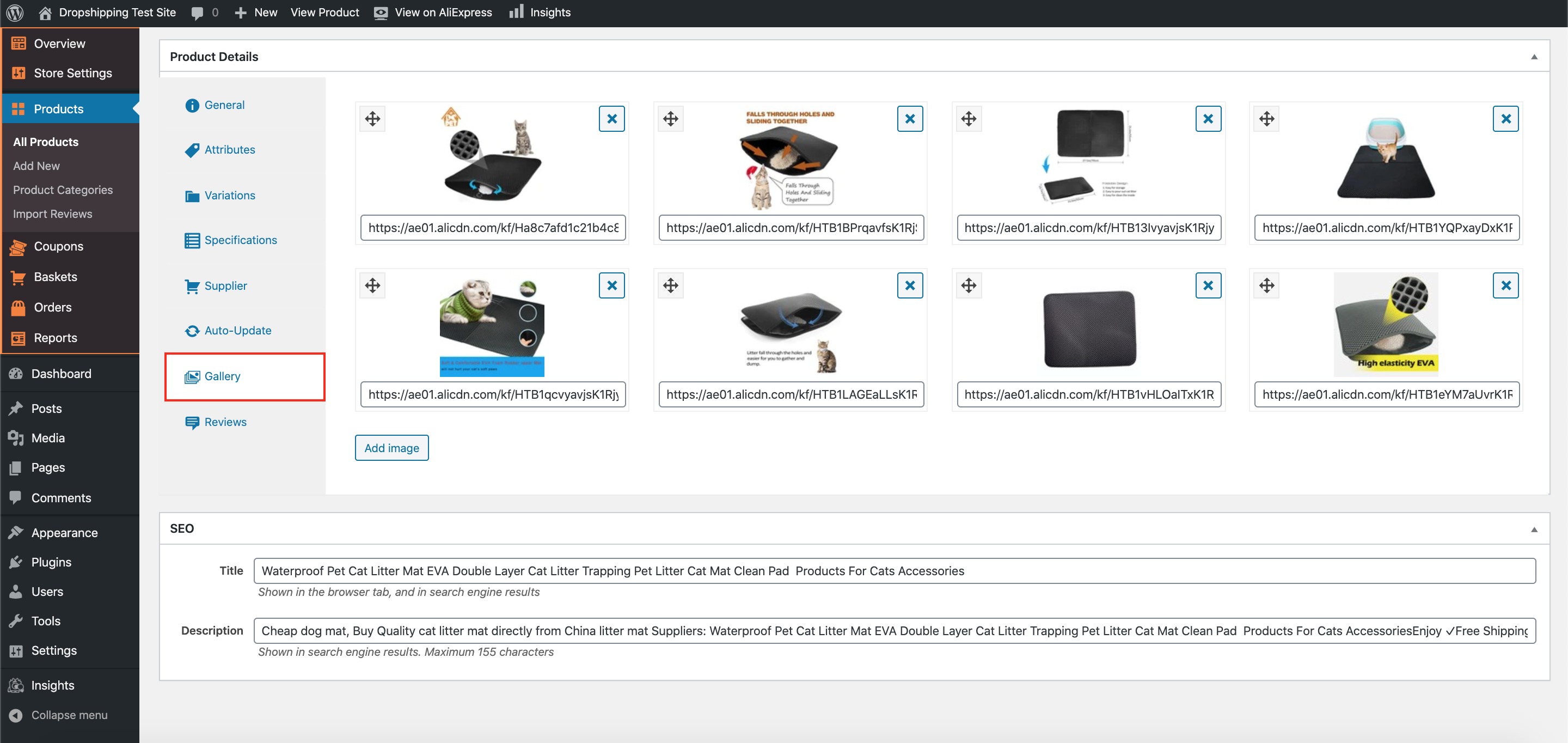
9. Click the second to last tab on the left hand side labelled 'Gallery':
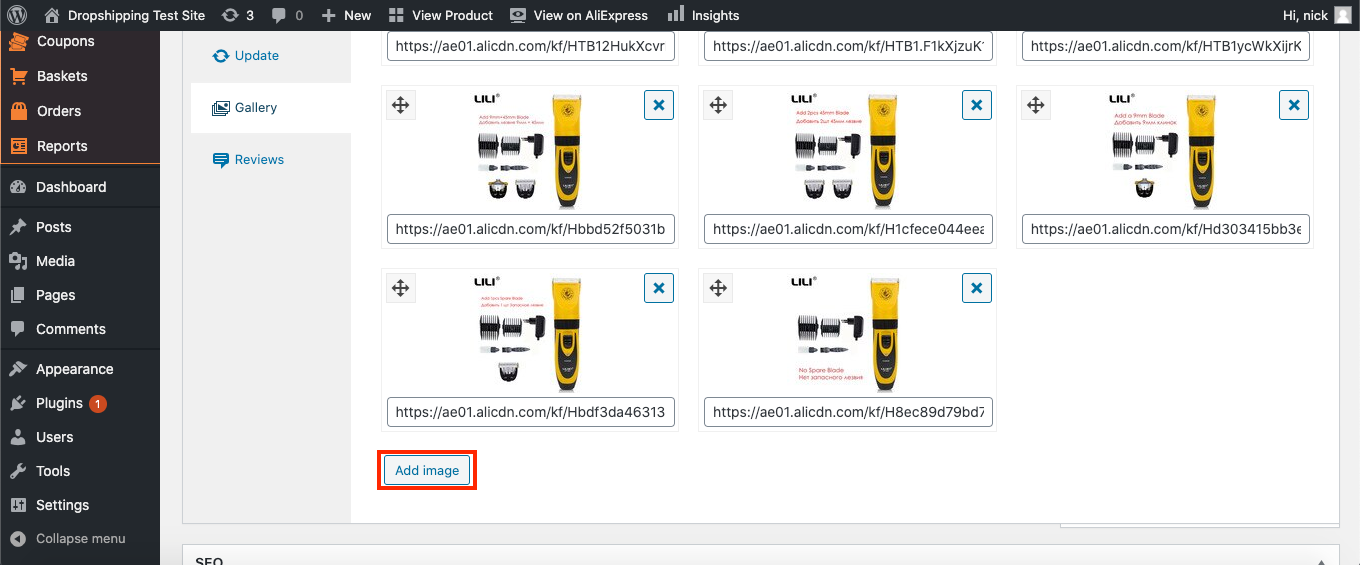
10. To add new images, click 'Add image' at the bottom:
11. Click inside the new image wrap where it says 'Click to select or upload an image, or enter the URL below':
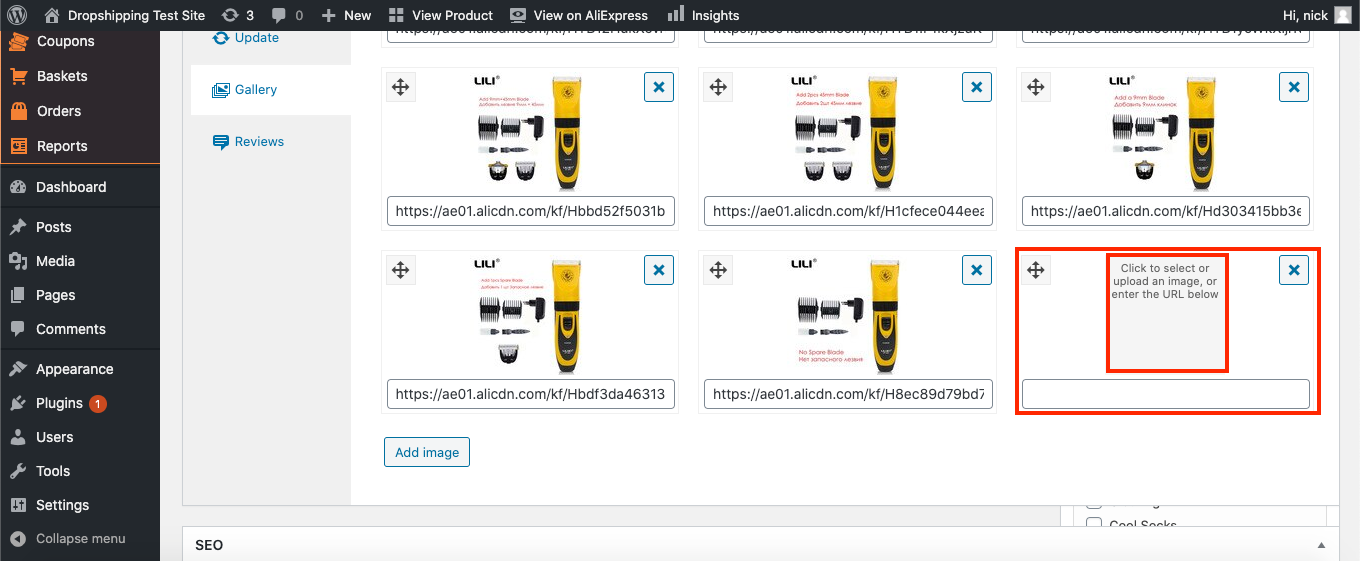
11. From there, you can either select an image from your 'Media Library' or you can 'Upload Files' (the ones you just downloaded from the AliExpress product page).
Tip: to alter the order of the images, hover your cursor over the icon in the top left of a photo, then drag and drop it into your desired position:
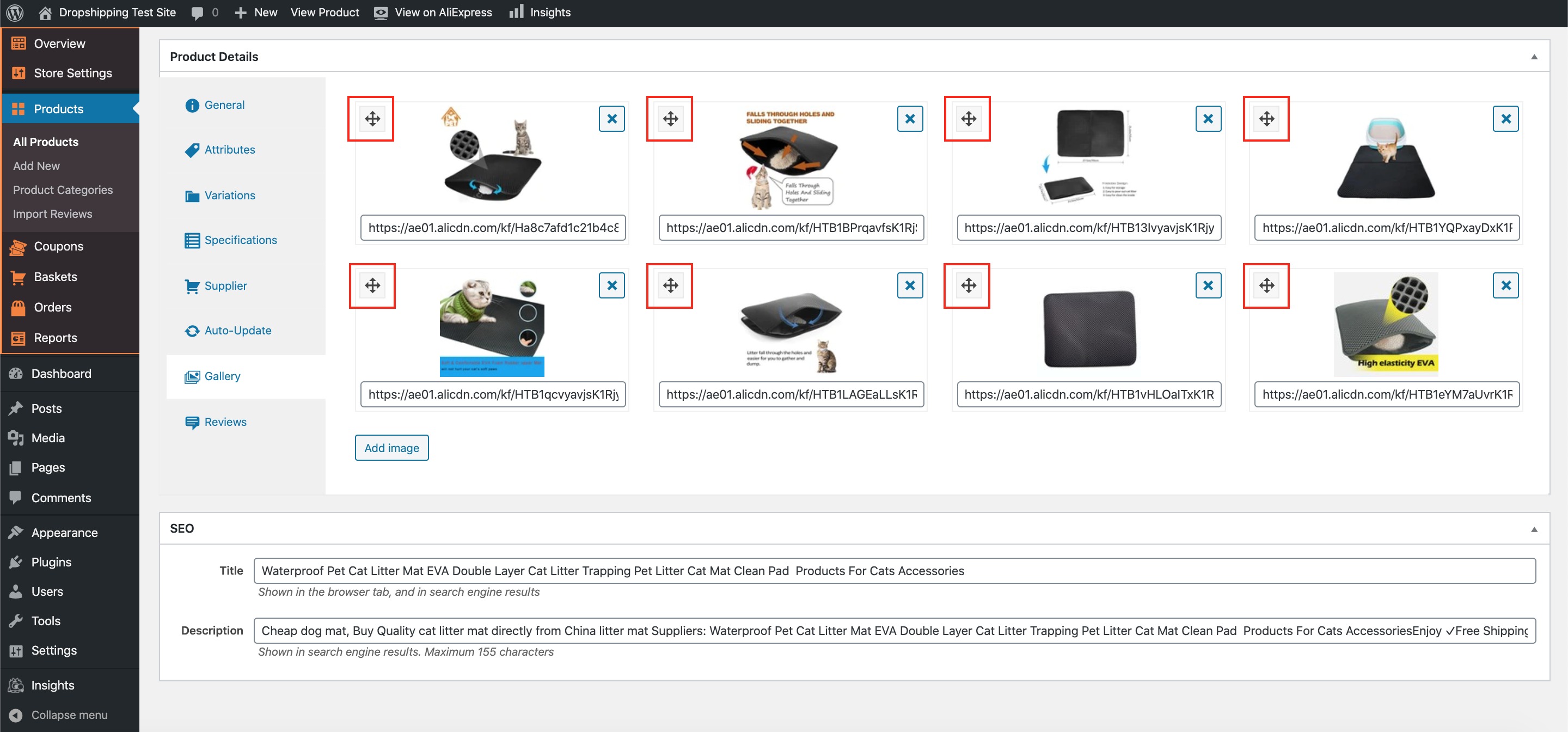
(*Don't forget to click 'Update' at the top of the page after making alterations*)
Related Articles
Import Products from AliExpress
NOTE! You need to check: If you are using the latest version of AliDropship: https://alidropship.com/updates-plugin. If your site's default currency, the default database currency, and the currency on AliExpress are the same! Step 1. Install ...Product Options
Product Options General In the General section you can check and customize general information about the product. Since the plugin imports products from AliExpress in US Dollar ($), it is set as the default currency. This currency may be changed to ...How To Add Products From My Own Suppliers?
How To Add Products From My Own Suppliers? To 'Add New Products' to your store, from the store dashboard go to: > Products > Add New From within this page, the top text box allows you to add a 'Title' of the product and the large text box below ...My Product Images Keep Disappearing?
My Product Images Keep Disappearing? If your product images continually disappear after Publishing or making changes to the product page, please follow the steps below: a) log into your store dashboard and go to: > Plugins > Installed Plugins b) Find ...How To Add A New Product Category?
How To Add A New Product Category? To 'Add a new Product Category', from the store dashboard go to: > Products > Product Categories From within this page on the left hand side you'll see the heading 'Add New Category'. Underneath this heading you can ...