How To Access Standard Scripts?
How To Access Standard Scripts?
To access the 'Standard Scripts', from the store dashboard go to:
> Store Settings > Cookies & Scripts > Standard Scripts
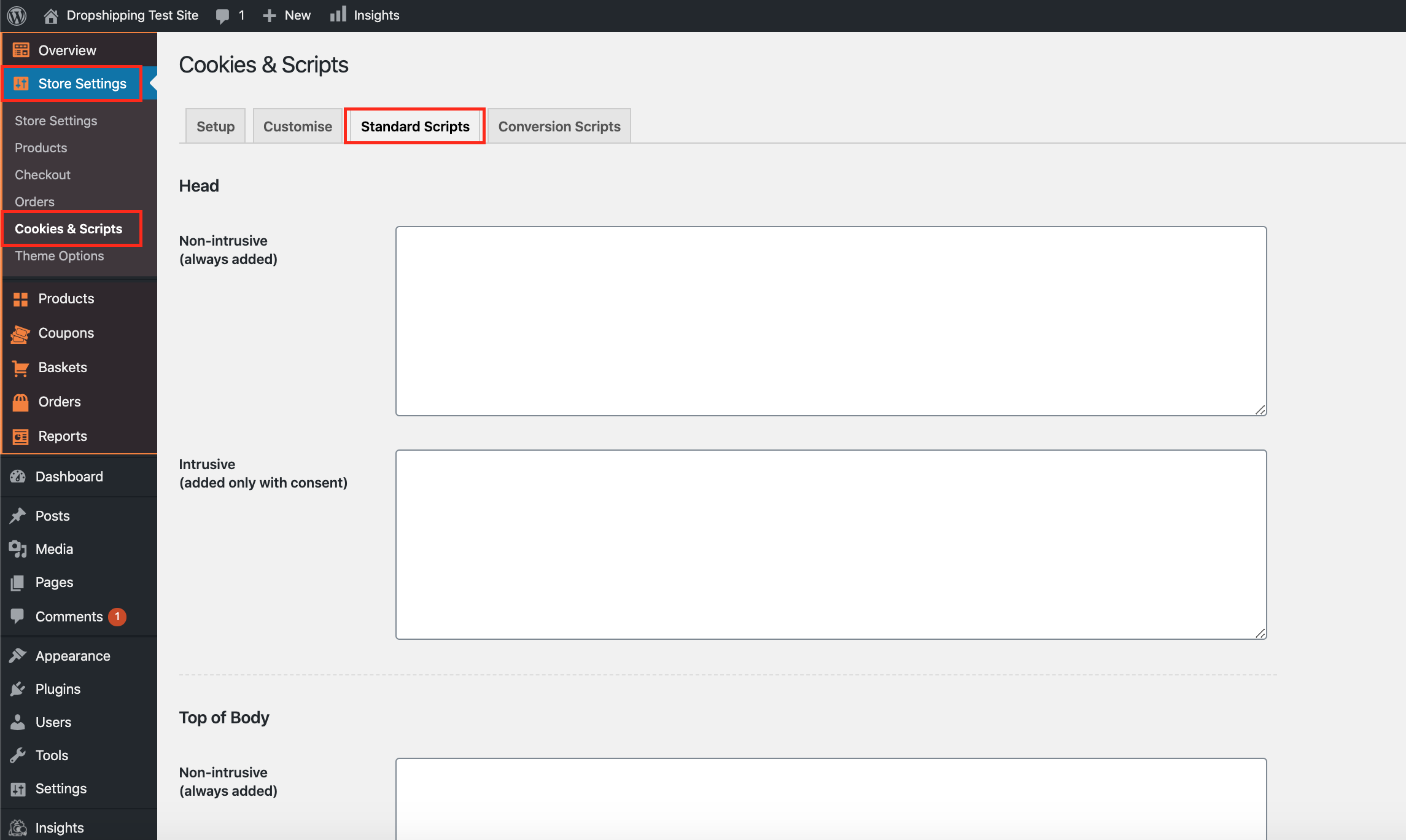
(*Don't forget to click 'Save Changes' after making alterations*)
Related Articles
How To Access Conversion Scripts?
How To Access Conversion Scripts? To access the 'Conversion Scripts', from the store dashboard go to: > Store Settings > Cookies & Scripts > Conversion Scripts (*Don't forget to click 'Save Changes' after making alterations*)Setting Up The Facebook Pixel
Setting Up The Facebook Pixel Step 1: Go to Pixel To access your Facebook pixel, go to facebook.business.com. From the home page, click the “Business Manager” tab. On the drop down menu, click “Pixels“. Step 2: Click “Create a Pixel” You will then be ...My IP Address Is Blocking My Access?
My IP Address Is Blocking My Access? The FREE VPN Chrome Extension can be installed via this link. Step 1: click the link above ^ Step 2: Click 'Add to Chrome' on the VPN Chrome Extension page Step 3: Click 'Add Extension' Step 4: Click the jigsaw ...How To Setup The Google Analytics Global Site Tag?
How To Setup The Google Analytics Global Site Tag? To setup the 'Google Analytics Global Site Tag', please follow the steps below. If you have not already done so, create a Google Analytics property for each website you want to collect data from. ...How To Upload Products To Google Merchant Center?
How To Upload Products To Google Merchant Center? To upload products to the 'Google Merchant Center', from the store dashboard, navigate to: > Products > Export Add the following fields to the 'Include in file' column (follow the exact same order): ...