Customising The Theme - General Settings
Customising The Theme - General Settings
To customise the themes 'General' settings, from the store dashboard go to:
> Store Settings > Theme Options > General
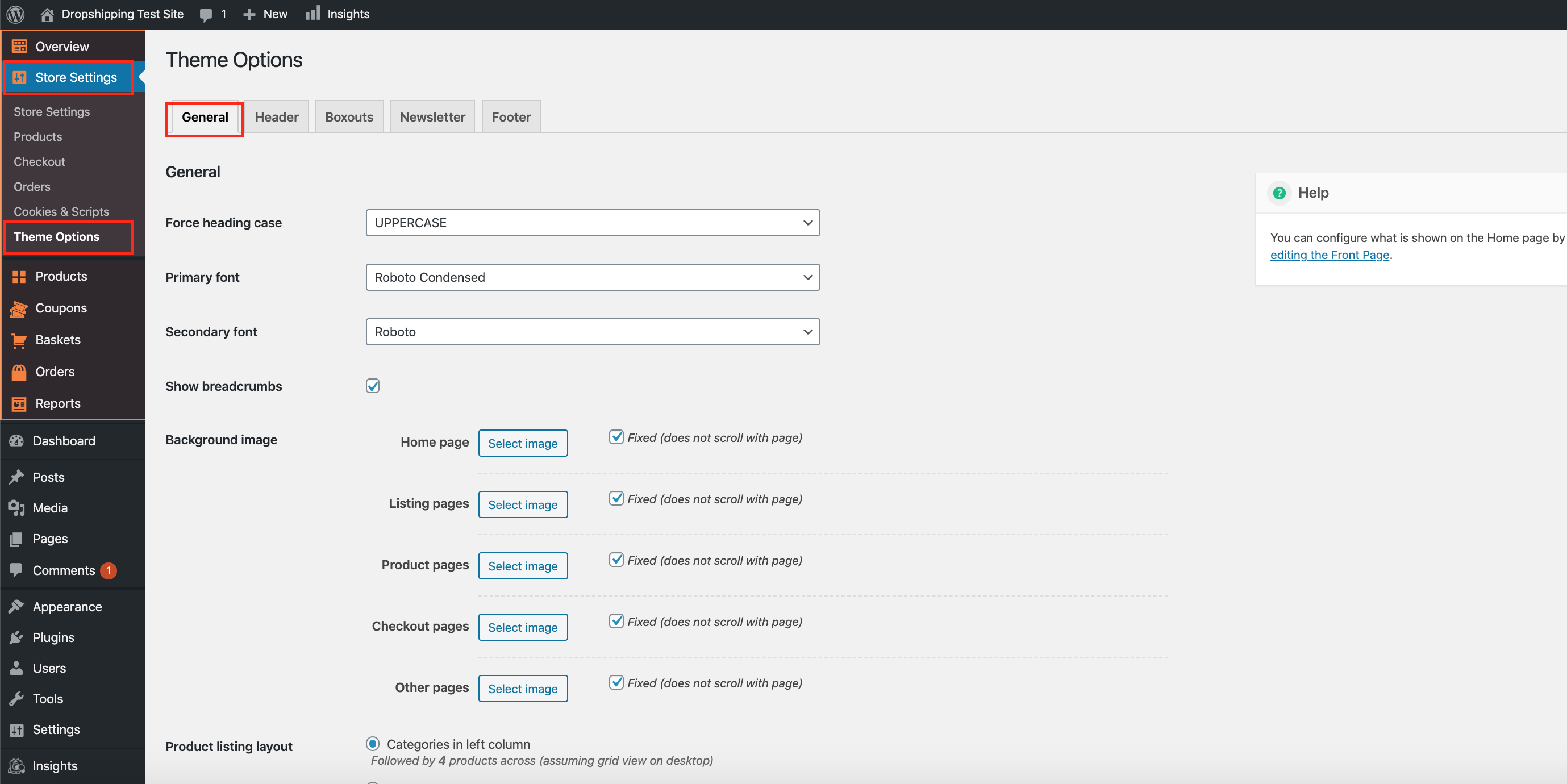
From within this page there are many different way to customise your theme:-
'Force heading case' - allows you to alter your heading capitalisation:
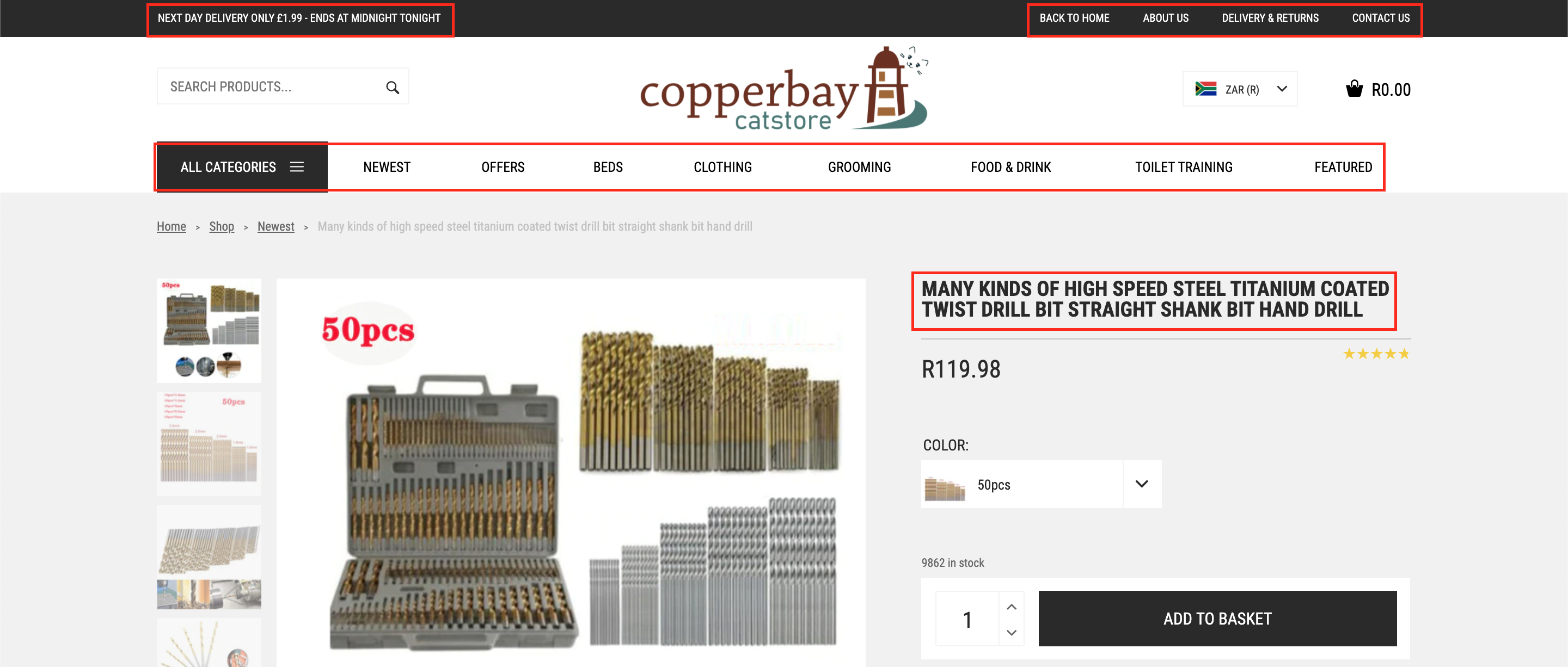
'Primary Font' - alter the primary font text to your liking:
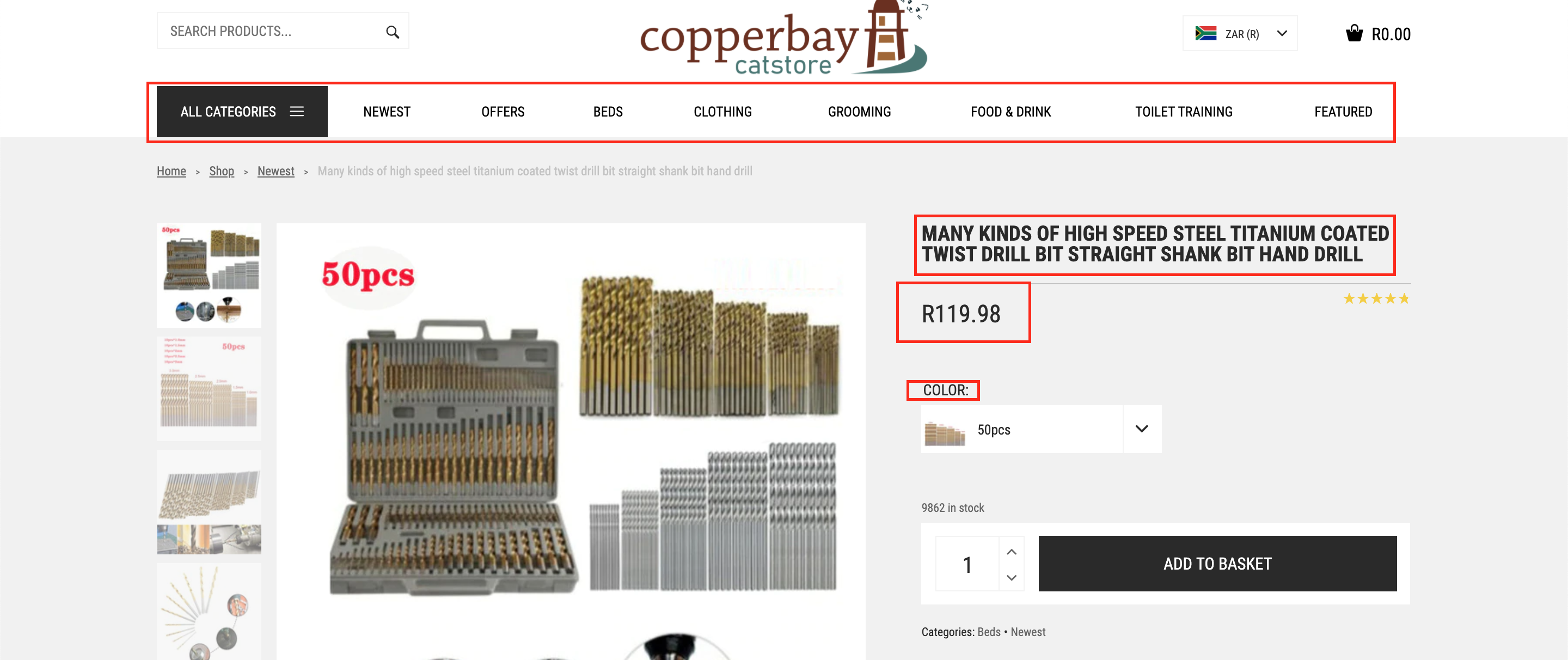
'Secondary Font' - alter the secondary font text to your liking:
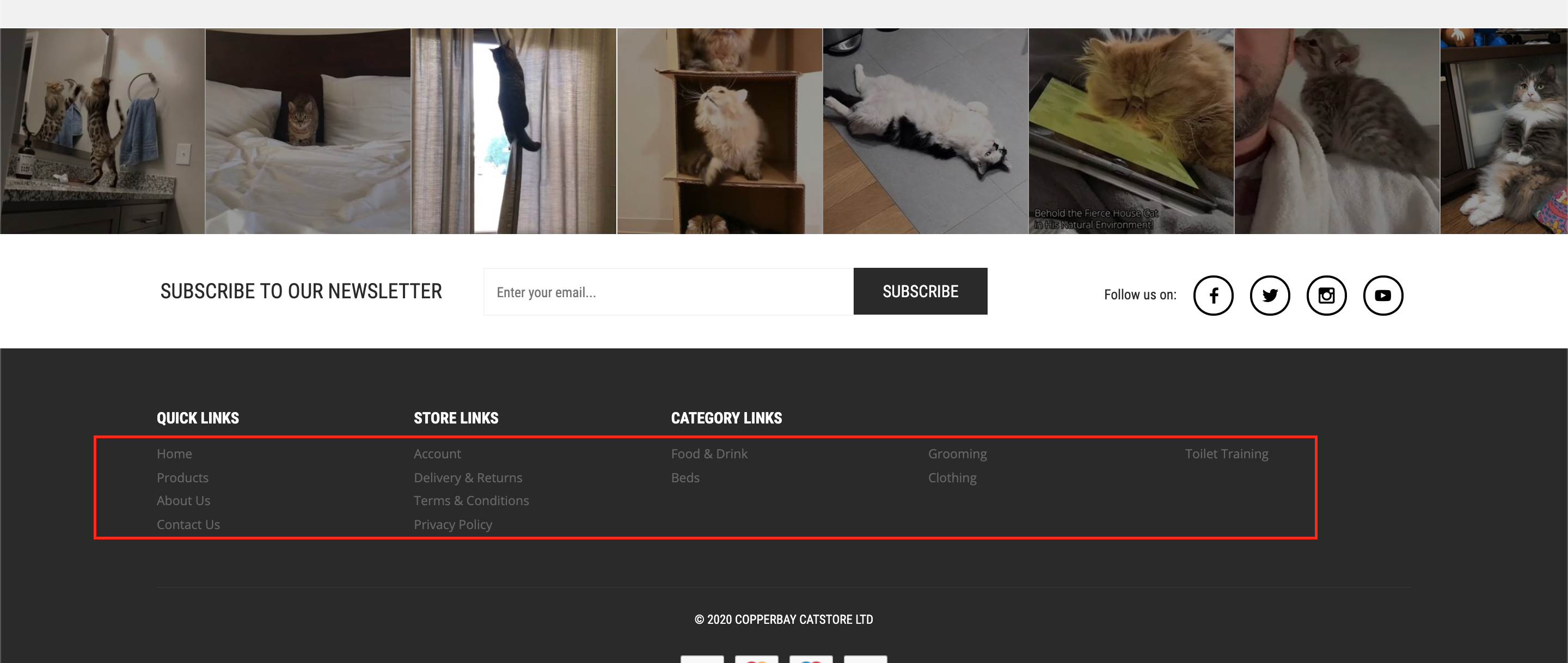
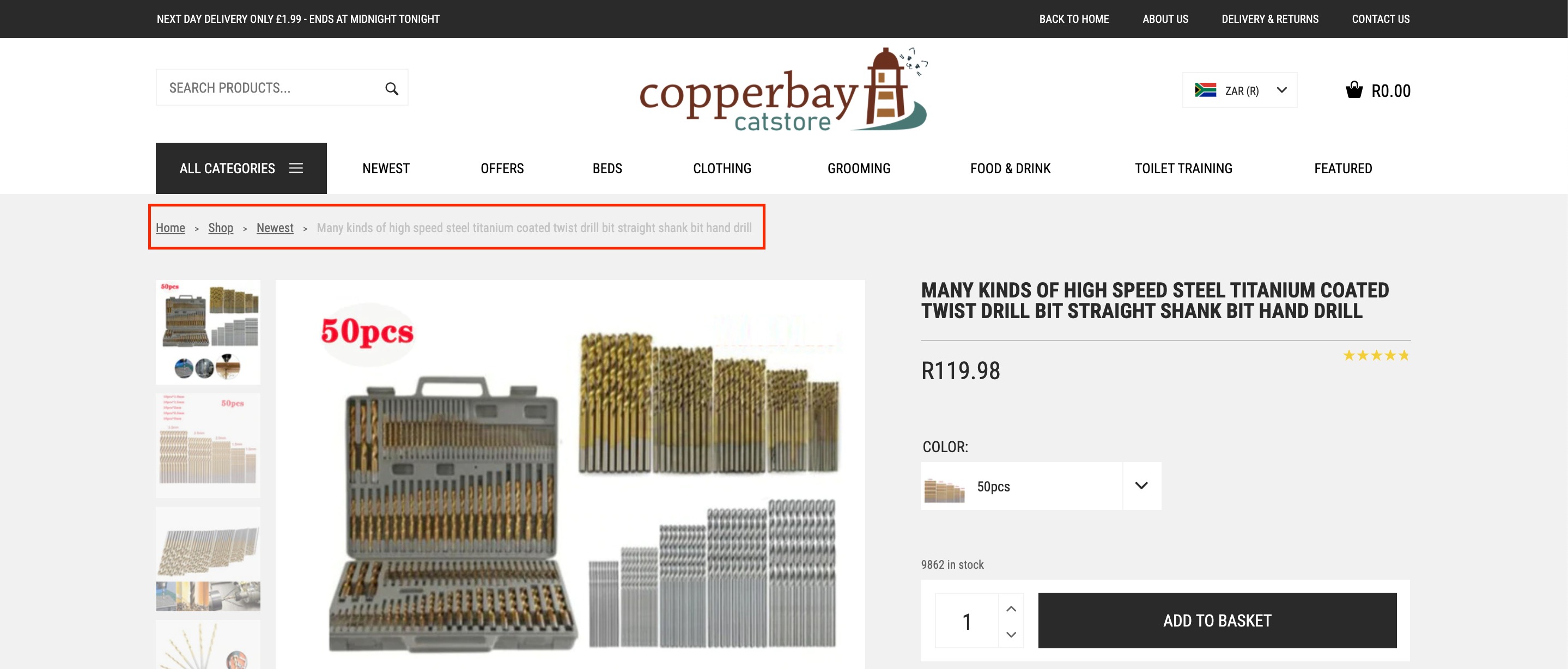
'Show Breadcrumbs' - shows the path taken to reach a specific page:
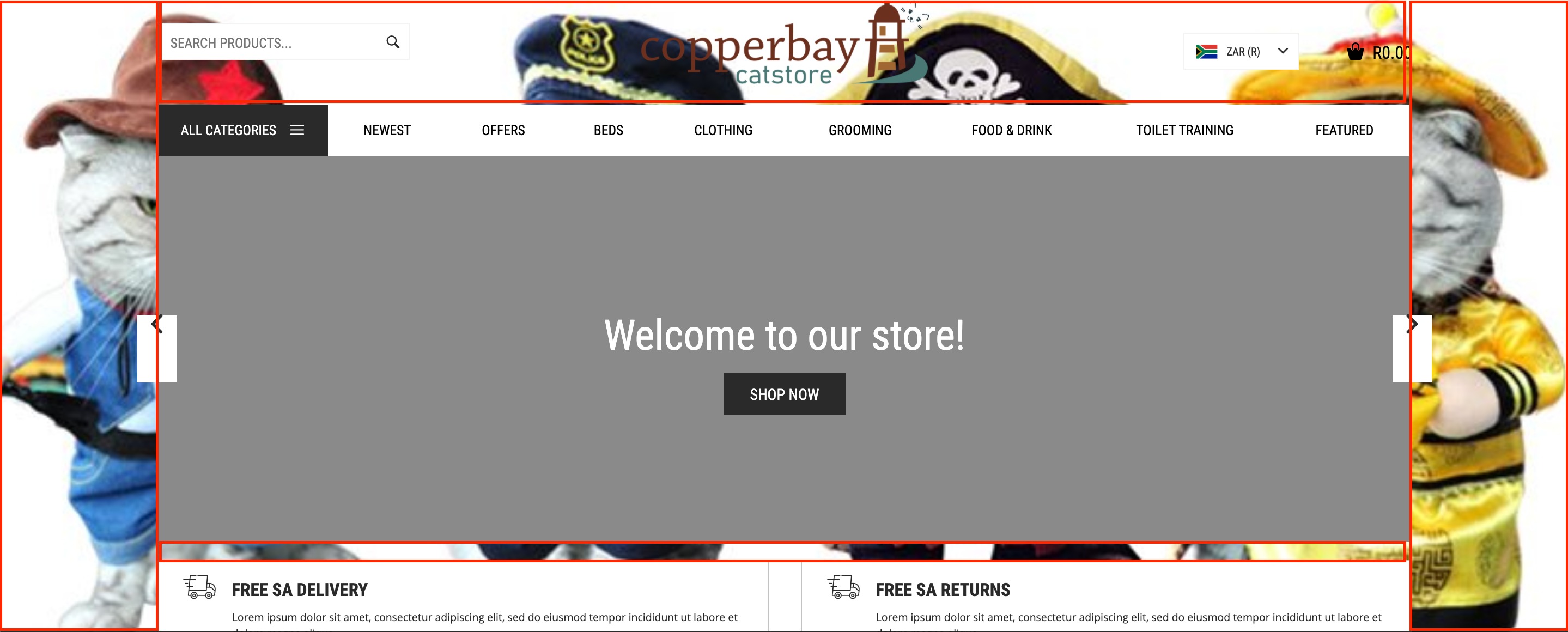
'Background image' - adds an image behind the page you decide to upload an image to:
'Product listing layout' - alter where the product categories are shown:

(*Don't forget to click 'Save Changes' after making alterations*)
Related Articles
Customising The Theme - Boxouts Settings
Customising The Theme - Boxouts Settings To customise the themes 'Boxout' settings, from the store dashboard go to: > Store Settings > Theme Options > Boxouts From within this page there are 2 features you can customise, these are:- 'Delivery' and ...Customising The Theme - Header Settings
Customising The Theme - Header Settings To customise the themes 'Header' settings, from the store dashboard go to: > Store Settings > Theme Options > Header From within this page there are 3 features you can customise, these are:- 'Top flash: text' - ...Customising The Theme - Footer Settings
Customising The Theme - Footer Settings To customise the themes 'Footer' settings, from the store dashboard go to: > Store Settings > Theme Options > Newsletter From within this page the top tick box labelled 'Show menus on mobile' will either enable ...Customising The Theme - Newsletter Settings
Customizing The Theme - Newsletter Settings To customize the themes 'Newsletter' settings, from the store dashboard go to: > Store Settings > Theme Options > Newsletter From within this page the top tick box labelled 'Show signup form' will either ...Customising The Theme - Front Page Settings
Customizing The Theme - Front Page Settings To customize the themes 'Front Page' settings, from the store dashboard go to: > Store Settings > Theme Options > Front Page From within this page there are many different way to customise your theme:- ...