Where To Find All, Published, Draft, Pending & Bin Products?
Where To Find All, Published, Draft, Pending & Bin Products?
To locate 'All', 'Published', 'Draft', 'Pending' & 'Bin' products, from the store dashboard go to:
> Products > All Products
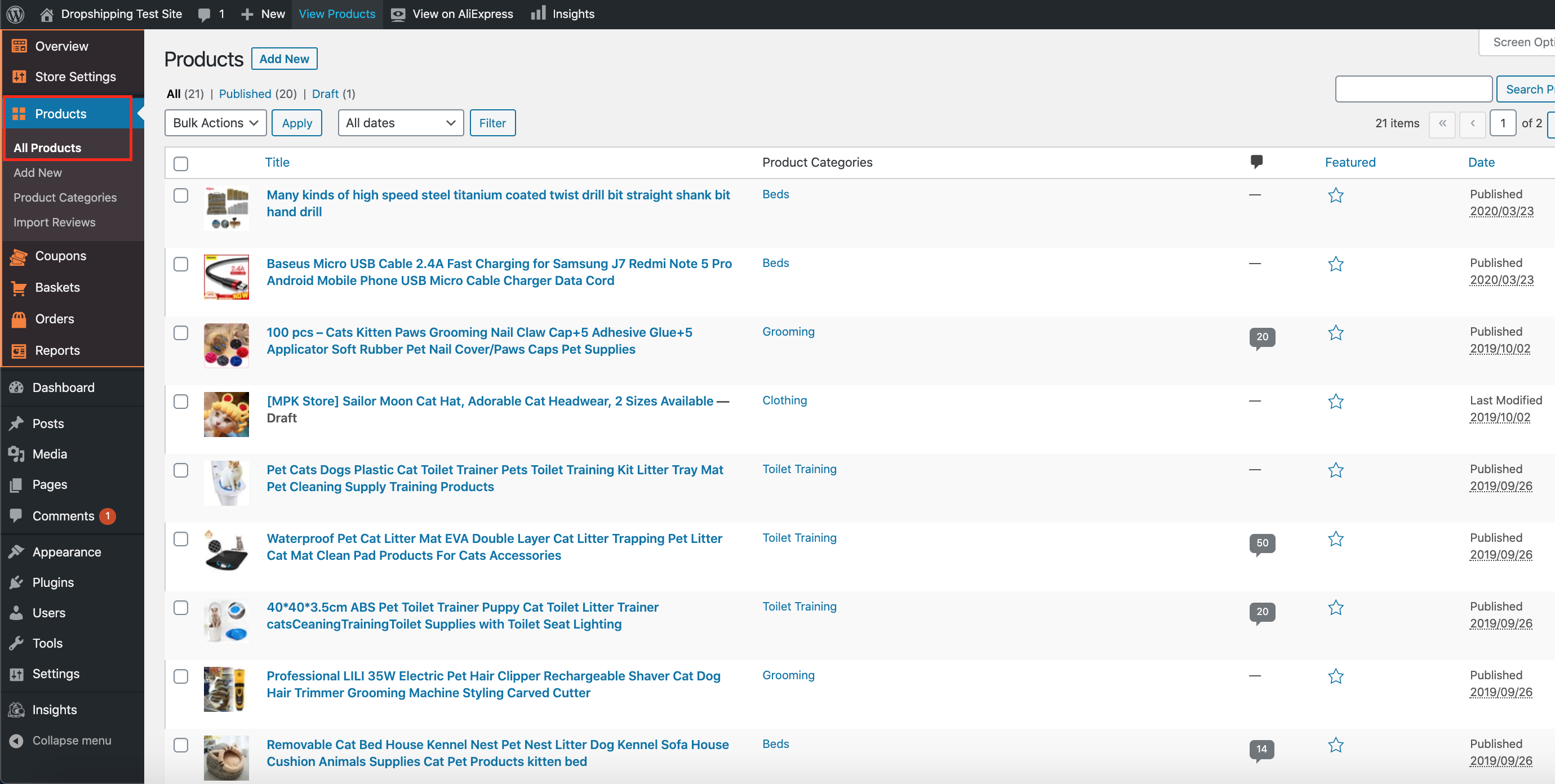
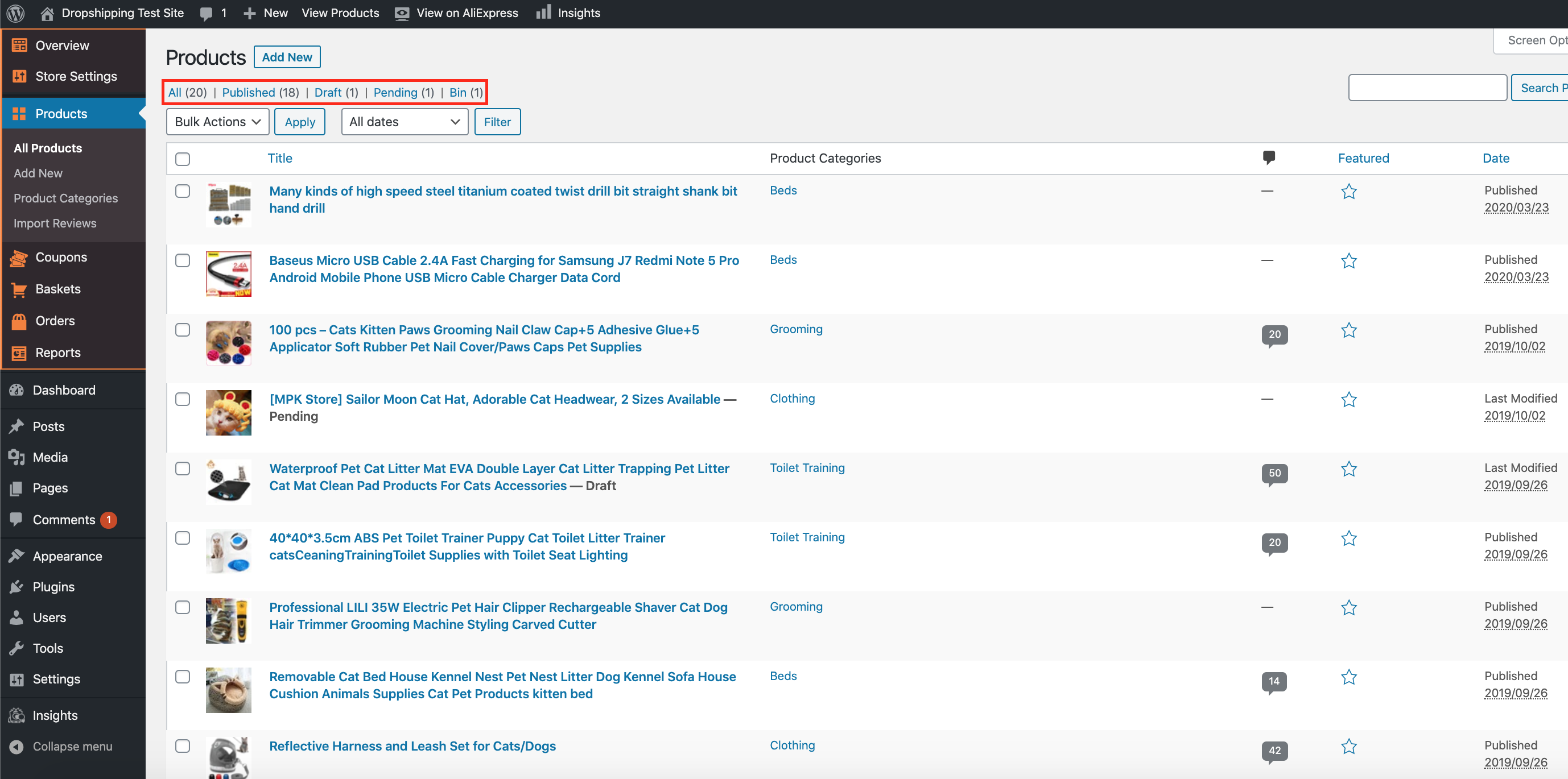
From within this page at the very top you'll find the titles: 'All', 'Published', 'Draft', 'Pending' & 'Bin'. Click any one of these titles to receive those list of products:
Related Articles
How To Alter A Products Status?
How To Alter A Products Status? To alter a 'Products Status', from the store dashboard go to: > Products > All Products From within this page find the 'Product' that you'd like to alter the 'Status' of, either by scrolling through or searching for it ...Updating products
Updating products AliDropship plugin provides you with the possibility to keep your product details up-to-date. With the Update option, you can check the availability of items on AliExpress and update the product’s price, stock, and variations. NOTE! ...Import Products from AliExpress
NOTE! You need to check: If you are using the latest version of AliDropship: https://alidropship.com/updates-plugin. If your site's default currency, the default database currency, and the currency on AliExpress are the same! Step 1. Install ...How To Delete Products?
How To Delete Products? To delete 'Products', from the store dashboard go to: > Products > All Products From within this page there are a few different ways to delete your products:- Delete products individually: Hover your cursor over a product and ...How to Update AliExpress Products
How to Update AliExpress Products Video Tutorial Overview The Update Products feature automatically synchronizes your store's inventory with AliExpress, ensuring accurate pricing, stock levels, and product availability. Products that are no longer ...