How To Alter SEO Settings?
How To Alter SEO Settings?
To alter the SEO settings, from the store dashboard go to:
> Store Settings > Store Settings > SEO
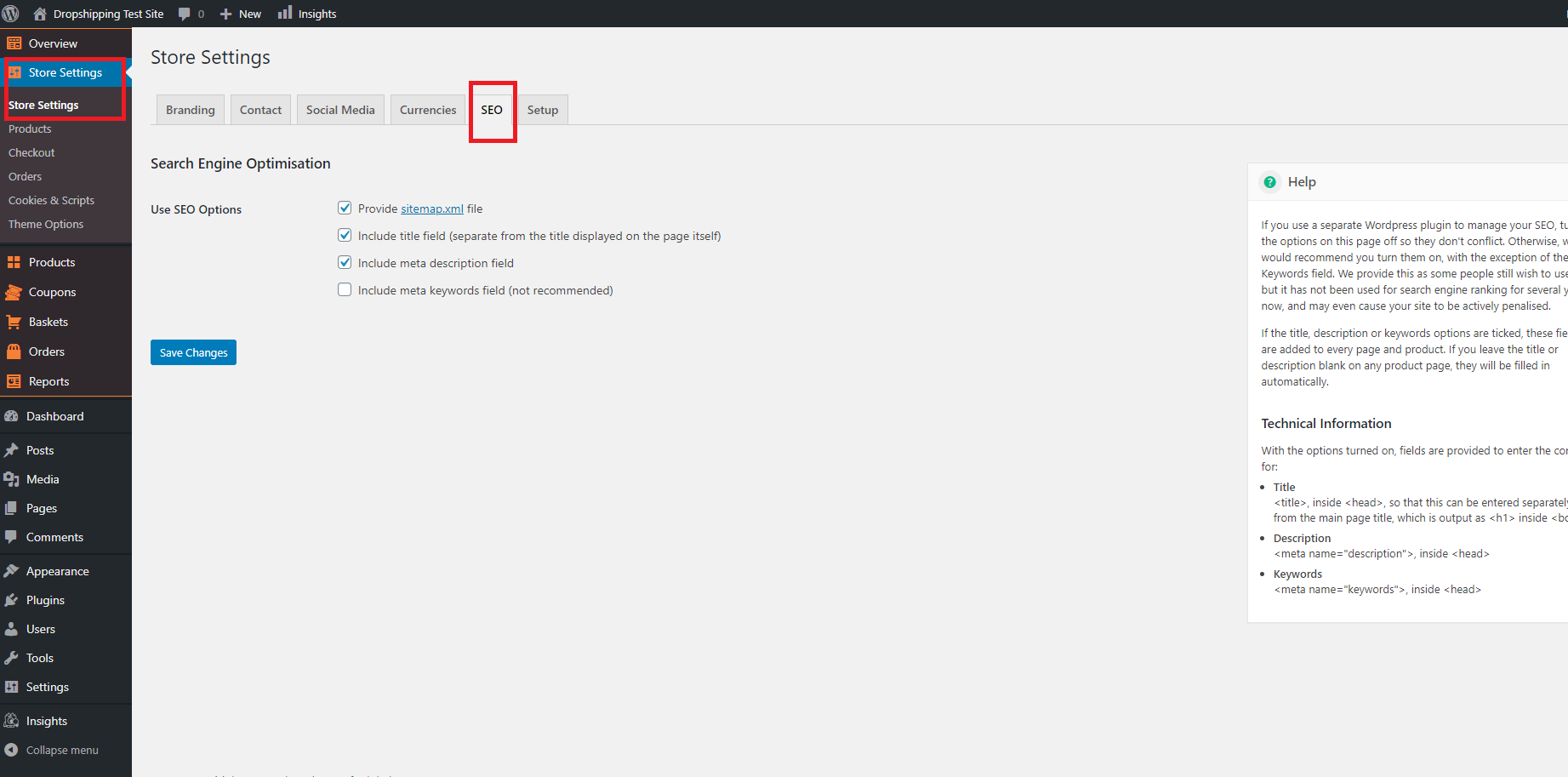
From within this page on the right hand side, you will find a 'Help' guide which will inform you what each option entails. Click 'Save Changes' to confirm the new alterations.
(*Don't forget to click 'Save Changes' after making alterations*)
Related Articles
Customising The Theme - Front Page Settings
Customizing The Theme - Front Page Settings To customize the themes 'Front Page' settings, from the store dashboard go to: > Store Settings > Theme Options > Front Page From within this page there are many different way to customise your theme:- ...How To Alter The Shipping Settings?
How To Alter The Shipping Settings? To change the shipping settings, from the store dashboard go to: > Store Settings > Checkout > Shipping From within this page, the headings containing 'Free shipping', 'Super Savings shipping', 'Standard shipping' ...Dropshipping Order Settings
Dropshipping Order Settings To access the 'Dropshipping Order Settings', from the store dashboard go to: > Store Settings > Orders and Emails > AliExpress The top tick box labelled 'Mark as Complete' changes the order status to 'Complete', and sends ...Customising The Theme - General Settings
Customising The Theme - General Settings To customise the themes 'General' settings, from the store dashboard go to: > Store Settings > Theme Options > General From within this page there are many different way to customise your theme:- 'Force ...How To Alter Stores Theme Colour?
How To Alter Stores Theme Colour? To alter the stores theme colour, from the store dashboard go to: > Store Settings > Store Settings > Branding From within this page you can either manually alter the stores theme colour by selecting your preferred ...