How To Add Contact Information?
How To Add Contact Information?
To add contact information, from the store dashboard go to:
> Store Settings > Store Settings > Contact
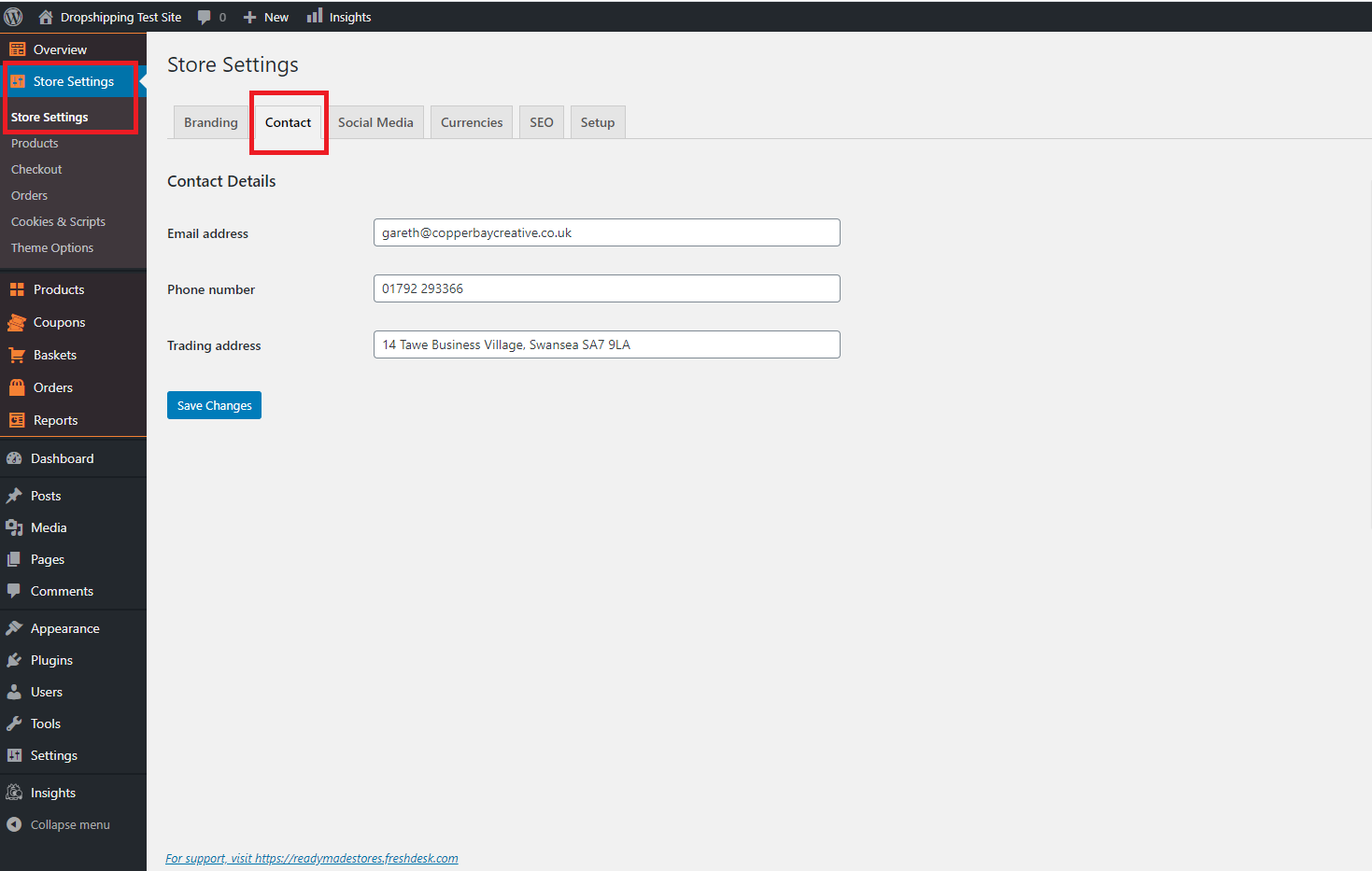
From within this page input your 'Email address', 'Phone number' and/or 'Trading address' into the corresponding fields.
(*Don't forget to click 'Save Changes' after making alterations*)
Related Articles
How To Add reCAPTCHA?
How To Add reCAPTCHA? 'reCAPTCHA' is a CAPTCHA system that enables web hosts to distinguish between human and automated access to websites. It is used to prevent spam/scam emails from bots when using the 'Contact Us' page. To enable 'reCAPTCHA', ...How To Add Products From My Own Suppliers?
How To Add Products From My Own Suppliers? To 'Add New Products' to your store, from the store dashboard go to: > Products > Add New From within this page, the top text box allows you to add a 'Title' of the product and the large text box below ...Connecting BlueSnap account
Connecting BlueSnap account You can start with test payments before your Merchant Application is approved. Create your sandbox account You will receive email with verification link -> click it: Log in your sandbox account and go to API settings: ...Customizing the Davinci theme
Customizing the Davinci theme To start adding your categories, first go to Customization menu → General and click the Create button to add default pages and menus. Go to Products → Product Categories and select categories you want to Edit or create a ...How to Customize your site
How to Customize your site Go to Products => Product Categories and select categories you want to Edit or create a new one. To create a subcategory, add its name and select the corresponding parent category. Click Add a New Category. Once your ...