reCAPTCHA
To prevent robots from registering on your website we recommend using such tool as ‘reCAPTCHA‘:
reCAPTCHA is a free service that protects your website from spam and abuse. reCAPTCHA uses an advanced risk analysis engine and adaptive CAPTCHAs to keep automated software from engaging in abusive activities on your site. It does this while letting your valid users pass through with ease.
First, you need to log in your Google account on Google reCAPTCHA page:
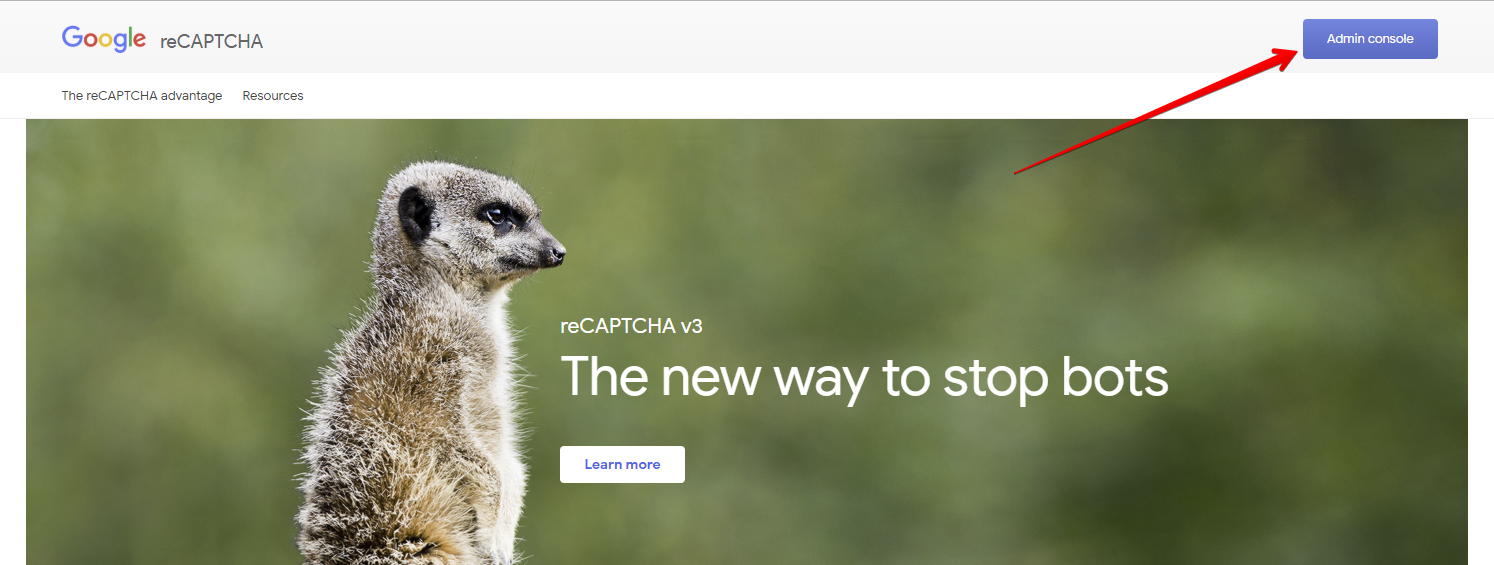
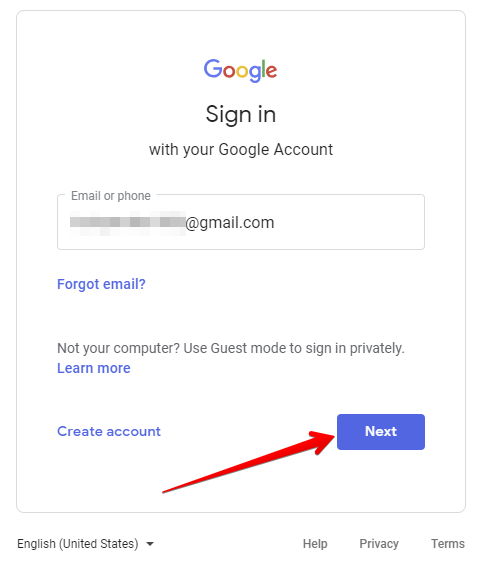
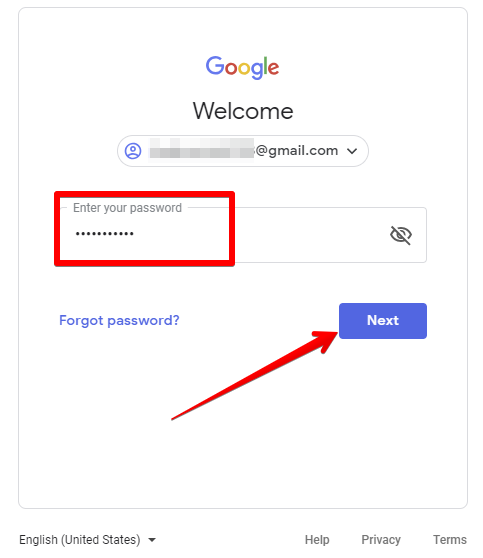
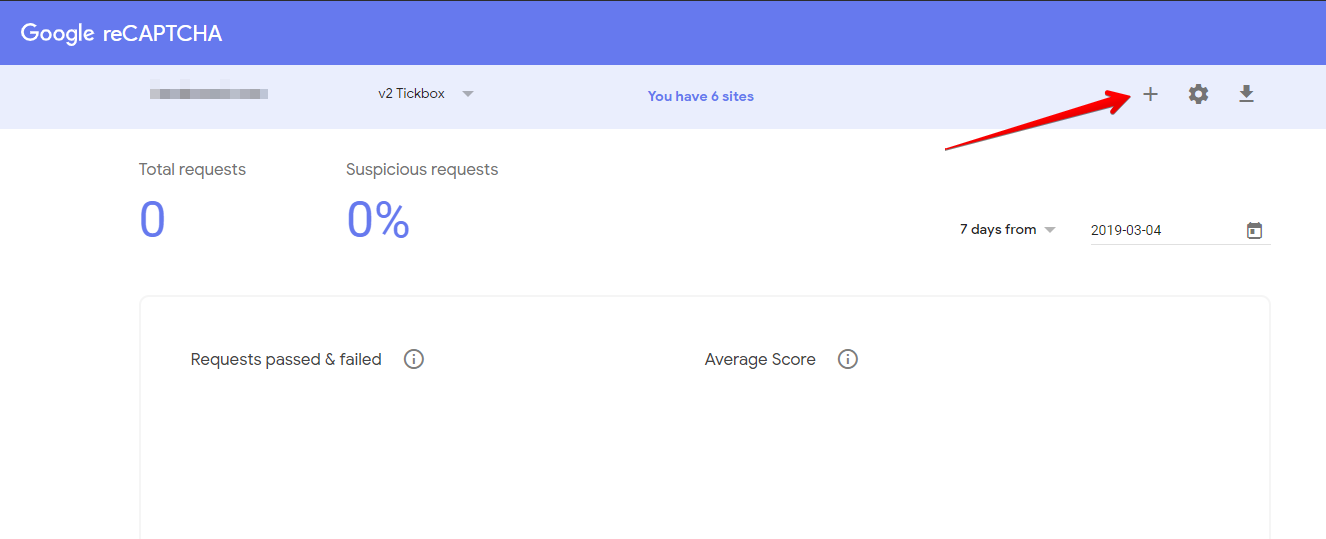
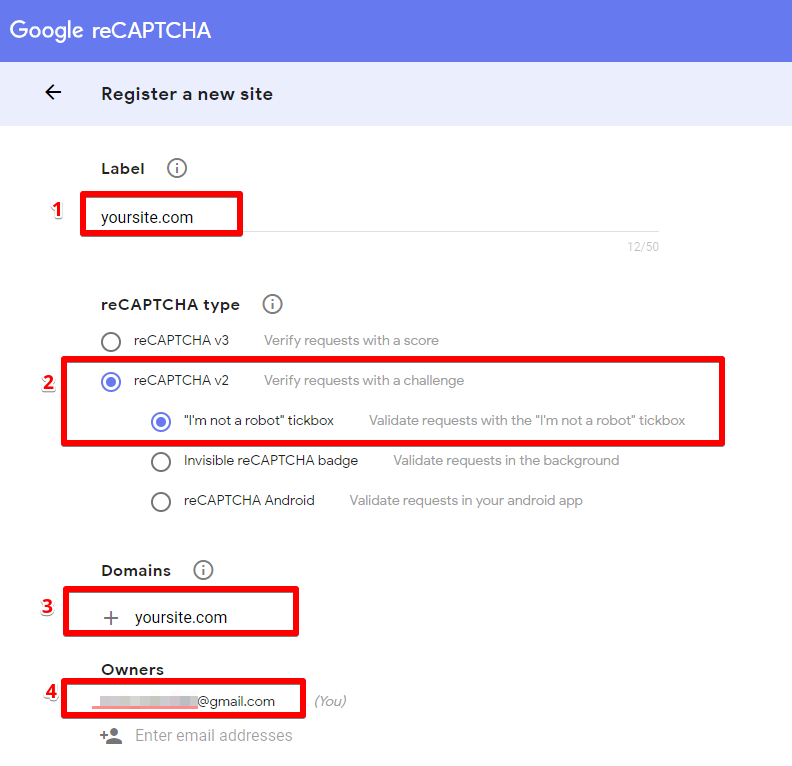
Register a new site by clicking "+" sign:
- Enter the name of your reCAPTCHA (usually it is a domain name)
- Select reCAPTCHA v2 - "I'm not a robot" tickbox
- Enter your domain name
- Add email addresses if it's needed
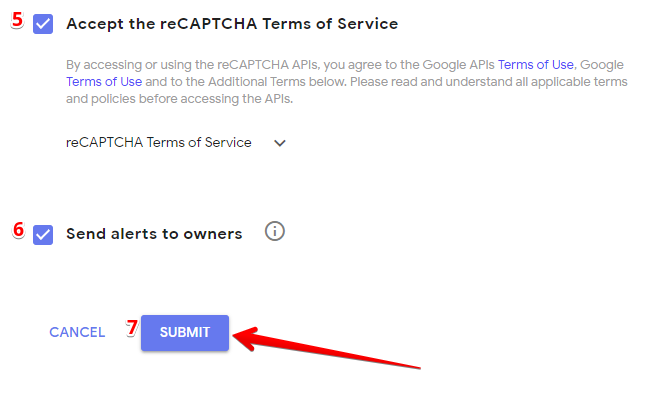
- Tick on 'Accept the reCAPTCHA Terms of Service' checkbox
- Tick on 'Send alerts to owners' if it's needed
- Click 'Submit' button
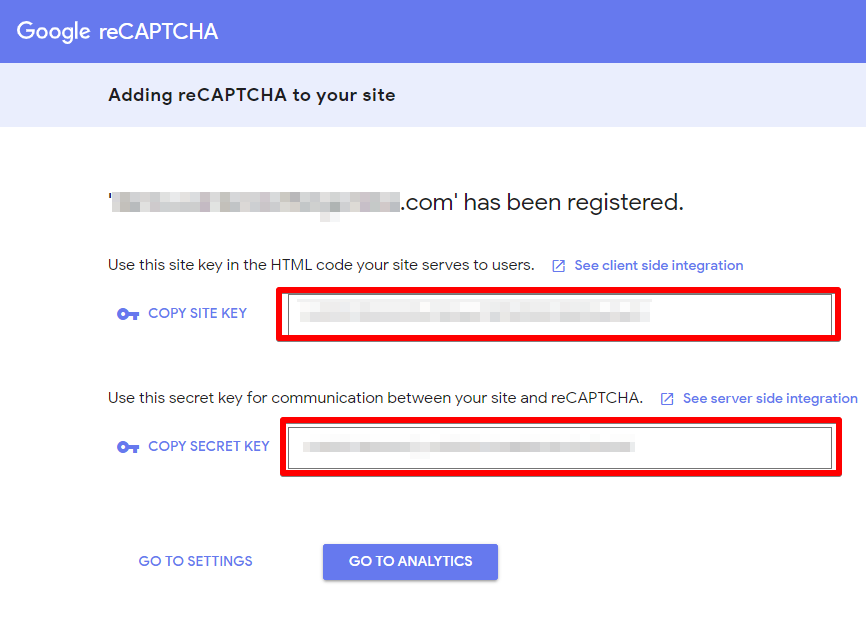
Copy ‘Site key’, ‘Secret key’.
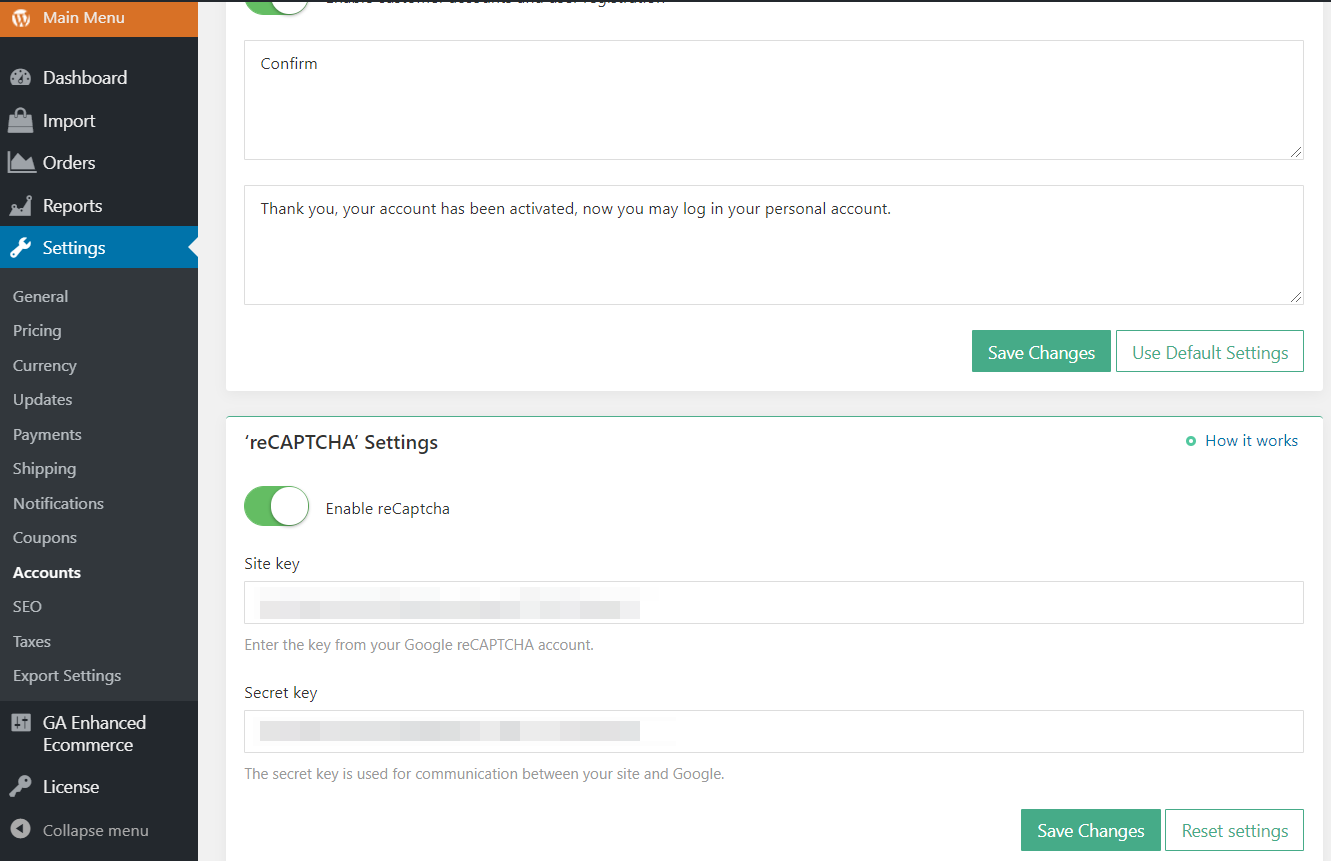
Insert them in your WordPress admin area: AliDropship => Settings => Accounts => ReCAPTCHA.
Click Save Changes.
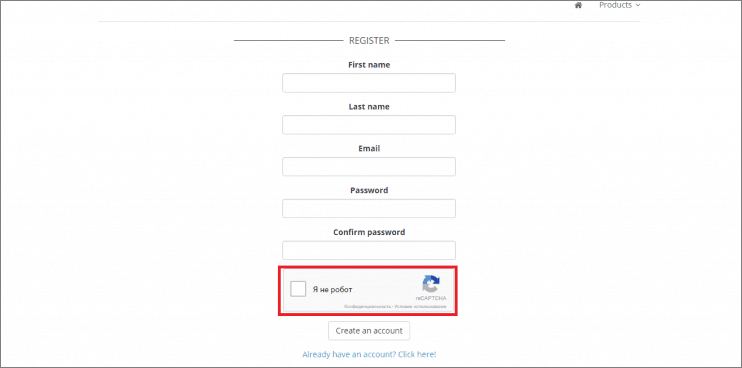
You may check reCAPTCHA icon on your registration page:
Related Articles
How To Add reCAPTCHA?
How To Add reCAPTCHA? 'reCAPTCHA' is a CAPTCHA system that enables web hosts to distinguish between human and automated access to websites. It is used to prevent spam/scam emails from bots when using the 'Contact Us' page. To enable 'reCAPTCHA', ...Setting customer accounts
To provide your customers with the possibility to create accounts in your store, you need to enable this option in AliDropship => Settings => Customer Accounts. Once this option is activated, your clients will be able to create an account at the end ...